
MacOS

Network Settings Prevent Content Loading
Have you ever received the message “Your network settings prevent content from loading privately” when opening emails on your Apple ...
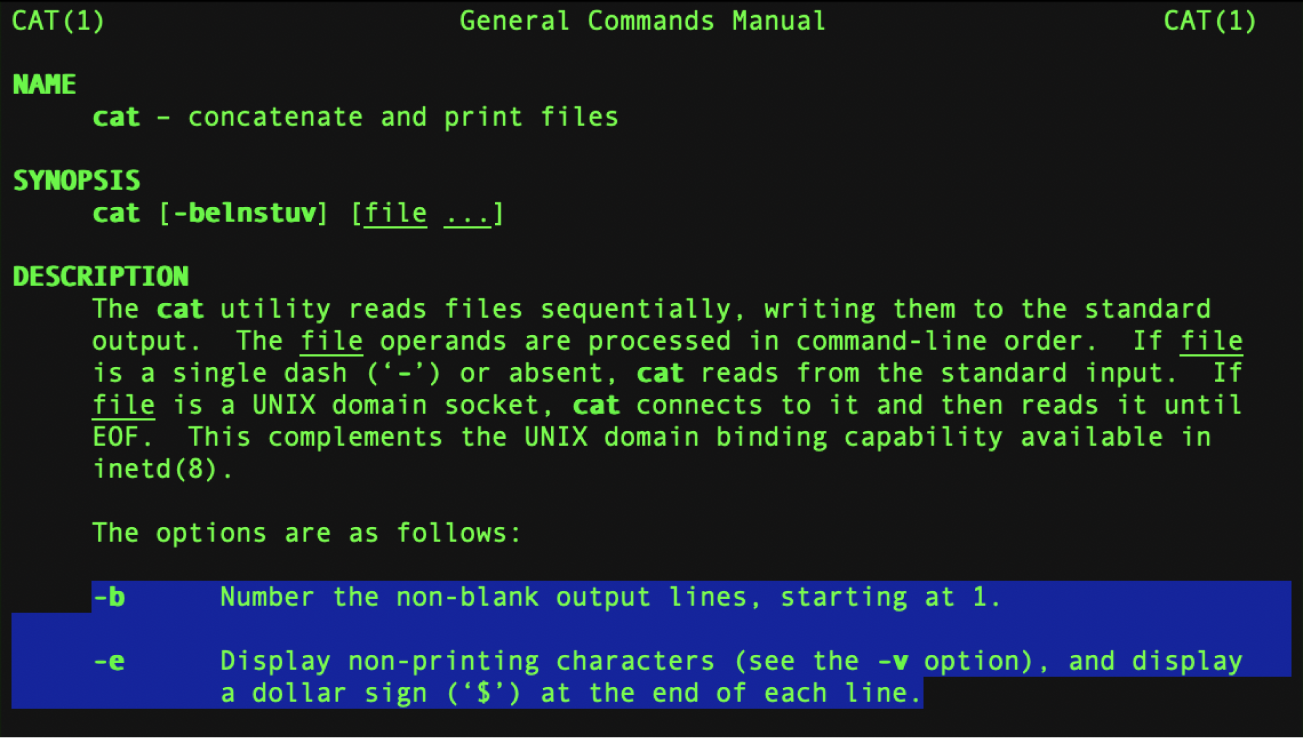
How to Open Terminal on Mac
The Terminal on Mac is a powerful command-line interface that gives you direct access to the macOS operating system. For ...
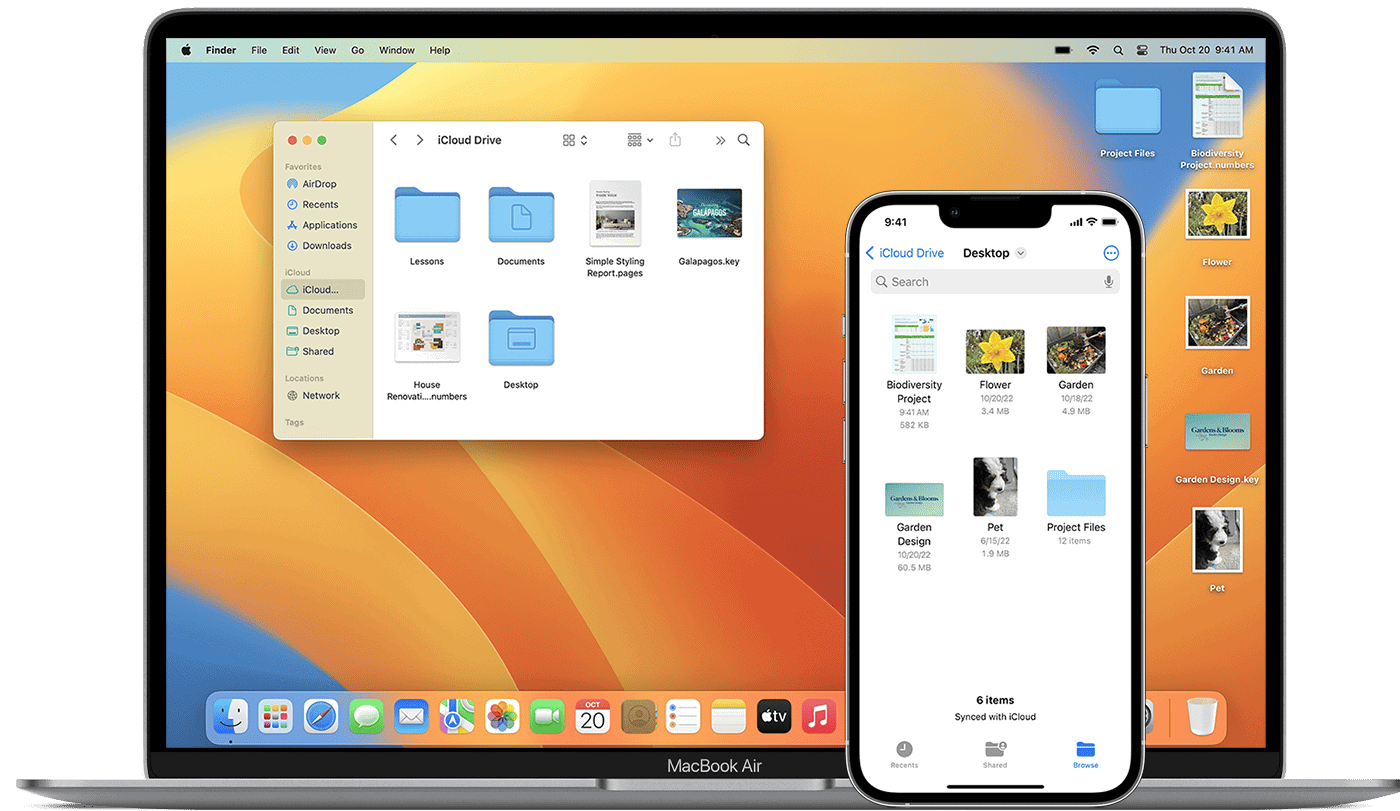
How to Force Quit on Mac (2026 Guide)
Most Mac users have experienced that dreaded spinning beach ball, signaling an app has stopped responding. To force quit on ...

Current macOS: Insights and Updates for Professionals
macOS is the operating system that powers every Mac computer. It is engineered to take full advantage of the hardware ...

Spotlight Search Features That Will Transform Your Workflow
Spotlight Search stands as one of the most powerful yet underused features across Apple devices. This built-in search tool creates ...
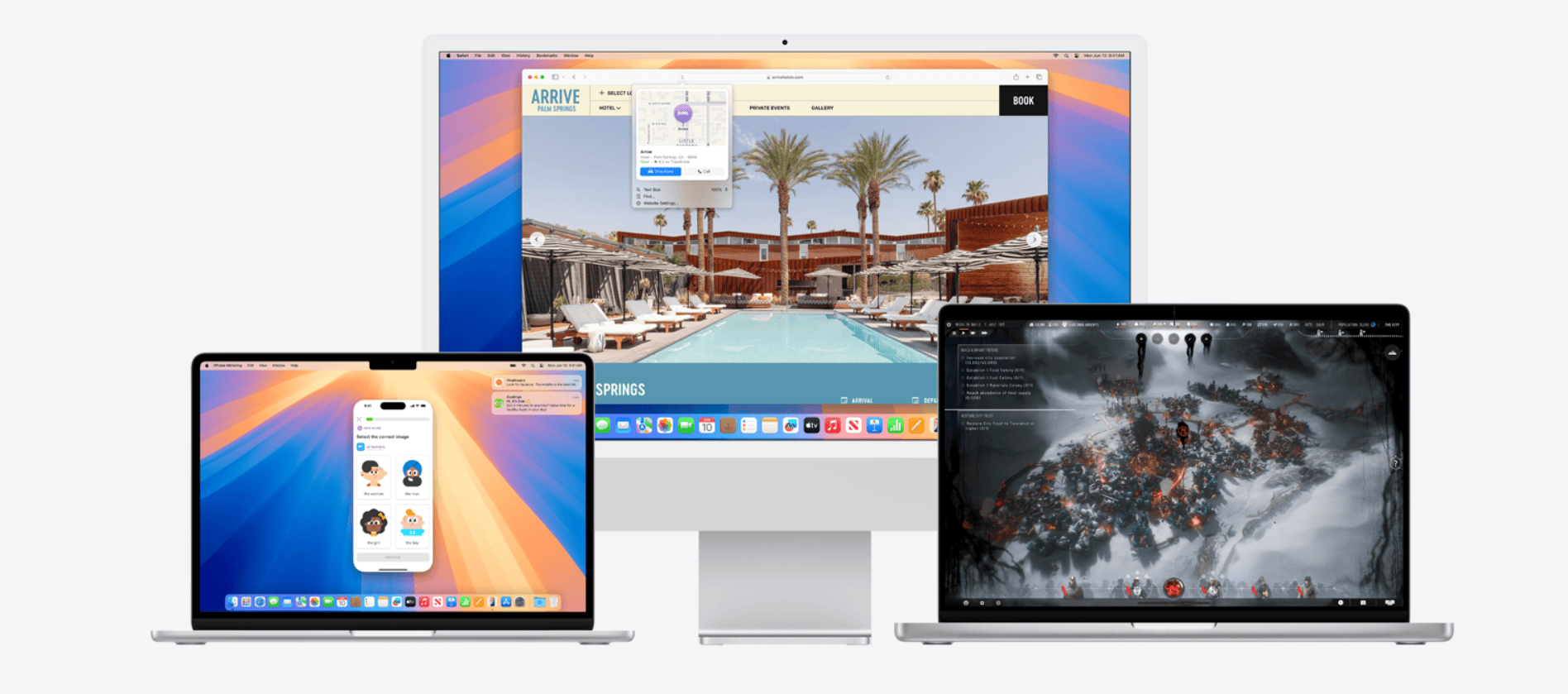
How to Fix macOS Sequoia 15.7.2 Problems
Apple’s macOS Sequoia 15.7.2 update — released on November 3, 2025 — delivers important security patches and system stability improvements (source: Apple Support). However, ...
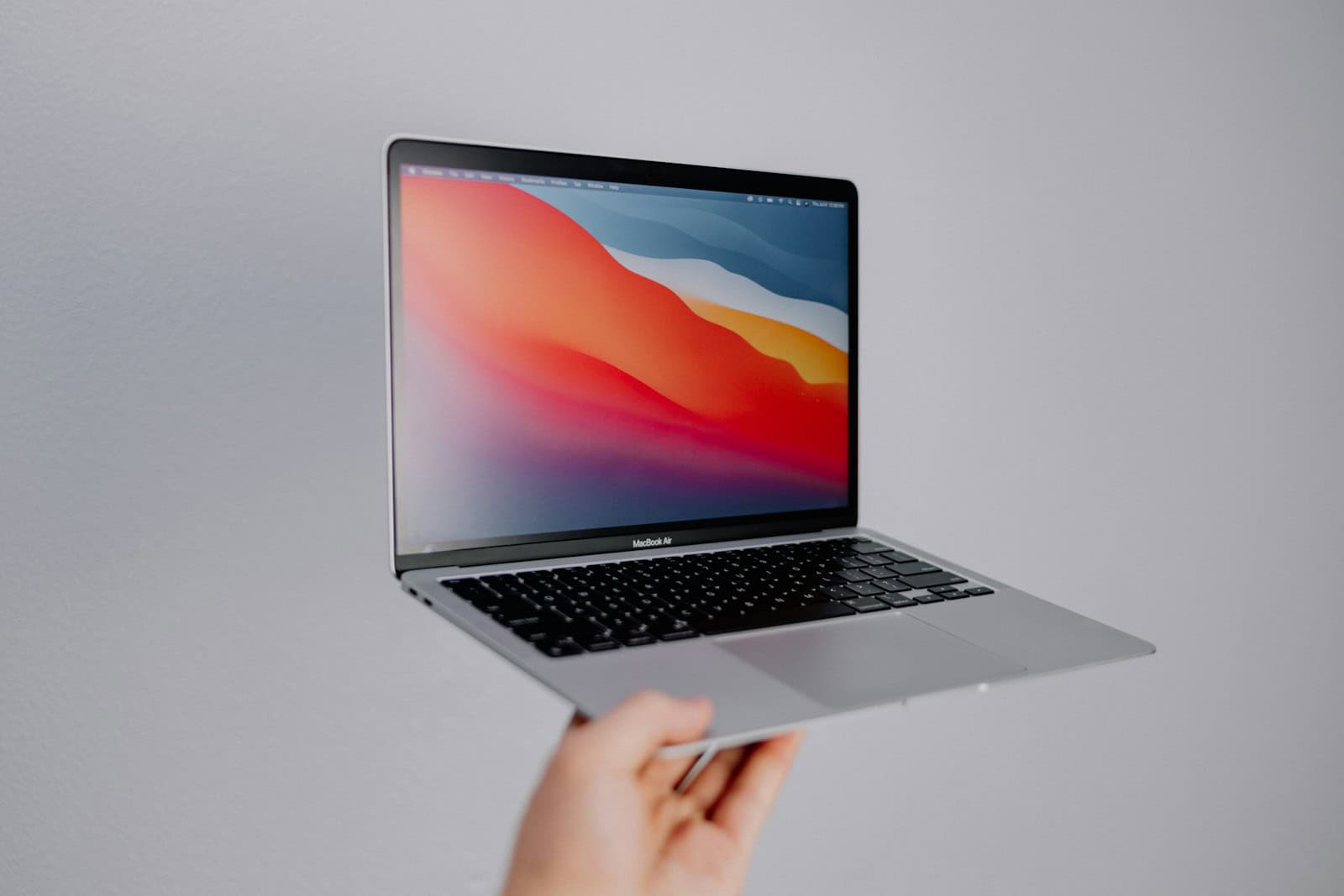
MacBook Air macOS Compatibility: Which Versions Are Supported?
MacBook Air owners often wonder which macOS versions their device can run. Knowing your Mac’s compatibility is crucial for staying ...

Best Accounting Software for Mac
Finding the right accounting software for your Mac can save you time and money. Many programs offer tools that make ...
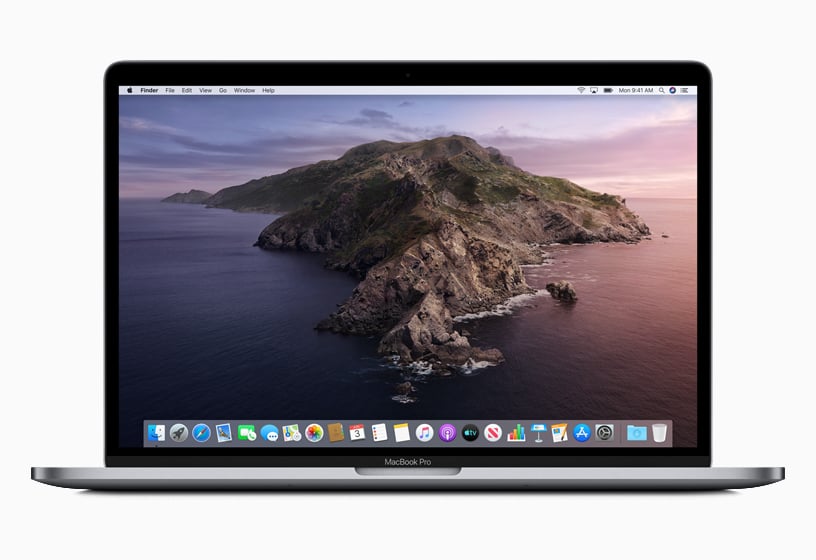
macOS Catalina: Release Date, Info, Latest Updates
The release of macOS Catalina marked a significant update for Apple’s operating system for Macs. Officially available to the public ...
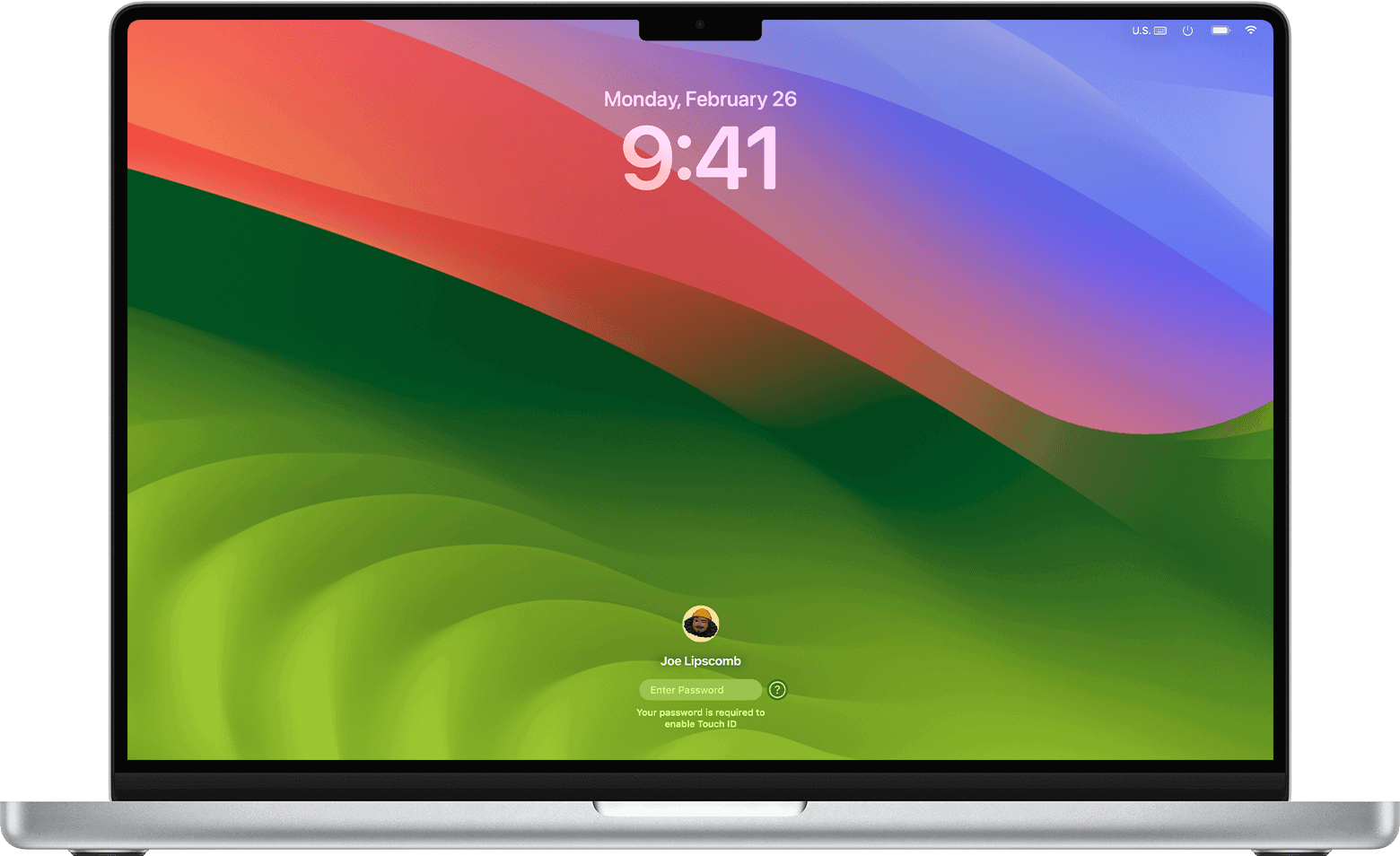
How to Open Launchpad on Mac
Launchpad on a Mac serves as a quick access point to applications, much like a start menu on other operating ...





