
MacOS
Convert APFS to Mac OS Extended (Step‑by‑Step Guide)
If you need to convert an APFS (Apple File System) drive to Mac OS Extended (Journaled) — also known as ...
How To Combine PDF Files on Mac
Combining PDF files on your Mac can save time and keep documents organized. You can easily merge PDFs using built-in ...
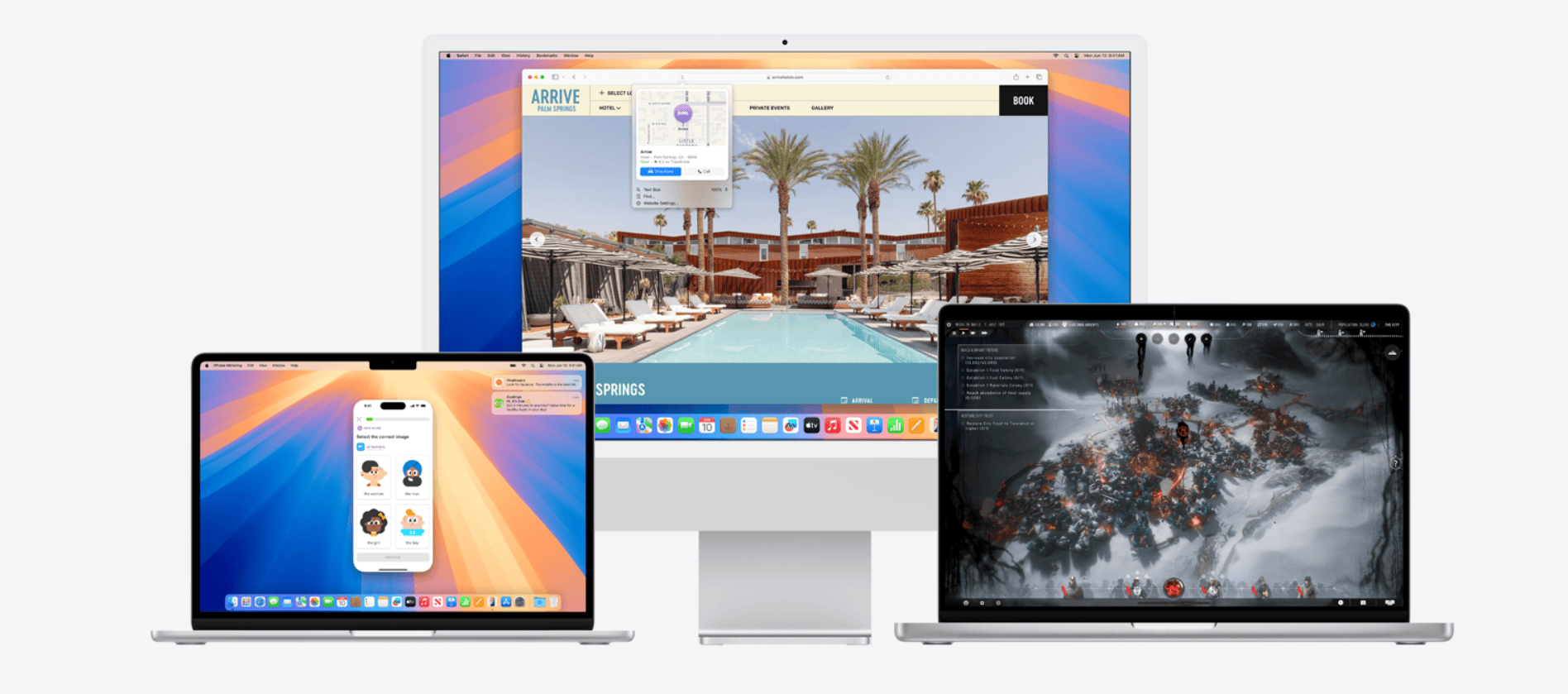
macOS Sequoia: Everything We Know
macOS Sequoia (macOS 15) is Apple’s latest major Mac operating system release, unveiled at WWDC 2024 and publicly released in ...
Cannot Be Opened Because It Is From An Unidentified Developer (Mac)
Have you ever tried to open a Mac app only to be met with a warning that it “cannot be ...
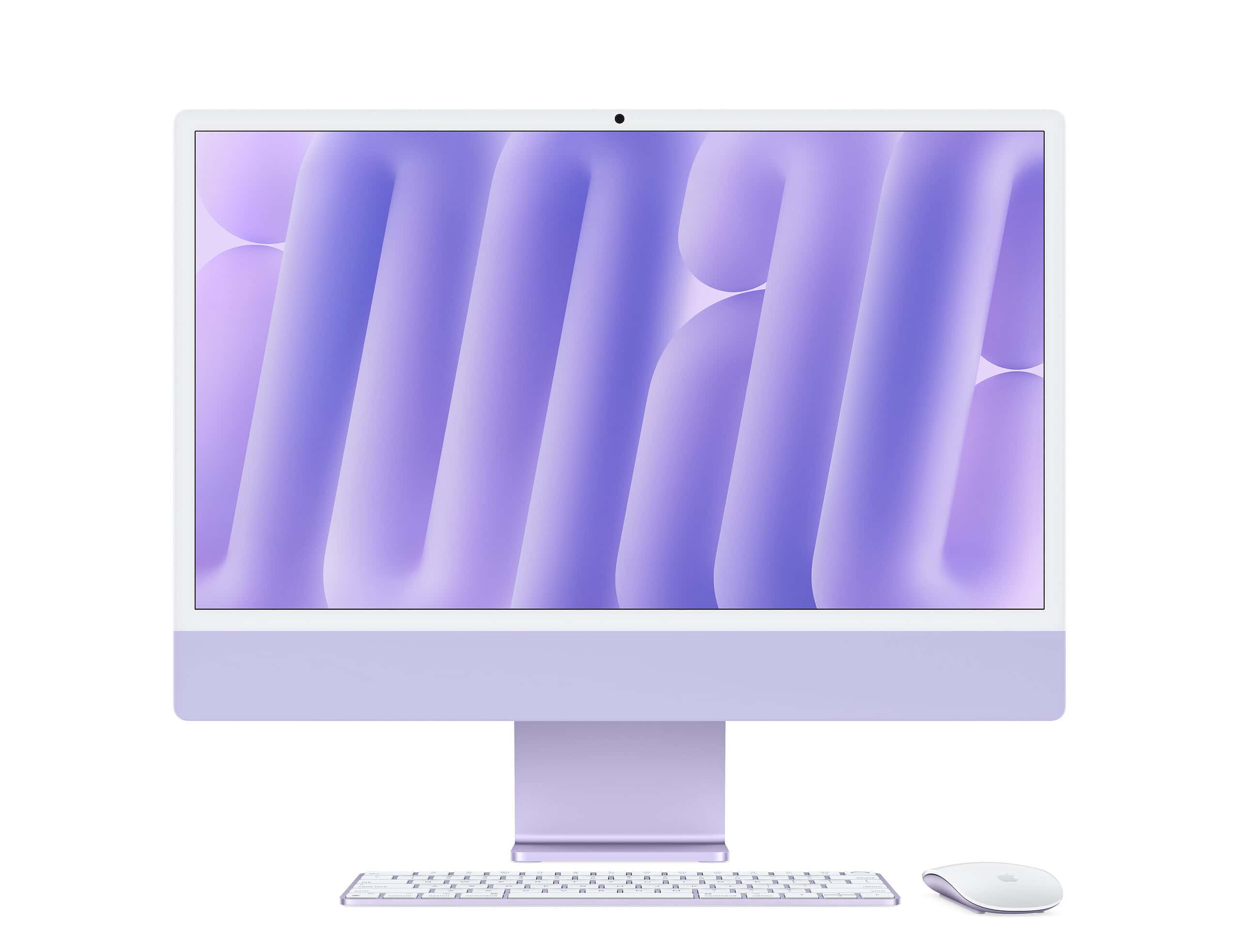
Boot Camp for Mac: Guide to Windows on Apple Computers
Boot Camp for Mac lets you run Windows on your Apple computer. You can install Windows 10 on Intel-based Macs ...
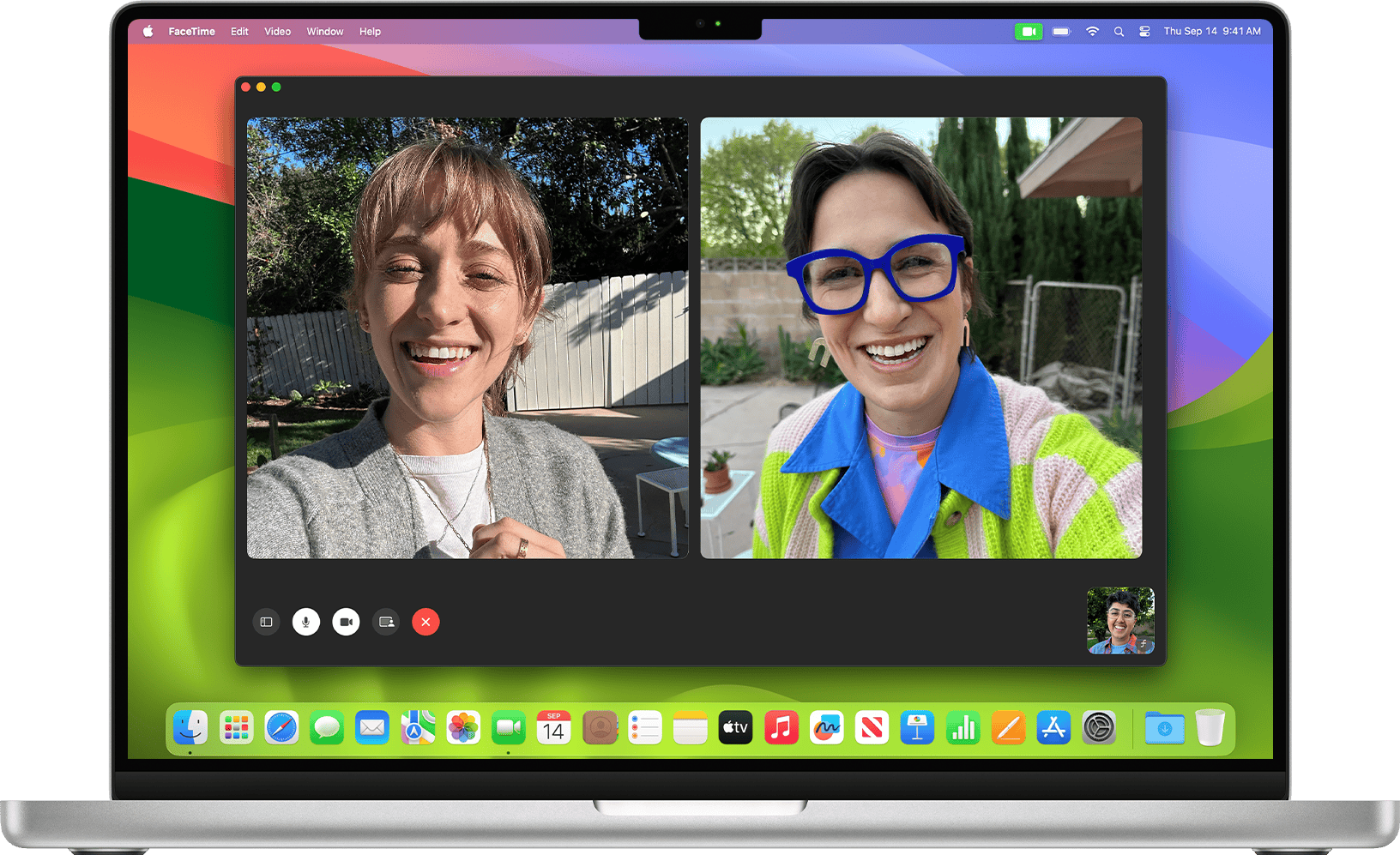
Face ID on MacBook
Apple is paving the way for more secure and convenient access to its MacBook devices with the integration of Face ...
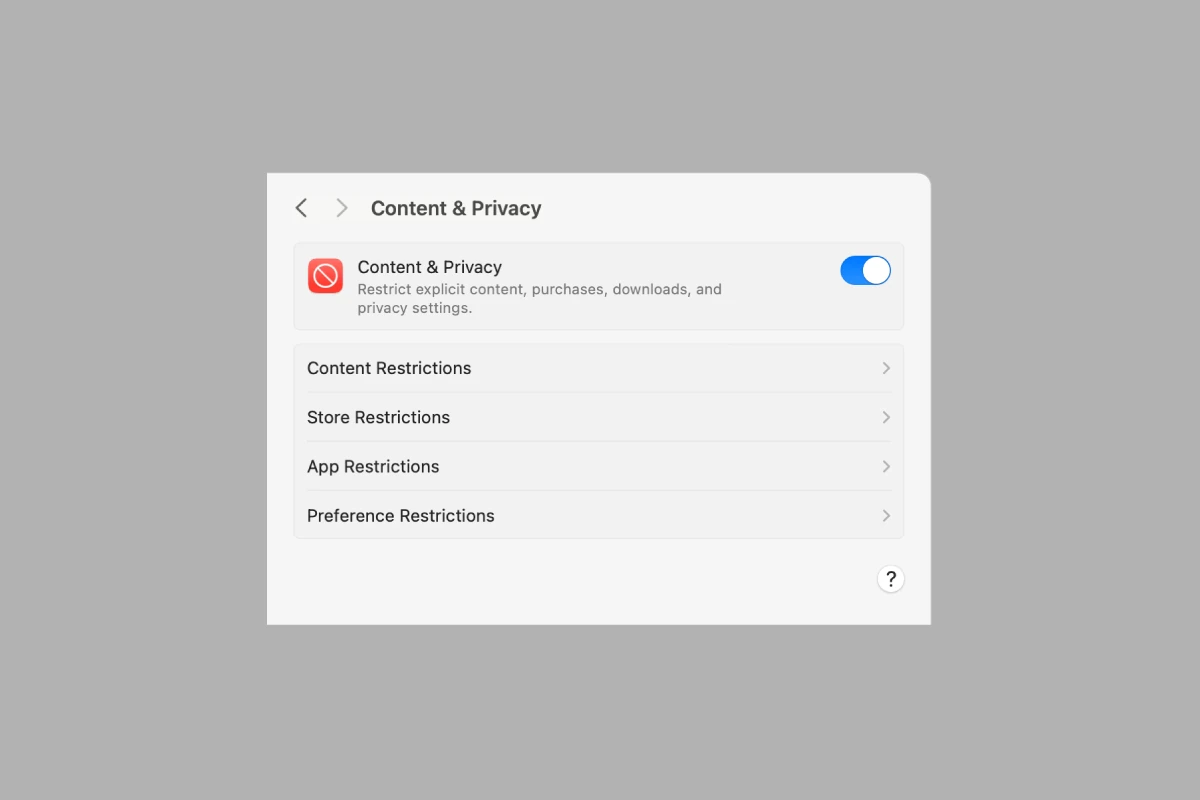
Mac Parental Controls: A Complete Guide for Parents (2026)
Keeping your child safe online is more important than ever. Fortunately, Apple provides powerful built‑in parental controls on macOS through ...

How to Silence Notifications on Mac With Focus Mode
Constant notifications can derail your productivity in seconds. Whether you’re working on a deadline, attending a virtual meeting, or simply ...

Increase Font Size on a Mac
Struggling to read text on your Mac? You’re not alone. Many users find themselves squinting at their screens, wishing for ...
How To Download An Old Mac OS Version
There are times when one might need to download an older version of macOS. This could be for reasons such ...





