
Mac
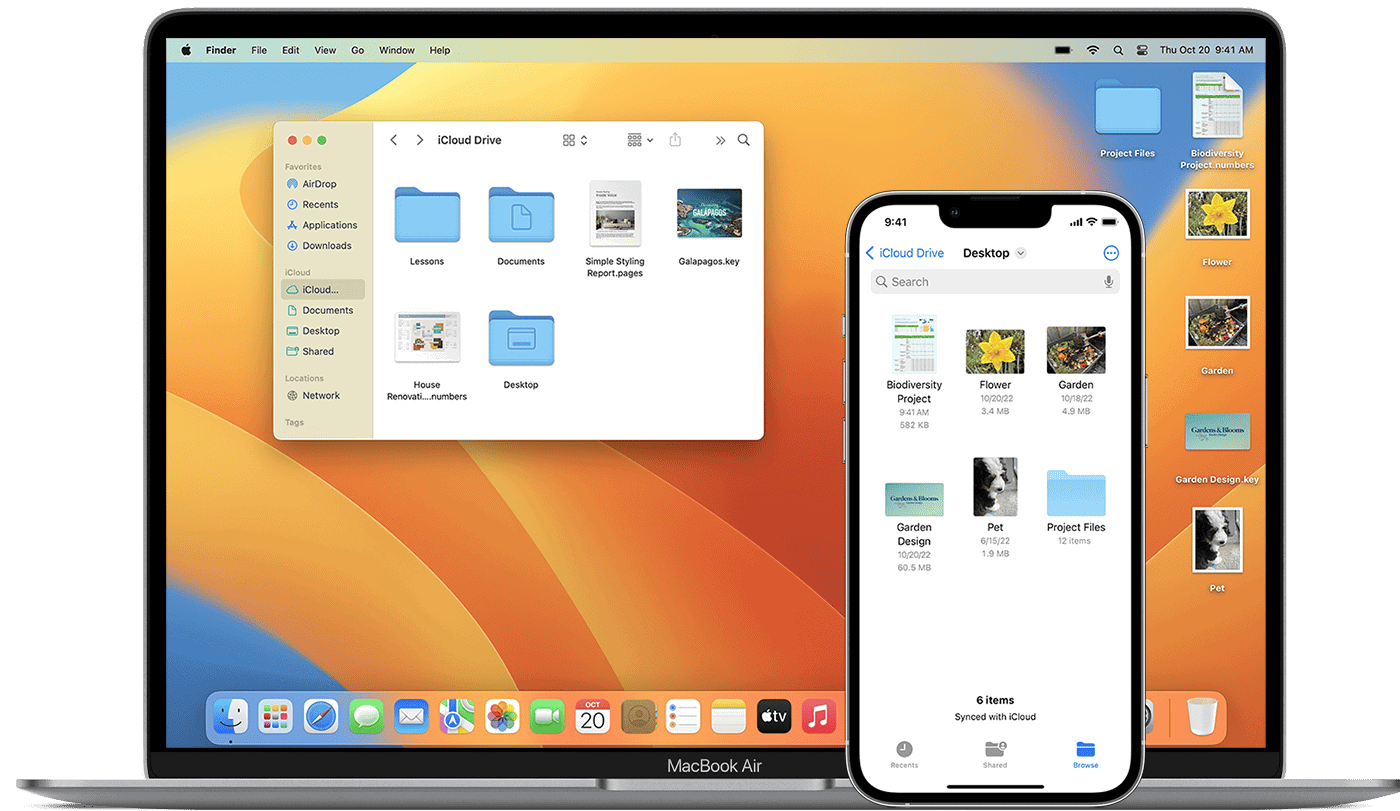
Backup iPhone to Mac: Guide
Backing up your iPhone to your Mac is a crucial step in safeguarding your data. You can easily create a ...
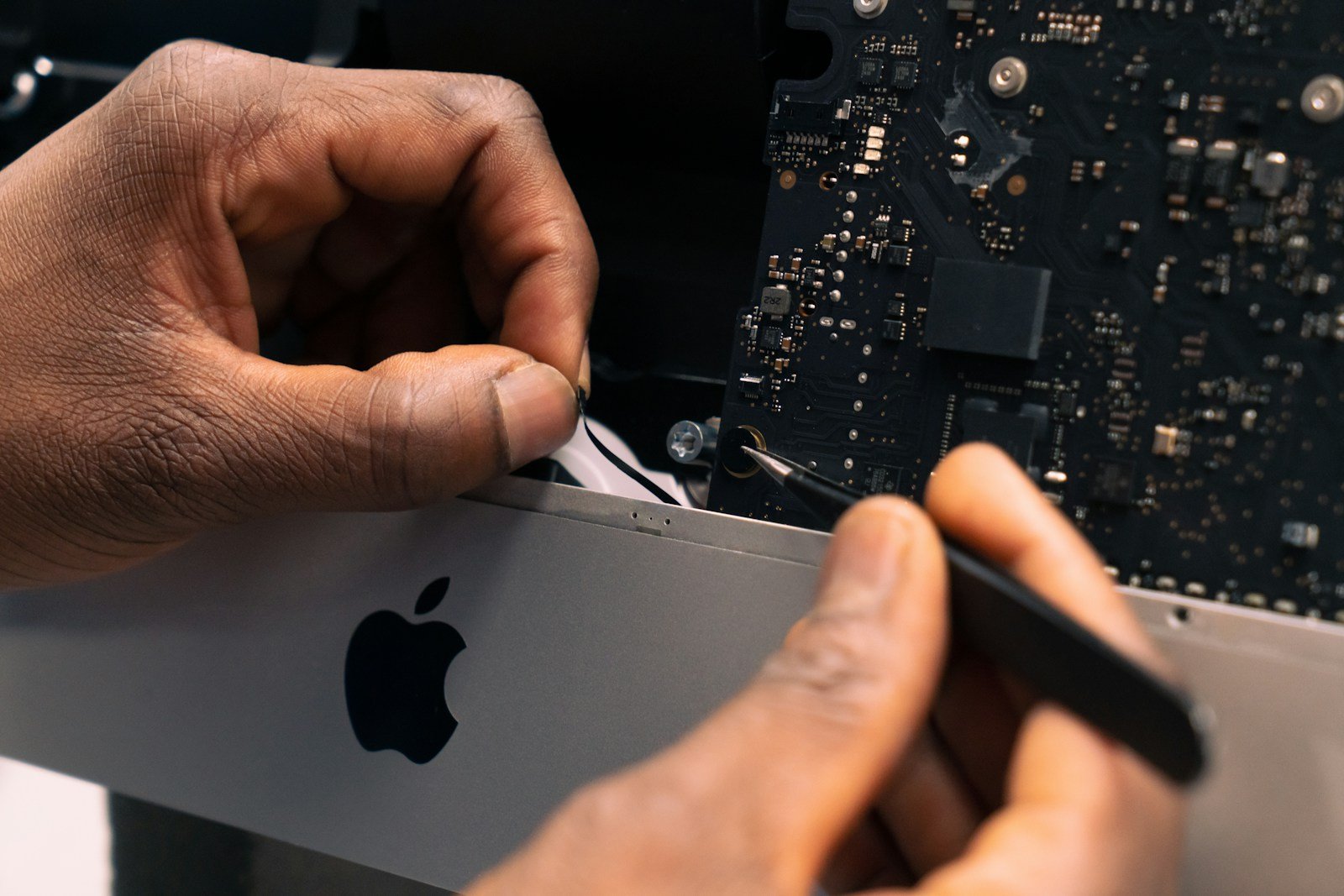
iMac SSD Upgrade Guide
iMac SSD upgrades can boost your computer’s speed and performance. An SSD (solid-state drive) is faster than a regular hard ...
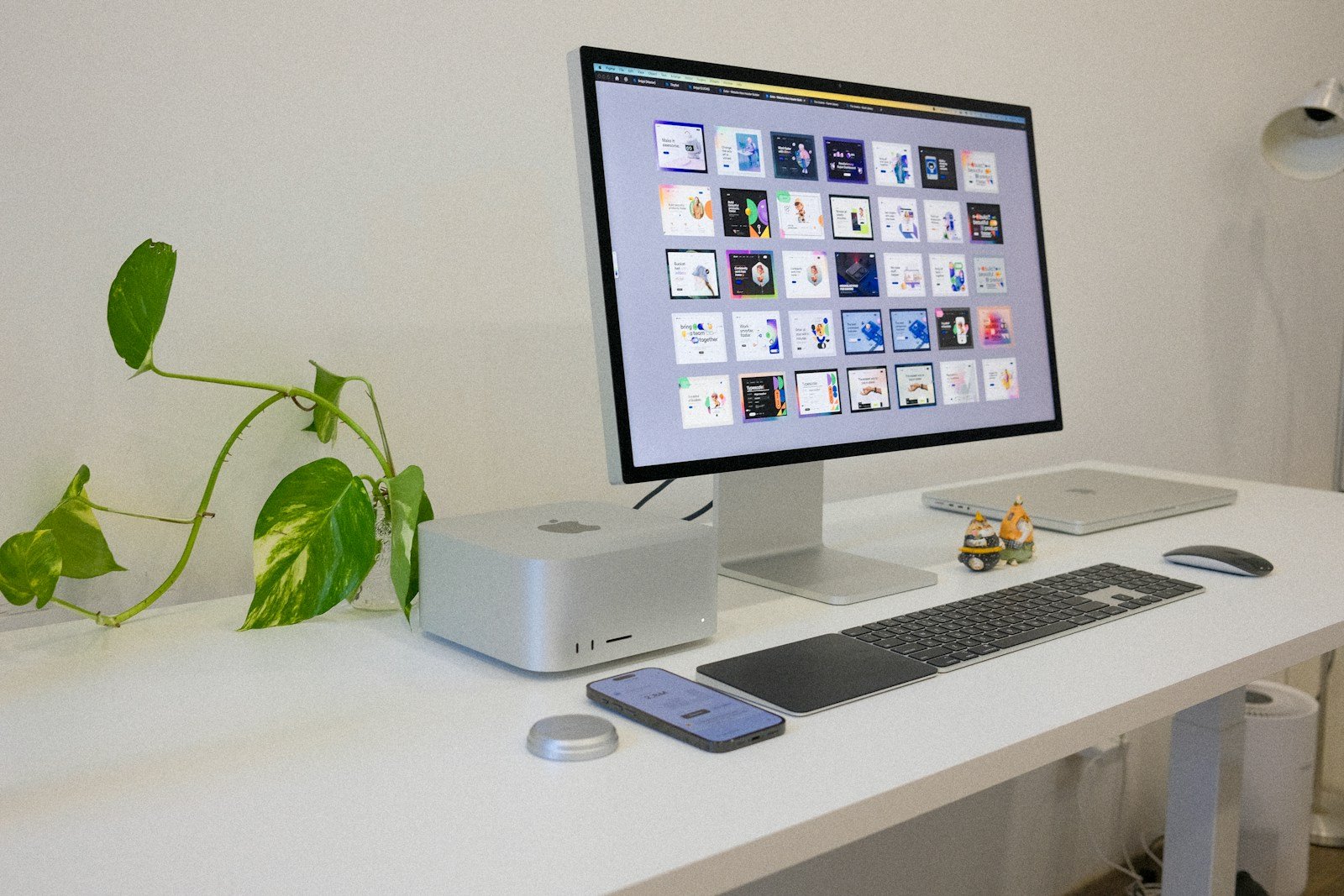
Restart Mac in Safe Mode: A Step-by-Step Guide
Restarting a Mac in safe mode is a trusted method to diagnose issues related to the startup process. Safe mode, ...

Why Is My iMac So Slow?
When an iMac begins to slow down, users often experience frustration and a hit to their productivity. A variety of ...
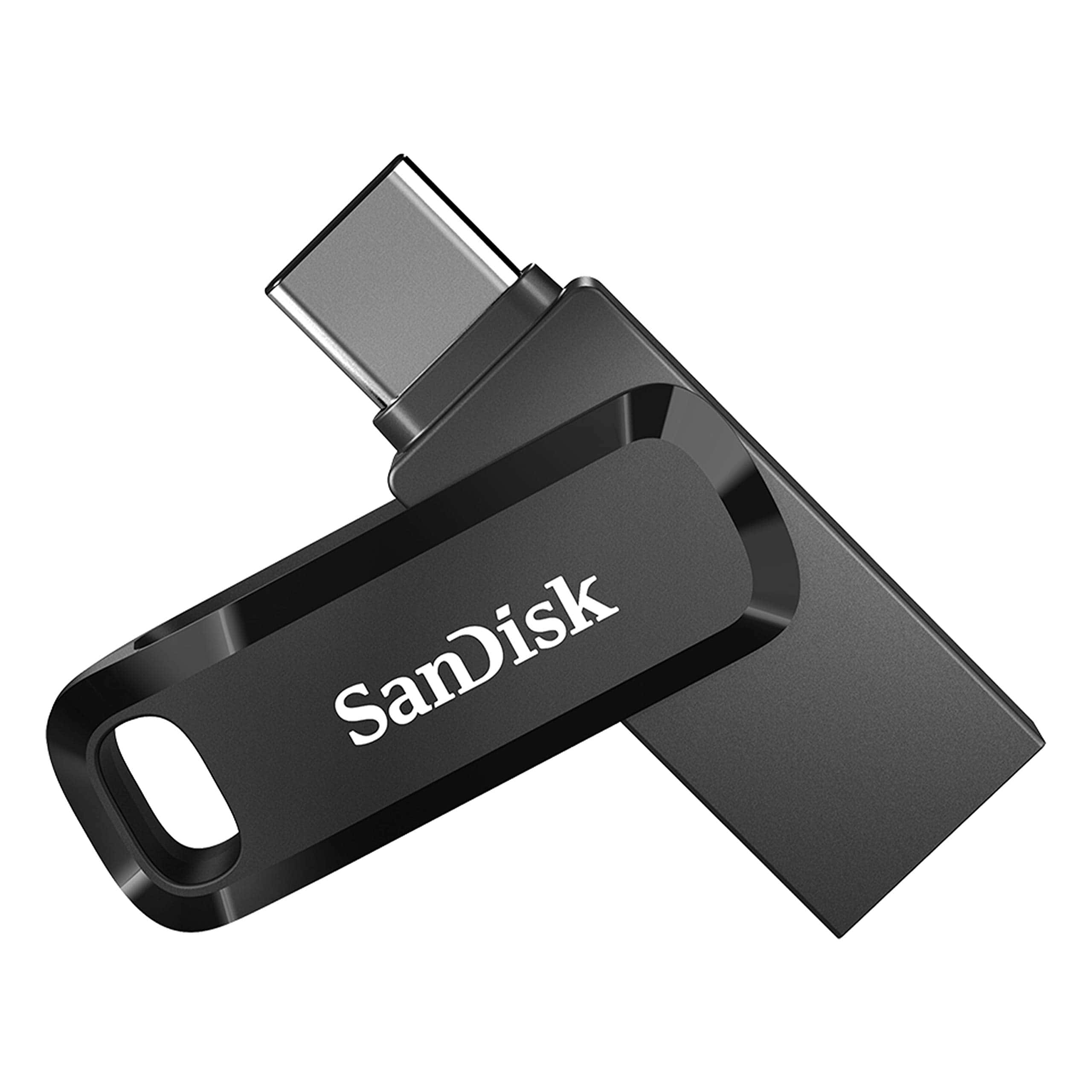
How To Create A USB Drive to Boot A Mac
Creating a bootable USB drive for your Mac can be a lifesaver when you need to reinstall macOS or troubleshoot ...
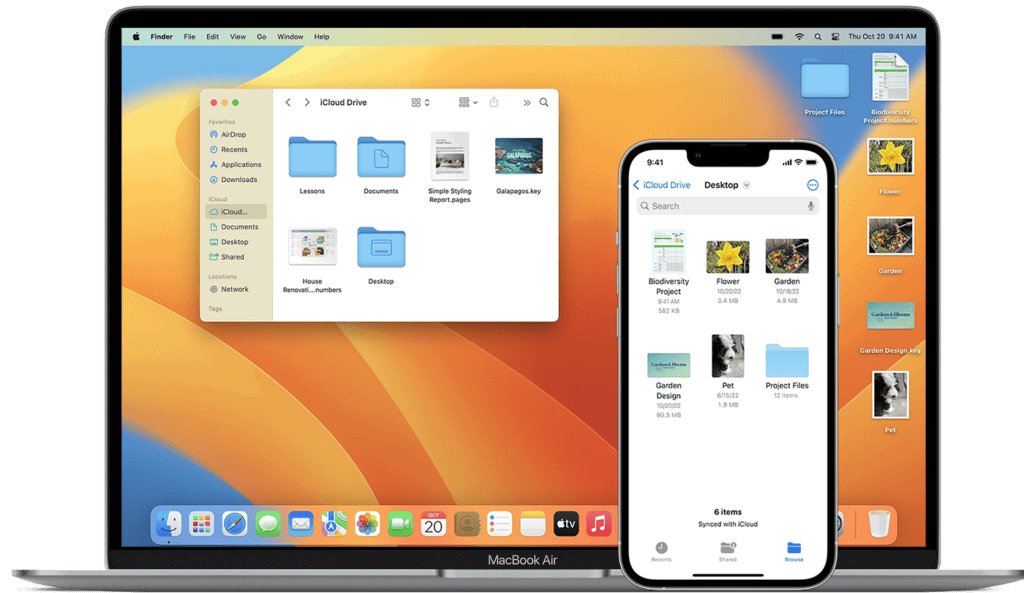
How to Paste on Mac without Formatting
When you copy and paste text on a Mac, the original formatting often comes with it. This includes the font ...
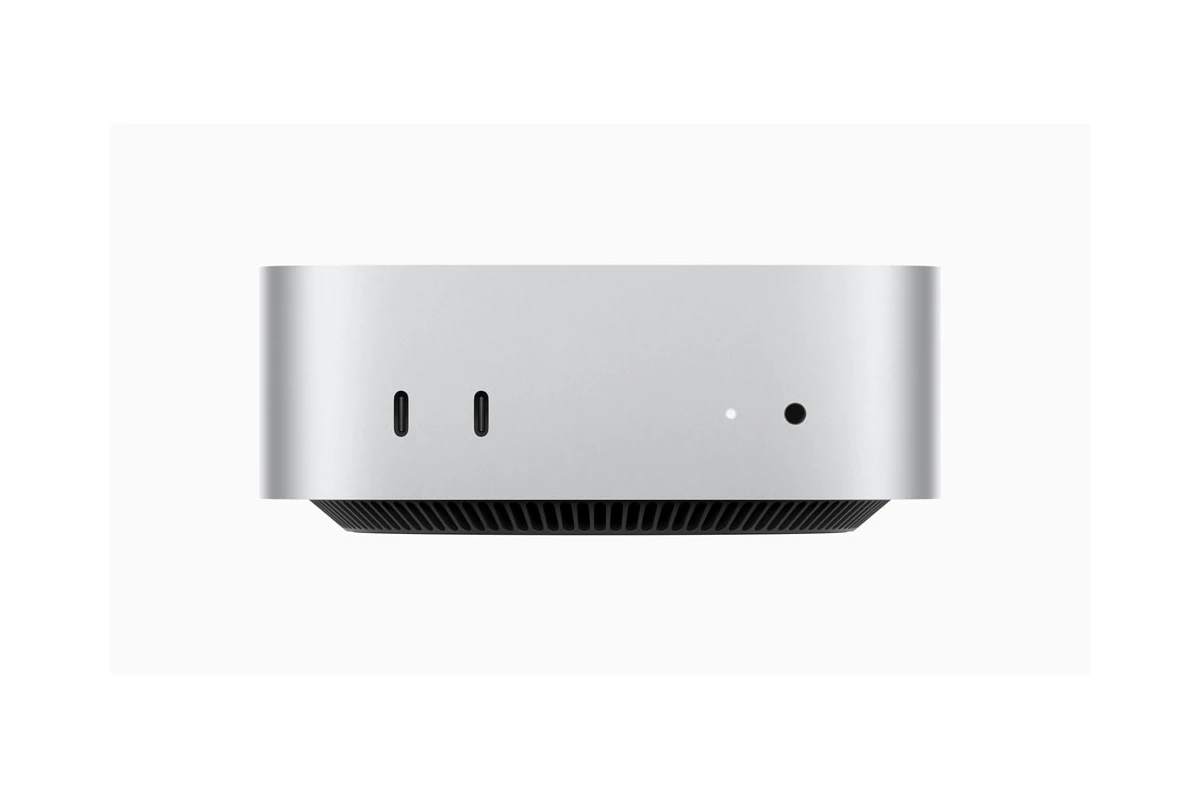
Mac mini (M4 or M4 Pro) Upgrade Options
The Mac mini has long been a favorite for those seeking a compact yet powerful desktop computer. Apple’s latest M4 ...

Best Accounting Software for Mac
Finding the right accounting software for your Mac can save you time and money. Many programs offer tools that make ...

Fix a Mac Detecting Two Monitors as One
Is your Mac showing two monitors as one big screen? This frustrating issue can stop you from getting the most ...
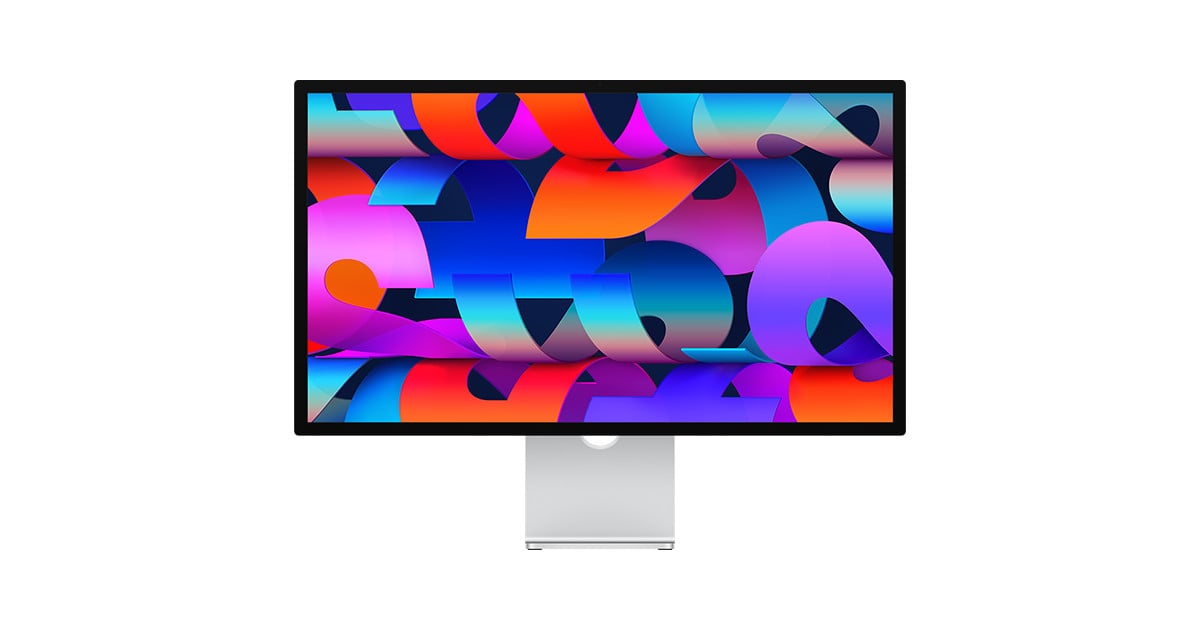
Mac Ultrawide Monitor Compatibility
Ultrawide monitors are changing the way Mac users interact with their technology. They offer a broader work area without the ...





