
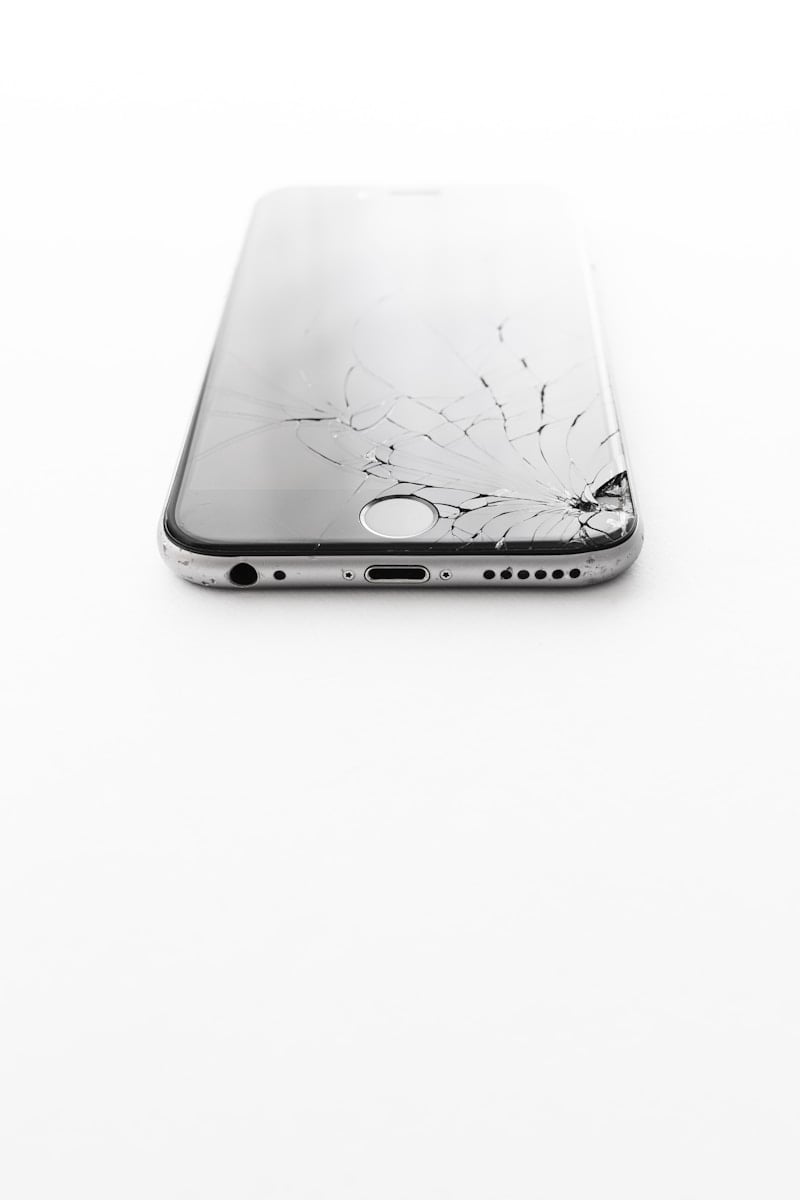
Removing a screen protector may seem simple, but doing it incorrectly can crack the protector, leave behind adhesive residue, or even damage your phone’s display. Whether you have a tempered glass protector or a thin plastic film, taking your time can make the process much easier and safer.
This guide covers the safest ways to remove a screen protector from your phone, tablet, or other device without damaging the screen underneath.
Before You Start
Before removing the protector:
- Turn off your device
- Remove the phone case
- Wash and dry your hands
- Work on a clean, flat surface
If the screen protector is shattered, be extra careful to avoid glass splinters.
How To Remove a Tempered Glass Screen Protector
Tempered glass protectors are usually easier to remove because they are thicker and more rigid.
Step 1: Find a Loose Corner
Look for:
- A chipped corner
- A slightly lifted edge
- A spot where the adhesive is weaker
Step 2: Lift the Corner Carefully
Use:
- Your fingernail
- A plastic card
- A guitar pick
Avoid using:
- Metal knives
- Sharp tools
- Screwdrivers
Gently work underneath the corner until it starts lifting.
Step 3: Slowly Peel the Protector Off
Once one corner lifts:
- Pull slowly and evenly
- Avoid bending the protector too much
- Work across the screen gradually
If you pull too quickly, the protector can crack into smaller pieces.
7
How To Remove a Plastic Film Screen Protector
Plastic film protectors are thinner and more flexible.
Steps
- Lift one corner gently
- Slowly peel back the film
- Pull at a low angle instead of straight upward
Pulling slowly helps prevent tearing.
What To Do If the Protector Is Stuck
Sometimes older protectors have stronger adhesive.
Use Warm Air
A hair dryer on low heat can soften adhesive.
Hold it:
- Several inches away
- On low heat
- For 10–15 seconds
Do not overheat the phone.
Use Tape
If you cannot lift a corner:
- Place strong tape on the protector corner
- Pull upward gently
This can help separate the protector from the screen.
How To Remove Adhesive Residue
After removal, you may notice leftover adhesive.
Safe Cleaning Options
Use:
- Microfiber cloth
- Screen-safe cleaning wipes
- Small amounts of isopropyl alcohol
Avoid:
- Harsh cleaners
- Paper towels
- Excess liquid
Never spray liquid directly onto the phone.
What If the Protector Shatters?
Cracked tempered glass protectors can break into small fragments.
Tips for Safe Removal
- Wear gloves if necessary
- Use tape to hold cracked pieces together
- Peel slowly from one side
- Dispose of broken glass carefully
In many cases, the protector absorbs damage that would have otherwise cracked the phone’s actual display.
Should You Replace the Screen Protector?
If you remove an old or damaged protector, it is usually a good idea to install a new one.
Modern screen protectors help defend against:
- Scratches
- Minor drops
- Fingerprints
- Smudges
Popular options include:
- Tempered glass
- Privacy protectors
- Matte anti-glare films
- Blue light filtering protectors
Common Mistakes To Avoid
Using Metal Tools
Metal objects can scratch the display permanently.
Pulling Too Fast
Quick removal increases the chance of cracking the protector.
Using Too Much Heat
Excessive heat can damage:
- OLED displays
- Adhesive seals
- Battery components
Final Thoughts
Removing a screen protector is usually quick and easy when done carefully. Most protectors can be peeled off safely using a fingernail or plastic tool, while stubborn adhesive may require a little heat or cleaning afterward.
Taking your time helps protect your phone’s display and makes it easier to install a fresh screen protector afterward.





