iPad
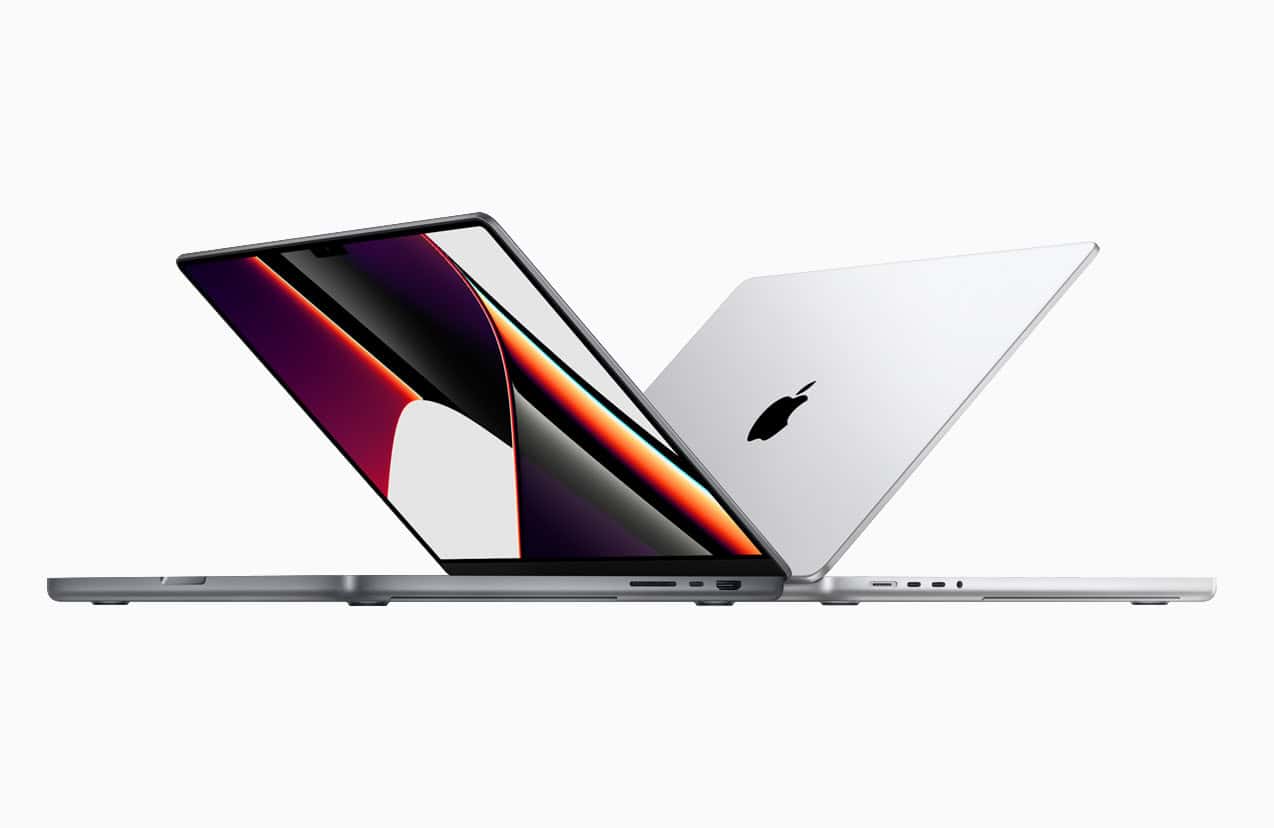
Apple To Announce The New M4 Macs and iPad Mini 7 On November 1
Apple fans are in for a treat this November. New M4 Macs and the iPad mini 7 are set to ...
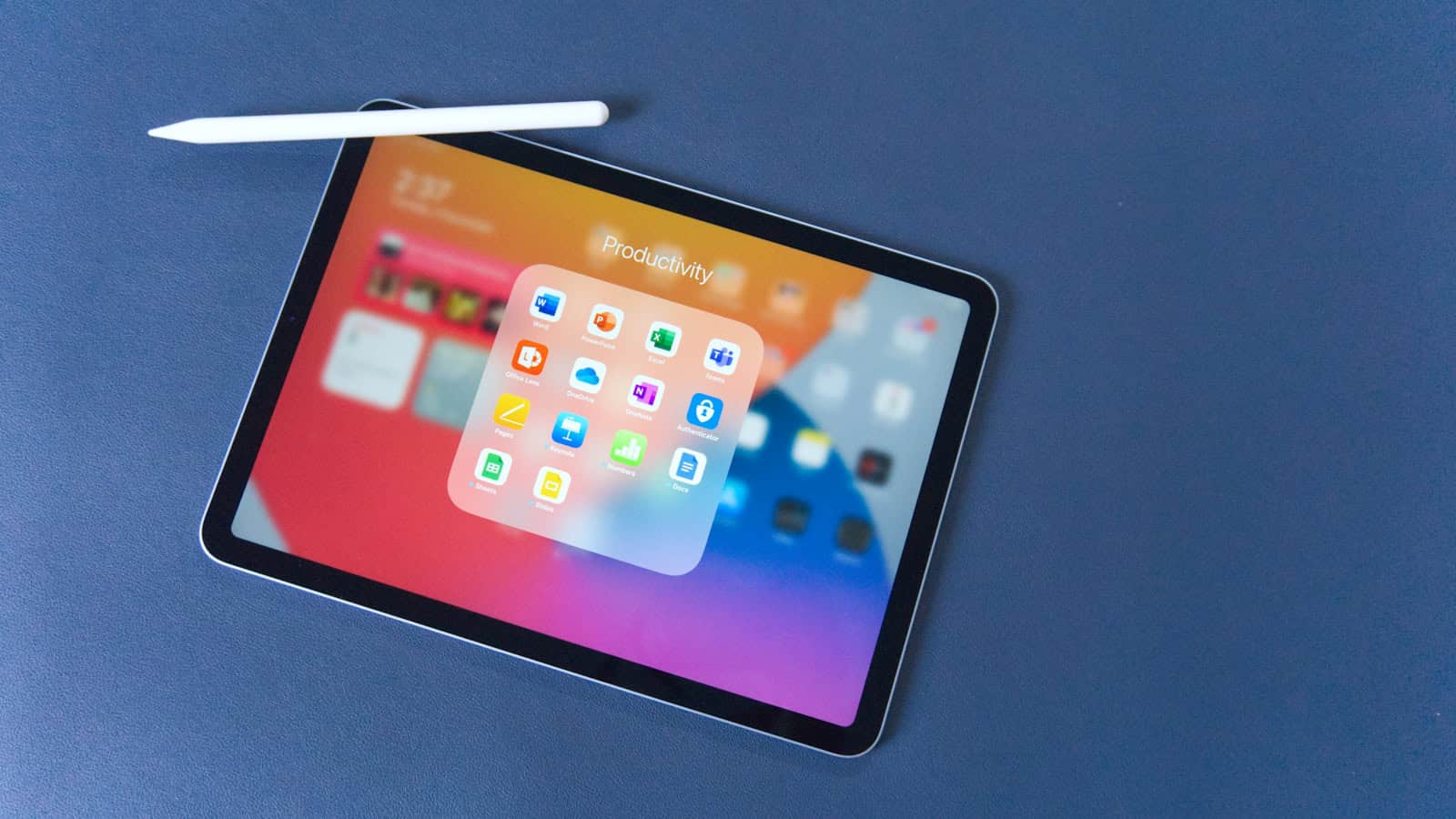
The Best Tablets with Stylus Support: Ranked
Tablets are now essential tools for both work and leisure. A stylus can greatly enhance the experience for those who ...
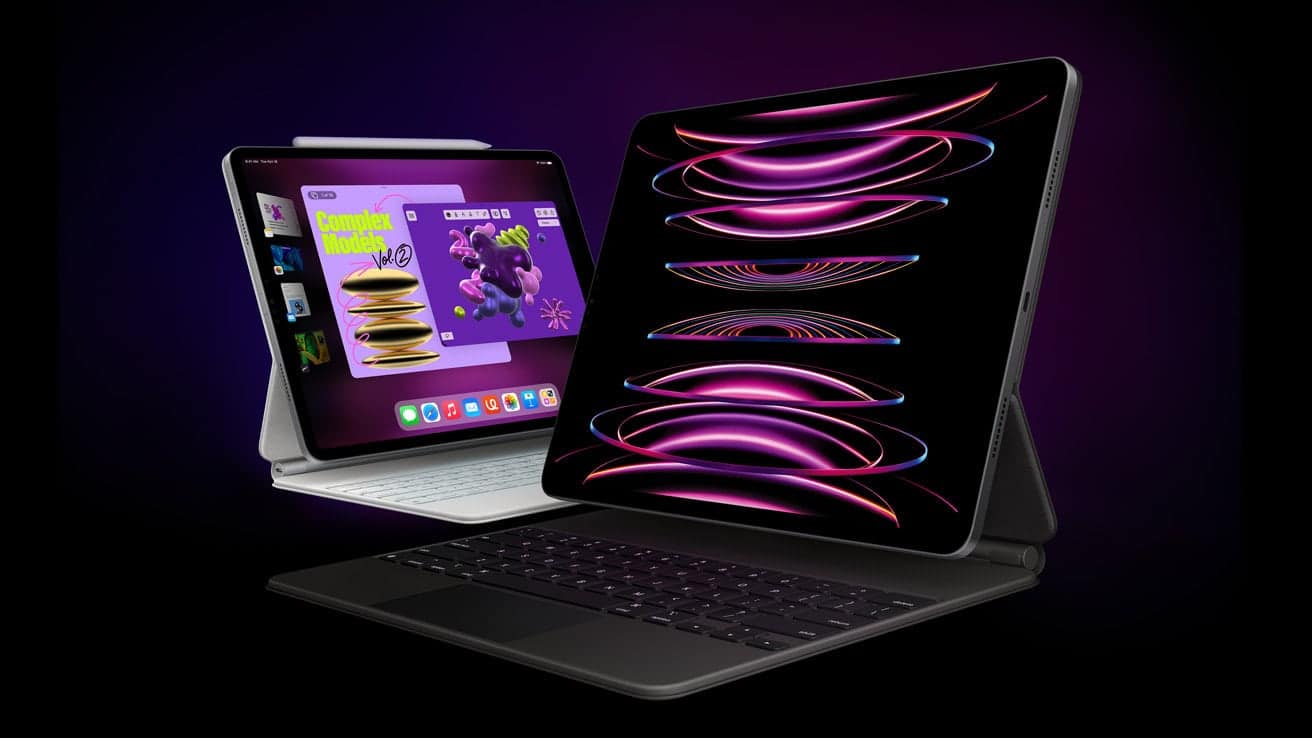
iPad Pro M4 vs iPad Pro M2: Comprehensive Comparison
The M4 iPad Pro and M2 iPad Pro offer different features and performance levels. The M4 iPad Pro comes with an advanced M4 ...
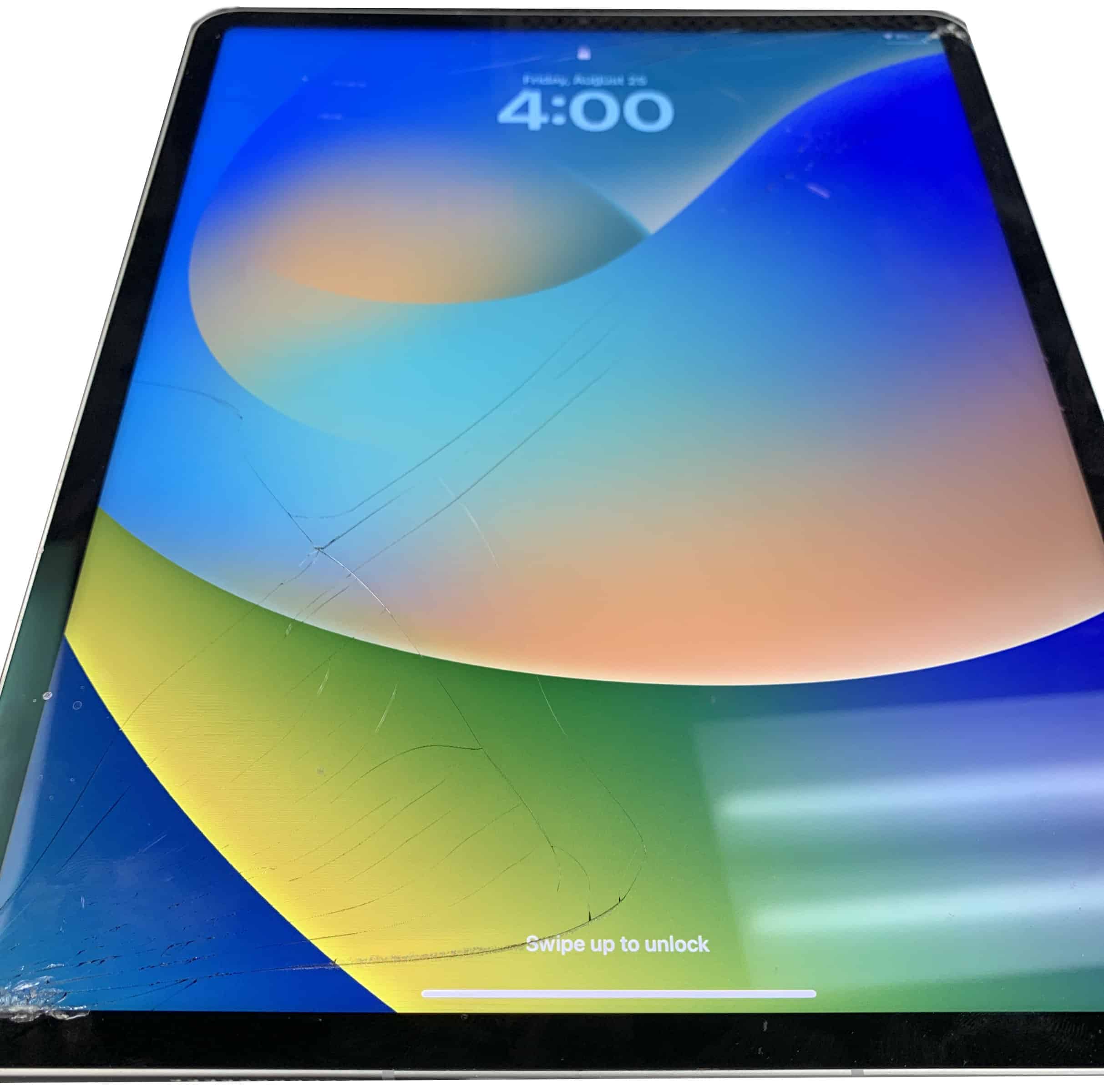
How Much Does It Cost To Fix The Glass On My iPad
When your iPad’s glass shatters, it’s more than just a cosmetic issue; it’s a barrier to the seamless use and ...

The Best Use Cases For An iPad
The iPad is incredibly impressive because it’s such a versatile and powerful tool. It’s not just a tablet – it ...

iPad Screen Changed Color? Here Are Some Reasons Why
If you’ve ever picked up your iPad and noticed that the screen color has changed unexpectedly, you’re not alone. This ...
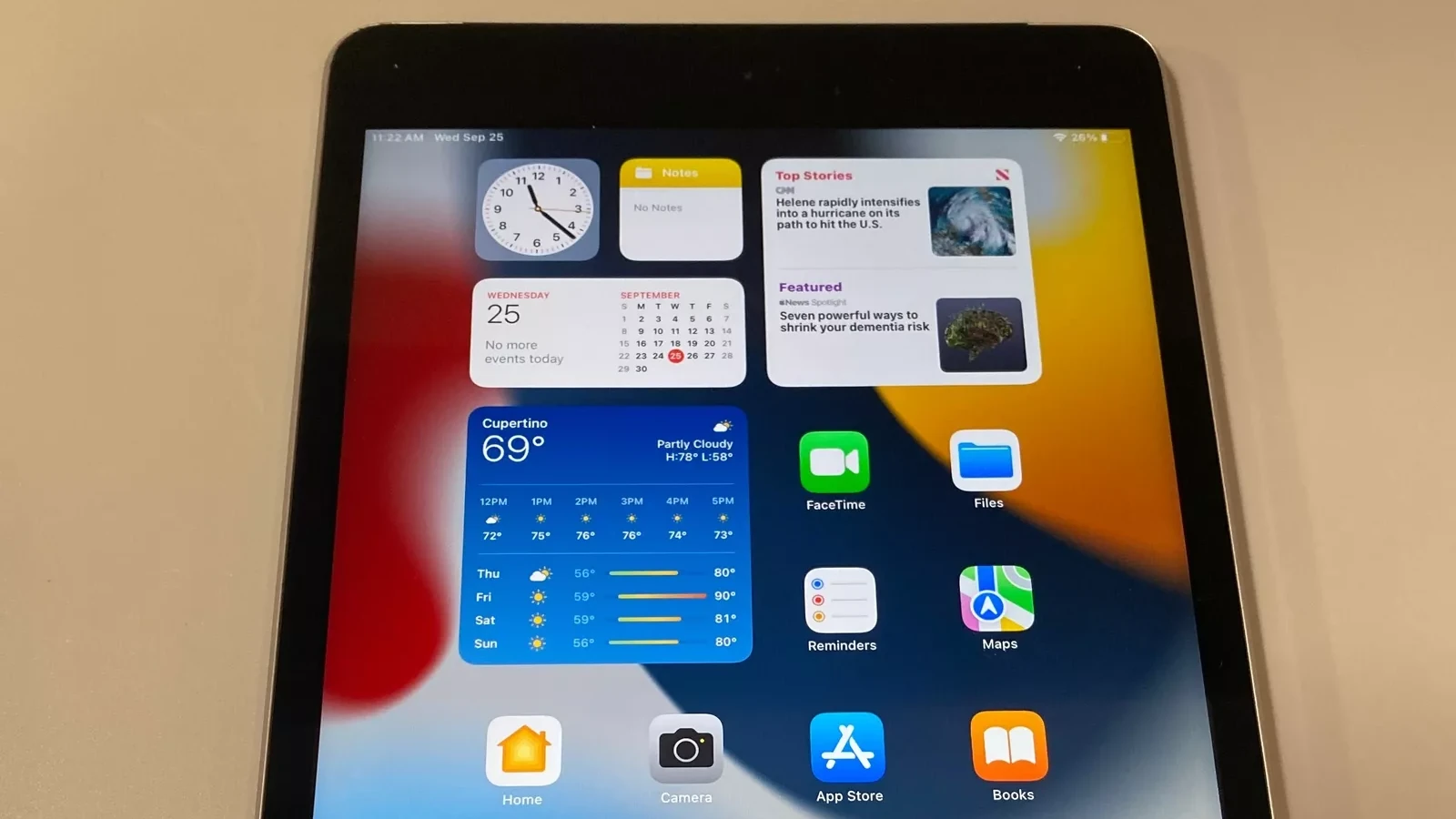
New iPad Setup Procedure
When you first set up a new iPad, like an iPad Pro or iPad Air, you need to follow a ...

Using A Synology NAS With Your iPad Pro
To use a Synology NAS with an iPad Pro, open the Files app, tap ‘Connect to Server’, and enter the ...

Is There A Way to Factory Reset An iPad Without The Apple ID?
No, there’s no way to ‘Factory Reset’ an iPad without the Apple ID. You can use tools to wipe an ...
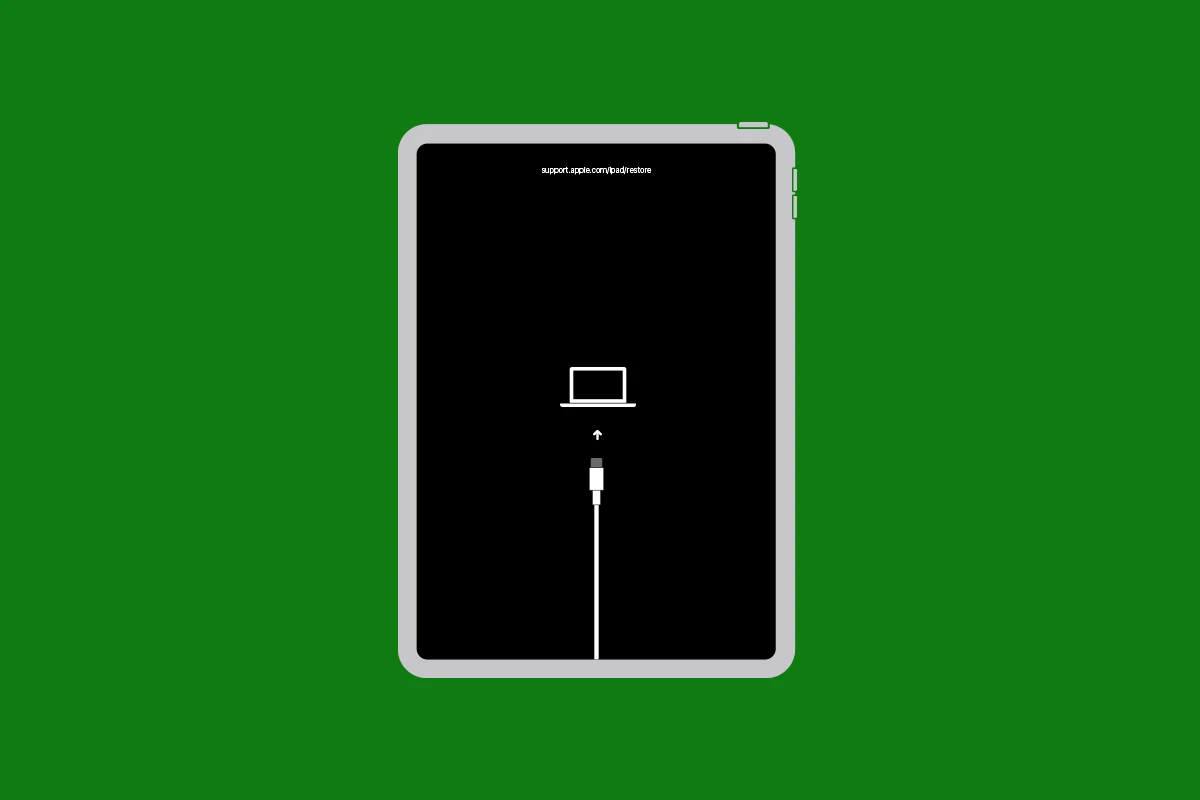
Reset Options On iPad: Restart, Soft Reset, and Factory Reset
iPads can sometimes experience issues from unresponsive apps to slow performance or crashing. Knowing how to reset your iPad can ...