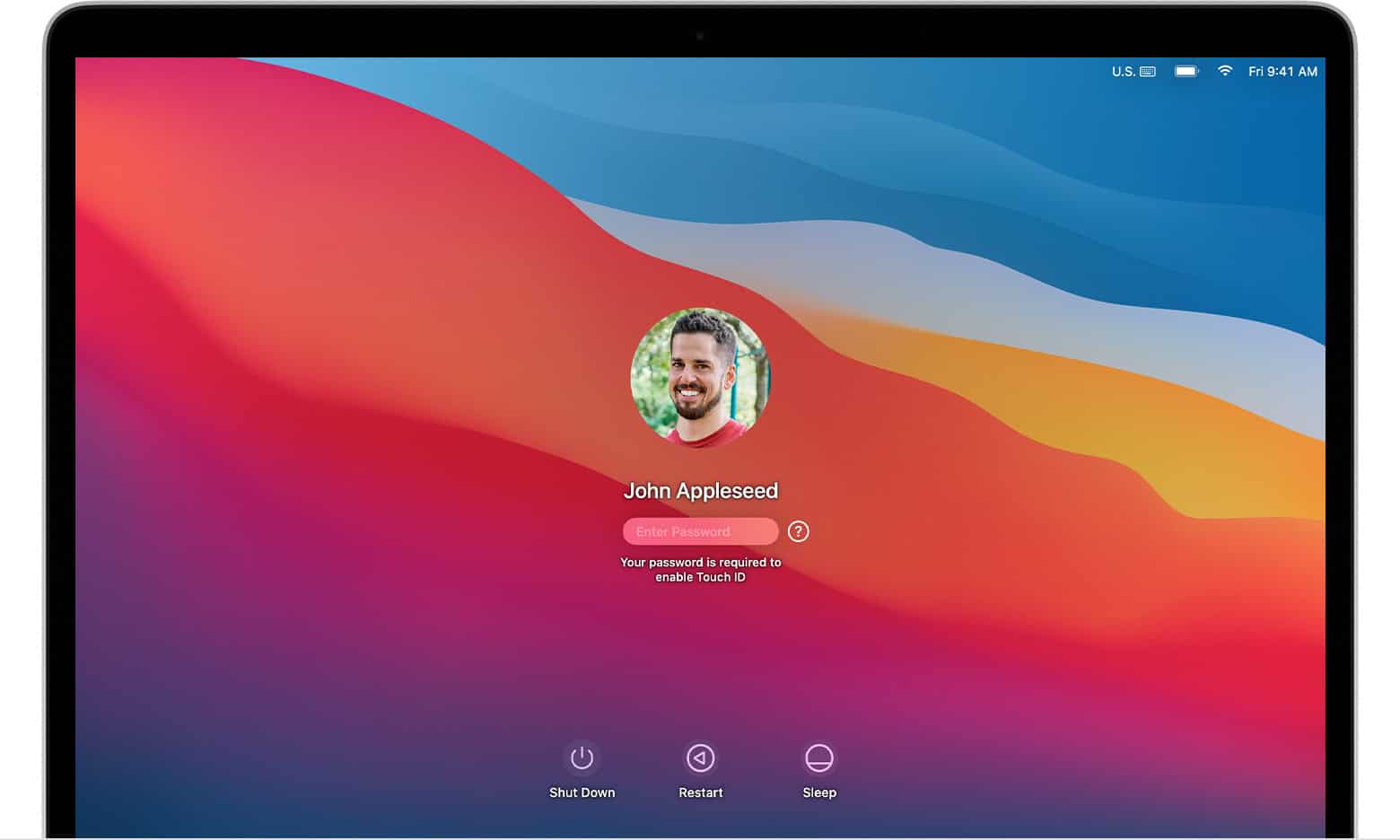
macOS Big Sur is an operating system by Apple specifically designed for Macintosh computers. It marks a significant overhaul from previous versions with substantial design changes and enhanced functionalities. This system incorporates a refined user interface, improvements to core apps like Safari and Messages, and a revamped Maps experience. Big Sur is also notable for its support of Apple’s M1 chip, which brings a new level of performance and efficiency to Mac computers.
The introduction of macOS Big Sur was more than just an aesthetic update; it signified Apple’s commitment to user privacy and developer capabilities. Users benefit from improved privacy features, while developers have new tools at their disposal to create more dynamic apps. Moreover, Big Sur’s optimizations for the M1 chip make it an essential upgrade for those using Apple’s latest hardware.
What Is macOS Big Sur?
macOS Big Sur is Apple’s operating system for Mac computers, officially released in November 2020. It is also known as macOS 11, marking one of the biggest upgrades to macOS in years—both visually and technically.
Big Sur introduced a modern new design, improved performance, and major under‑the‑hood changes that prepared Macs for Apple’s custom processors.
Key Highlights of macOS Big Sur
1. Major Design Refresh
macOS Big Sur brought the biggest visual update since OS X Yosemite.
- Rounded window corners
- More transparent menus and sidebars
- Larger app icons
- Cleaner, iOS‑inspired interface
- Redesigned Dock, Notification Center, and Control Center
The design made macOS feel more consistent with iOS and iPadOS, while still remaining desktop‑focused.
2. Control Center Comes to Mac
For the first time, macOS included a Control Center, noticeable in the menu bar.
You can quickly access:
- Wi‑Fi and Bluetooth
- Display brightness
- Volume controls
- Dark Mode
- Do Not Disturb
This change simplified system controls and reduced menu bar clutter.
3. Faster and More Efficient Performance
macOS Big Sur improved system performance by:
- Faster app launches
- Reduced system overhead
- Better memory management
On supported Macs, apps could launch up to 50% faster compared to previous macOS versions.
4. Built for Apple Silicon (M1 Chips)
One of Big Sur’s most important roles was supporting Apple Silicon Macs.
Key technologies included:
- Native support for M1 processors
- Rosetta 2, allowing Intel apps to run on Apple Silicon
- Ability to run iPhone and iPad apps on Mac
This made Big Sur a turning point in Apple’s transition away from Intel processors.
5. Improved Built‑in Apps
Several core macOS apps were redesigned or upgraded:
- Safari
- Faster performance
- Better privacy controls
- Customizable start page
- Messages
- Pinned conversations
- Inline replies
- Maps
- More detailed maps
- Cycling routes
- Photos
- Improved editing tools
6. Stronger Security and Privacy
Big Sur enhanced macOS security with:
- Improved system volume protection
- Faster and safer software updates
- More transparency about app permissions
- Better control over privacy settings
macOS Big Sur Compatibility
macOS Big Sur supports the following Macs:
- MacBook (2015 or later)
- MacBook Air (2013 or later)
- MacBook Pro (2013 or later)
- Mac mini (2014 or later)
- iMac (2014 or later)
- iMac Pro (2017)
- Mac Pro (2013 or later)
Older Macs are not supported.
Is macOS Big Sur Still Relevant Today?
macOS Big Sur is no longer the latest version, but it may still be used on older Macs that cannot upgrade to newer macOS releases.
While functional, users should consider upgrading if possible to receive:
- Security updates
- New features
- Better app compatibility
macOS Big Sur vs Previous Versions
| Feature | macOS Big Sur |
|---|---|
| Version number | macOS 11 |
| Design update | ✅ Major |
| Apple Silicon support | ✅ Yes |
| Control Center | ✅ Yes |
| iOS app support | ✅ Yes |
Summary
macOS Big Sur is a landmark macOS release that:
- Introduced a modern new design
- Prepared Macs for Apple Silicon
- Improved performance, privacy, and usability
- Brought iOS‑style features to the Mac
It represents a major step in the evolution of macOS and laid the foundation for future releases like Monterey, Ventura, and Sonoma.
Key Takeaways
- Big Sur is a major macOS update with a refreshed design.
- It brings enhancements to Safari, Messages, Maps, and privacy.
- Big Sur is optimized for Apple’s M1 chip, improving performance.
Overview of macOS Big Sur
macOS Big Sur marks a major update to Apple’s desktop OS, with a fresh design and enhanced features. It succeeded macOS Catalina and paved the way for macOS Monterey.
Release and Compatibility
Apple launched macOS Big Sur in November 2020. It is the first system to support both Intel Macs and those with Apple Silicon, like the M1 chip. Macs compatible with Big Sur include models ranging from the MacBook Air to the Mac Pro. The operating system extended support to older machines, ensuring a broad user base could experience its improvements.
Design Philosophy
The design of Big Sur brought the biggest change since OS X’s debut. Its interface took cues from iOS with more rounded window corners, brighter colors, and a transparent menu bar. Apple reworked key apps like Safari, Messages, and Maps for better functionality. The focus was on consistency across Apple devices, reinforcing an ecosystem where each part feels familiar yet tailored to the device’s strengths.
Key Features and Enhancements
macOS Big Sur introduces a range of updates that enhance the user experience and technology performance. This update represents a major overhaul for Apple’s desktop operating system with its fresh aesthetic and improved app functionality.
User Experience Improvements
Apple has reimagined the user interface in macOS Big Sur, with a focus on ease of use and aesthetic appeal. The design features more streamlined toolbars and menus along with a refreshed Dock. New icons are more consistent with those on iOS and iPadOS, creating a unified experience across devices. The Control Center arrives on the Mac for quick access to Wi-Fi, Bluetooth, AirDrop, and other settings. Users also find a redesigned Notification Center with more interactive notifications and widgets that come over from iOS 14.
For cleaner and more organized messaging, the Messages app now includes Memoji stickers and a new photo picker. Maps have been enhanced with guides and look-around features, while Safari, now faster and more efficient, offers a customizable start page and a privacy report to track blocked trackers.
Performance and Technology
Under the hood, macOS Big Sur is tailored to improve performance across Macs. The greatest leap comes with the introduction of the M1 chip, Apple’s first custom silicon for Mac. This chip boosts speed and battery life while enabling the use of iOS and iPadOS apps directly on macOS. Rosetta 2 technology in Big Sur ensures that existing Mac apps will run smoothly on new Apple silicon Macs.
System updates from the Mac App Store are more efficient, leading to faster downloads and installations. The Photos app boasts a new retouch tool built on machine learning. For web browsing, Safari 14 brings improved performance and a new translation feature. Privacy is also a top priority; tracking prevention in Safari and password monitoring help users stay more secure online.