
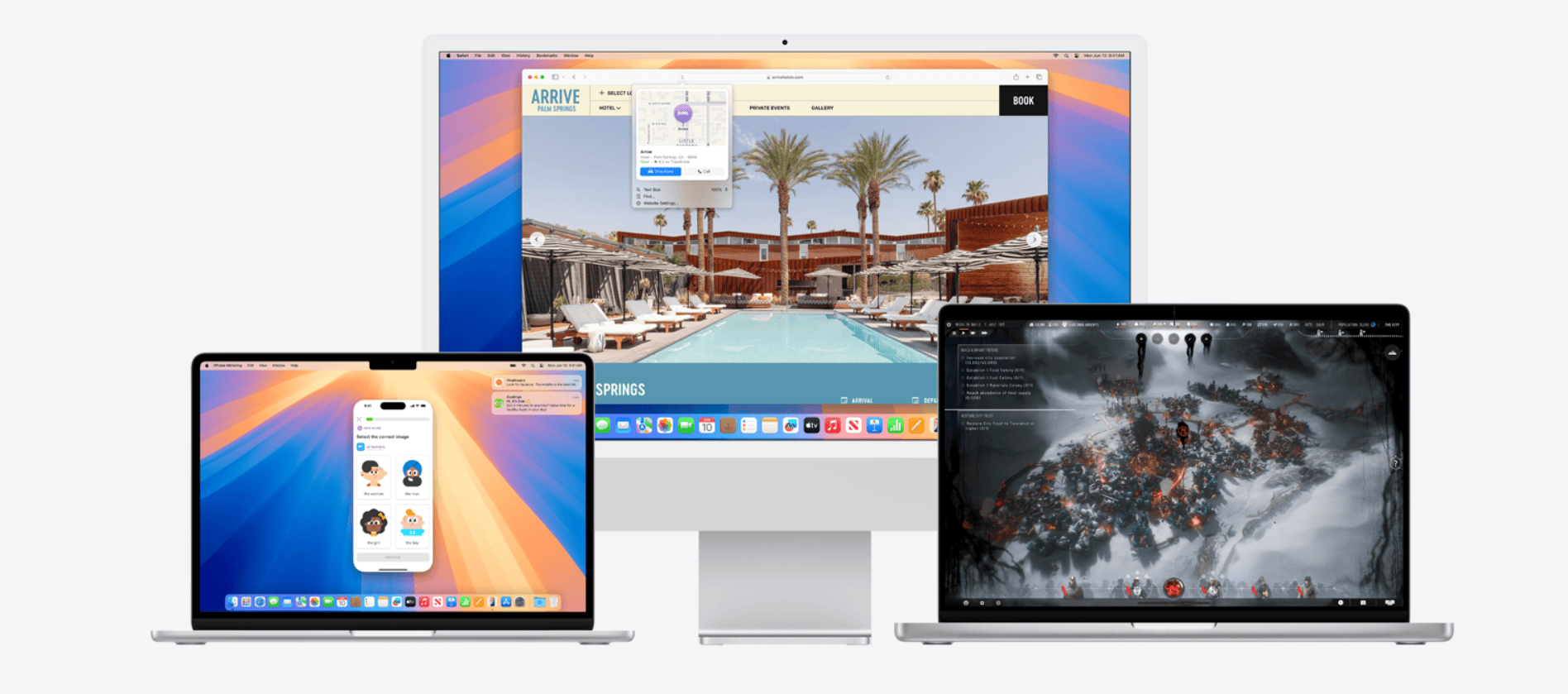
macOS Sequoia (macOS 15) is Apple’s latest major Mac operating system release, unveiled at WWDC 2024 and publicly released in fall 2024. It builds on macOS Sonoma with deeper iPhone integration, powerful productivity upgrades, major Safari improvements, new gaming capabilities, and Apple Intelligence features (on supported Macs).
Here’s a complete overview of macOS Sequoia — features, compatibility, performance, AI capabilities, privacy changes, and more.
1. Release Overview
- Name: macOS Sequoia
- Version: macOS 15
- Announced: WWDC 2024
- Public Release: Fall 2024
- Focus Areas:
- Apple Intelligence (AI integration)
- iPhone Mirroring
- Window management improvements
- Safari upgrades
- Gaming enhancements
- Productivity tools
2. System Requirements & Compatibility
macOS Sequoia supports the following Macs:
Supported Intel Macs
- iMac (2019 and later)
- iMac Pro (2017)
- Mac Studio (2022 and later)
- Mac Pro (2019 and later)
- Mac mini (2018 and later)
- MacBook Air (2020 Intel)
- MacBook Pro (2018 and later)
Apple Silicon Macs
- All M1, M2, M3, and newer Macs
⚠️ Apple Intelligence features require Apple Silicon (M1 or later). Intel Macs do not support AI features.
3. Apple Intelligence (AI Features)
Apple Intelligence is Apple’s on-device AI system deeply integrated into macOS Sequoia.
Availability
- Requires M1 chip or later
- Initially launched in U.S. English
- Gradual international expansion
Key Features
✍️ Writing Tools (System-wide)
- Rewrite text
- Proofread grammar
- Adjust tone (professional, friendly, concise)
- Summarize text
- Available in Mail, Notes, Pages, and third-party apps
🧠 Smart Summaries
- Summarizes emails
- Summarizes long documents
- Notification summaries
- Webpage summaries in Safari Reader
📬 Smart Mail
- Priority messages
- Email summaries
- Smart reply suggestions
🖼️ Image Playground
- Generate AI images (in supported apps)
- Multiple styles (Sketch, Illustration, Animation)
- Integrated into Messages and Notes
🧑🎨 Genmoji
- Create custom AI-generated emoji
- Generated from descriptions
- Usable across apps
🔍 Enhanced Siri
- Context-aware responses
- Can understand follow-up questions
- On-screen awareness
- More natural voice
- Optional ChatGPT integration (with user permission)
🔒 Privacy Model
- On-device processing by default
- Private Cloud Compute for complex tasks
- No data stored or used for training
- Fully auditable server-side code
4. iPhone Mirroring
One of Sequoia’s biggest features.
What It Does
- Wirelessly mirrors your iPhone screen to your Mac
- Full interaction (click, scroll, type)
- Use iPhone apps directly from macOS
- iPhone stays locked while mirrored
Key Features
- Drag and drop files between Mac and iPhone
- Receive iPhone notifications on Mac
- Use Mac keyboard and trackpad to control iPhone
This deepens Apple’s Continuity ecosystem significantly.
5. Window Management Improvements
Sequoia introduces improved window tiling.
New Capabilities
- Drag windows to screen edges for automatic tiling
- Suggested window layouts
- Keyboard shortcuts for snapping
- Better multi-display handling
This brings macOS closer to Windows-style window snapping while maintaining Apple’s design.
6. Safari Upgrades
Safari sees major improvements in Sequoia.
Highlights
🧠 Highlights Feature
- Automatically detects key information on webpages
- Surfaces summaries
- Shows directions, contact info, etc.
📺 Video Viewer
- Removes distractions
- Brings video front and center
- Built-in playback controls
📖 Improved Reader Mode
- AI-powered summaries
- Cleaner formatting
Safari in Sequoia is faster and more power efficient than Chrome on Mac (per Apple benchmarks).
7. Passwords App
Passwords is now a standalone app.
Features
- Previously inside System Settings
- Manages:
- Passwords
- Passkeys
- Wi-Fi credentials
- Verification codes
- Cross-platform syncing via iCloud
- Windows support via iCloud app
This marks Apple’s push toward passkey-based authentication.
8. Gaming Enhancements
Sequoia continues Apple’s gaming push.
Game Porting Toolkit 2
- Improved Windows game compatibility
- Better performance for developers porting games
New Developer Tools
- Metal improvements
- Frame pacing upgrades
- Better controller support
Spatial Audio Enhancements
- Personalized spatial audio for games
Apple is positioning Mac as a more viable gaming platform.
9. Messages Updates
- Text effects
- Scheduled messages
- Tapbacks with any emoji
- Formatting options (bold, italic, underline)
- Improved message search
10. Notes Enhancements
- Live audio transcription
- Math Notes (solve equations directly)
- Collapsible sections
- Highlighting tools
- Linked notes
Math Notes can solve equations and graph functions directly in Notes.
11. Calendar & Reminders Updates
Calendar
- Integrated reminders directly in calendar view
- Month view improvements
Reminders
- Smarter grocery lists
- Auto-categorization
12. Accessibility Improvements
- Voice shortcuts
- Wider hearing aid support
- Improved Live Captions
- Better Voice Control
Apple continues leading in accessibility innovation.
13. Performance & Efficiency
On Apple Silicon Macs:
- Improved memory management
- Faster wake from sleep
- Better battery efficiency
- More optimized background tasks
Intel Macs receive stability improvements but fewer advanced features.
14. Security & Privacy
- Enhanced Lockdown Mode
- Improved app permission transparency
- Better tracking prevention in Safari
- Expanded passkey support
- AI privacy protections via on-device processing
Apple maintains its privacy-first approach.
15. Known Limitations
- Apple Intelligence requires M1+
- AI features initially region-limited
- Some iPhone Mirroring features require iOS 18
- Intel Macs miss out on many headline features
16. Comparison to macOS Sonoma
| Feature | Sonoma | Sequoia |
|---|---|---|
| Widgets on Desktop | ✅ | ✅ |
| Game Mode | ✅ | ✅ Improved |
| iPhone Mirroring | ❌ | ✅ |
| Apple Intelligence | ❌ | ✅ |
| Window Tiling | Basic | Advanced |
| Standalone Passwords App | ❌ | ✅ |
Sequoia is more transformative than Sonoma, largely due to AI and ecosystem integration.
17. Who Should Upgrade?
✅ Apple Silicon users: Absolutely — major AI and productivity gains.
✅ iPhone users: iPhone Mirroring is a standout feature.
✅ Productivity users: Writing tools and window management are big upgrades.
⚠️ Intel users: Fewer benefits, but still improved security and Safari.
Final Thoughts
macOS Sequoia represents a major evolution of macOS, centered around:
- AI-powered productivity
- Seamless iPhone integration
- Enhanced privacy
- Better multitasking
- Improved gaming support
The biggest shift is Apple Intelligence — marking Apple’s first deep integration of AI directly into the operating system while maintaining its privacy-first approach.
For Apple Silicon users, Sequoia is one of the most significant macOS updates in years.





