Mac
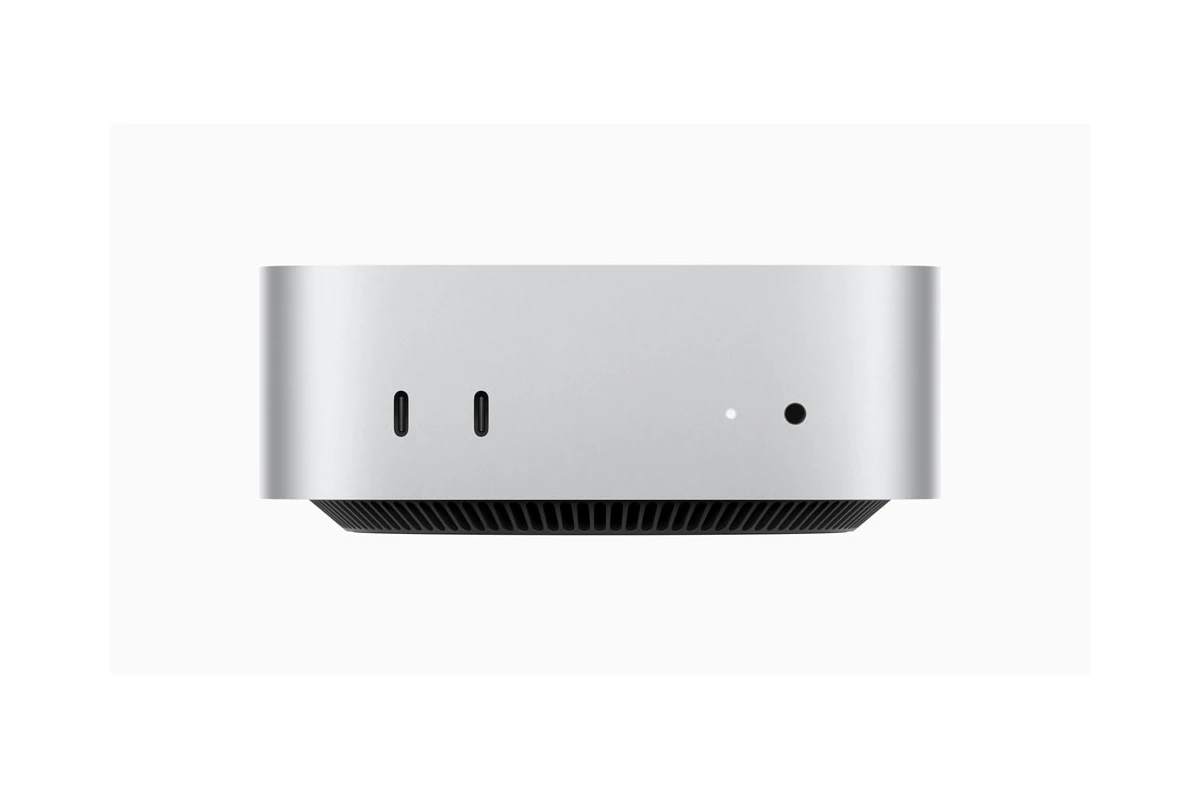
How To Factory Reset A Mac Mini
Factory resetting your Mac Mini is a straightforward process that can solve performance issues or prepare your device for a ...

What To Do If Your Mac Is Not Recognizing A USB Device
USB devices not working with your Mac can be frustrating. You plug in a flash drive or external hard drive, ...
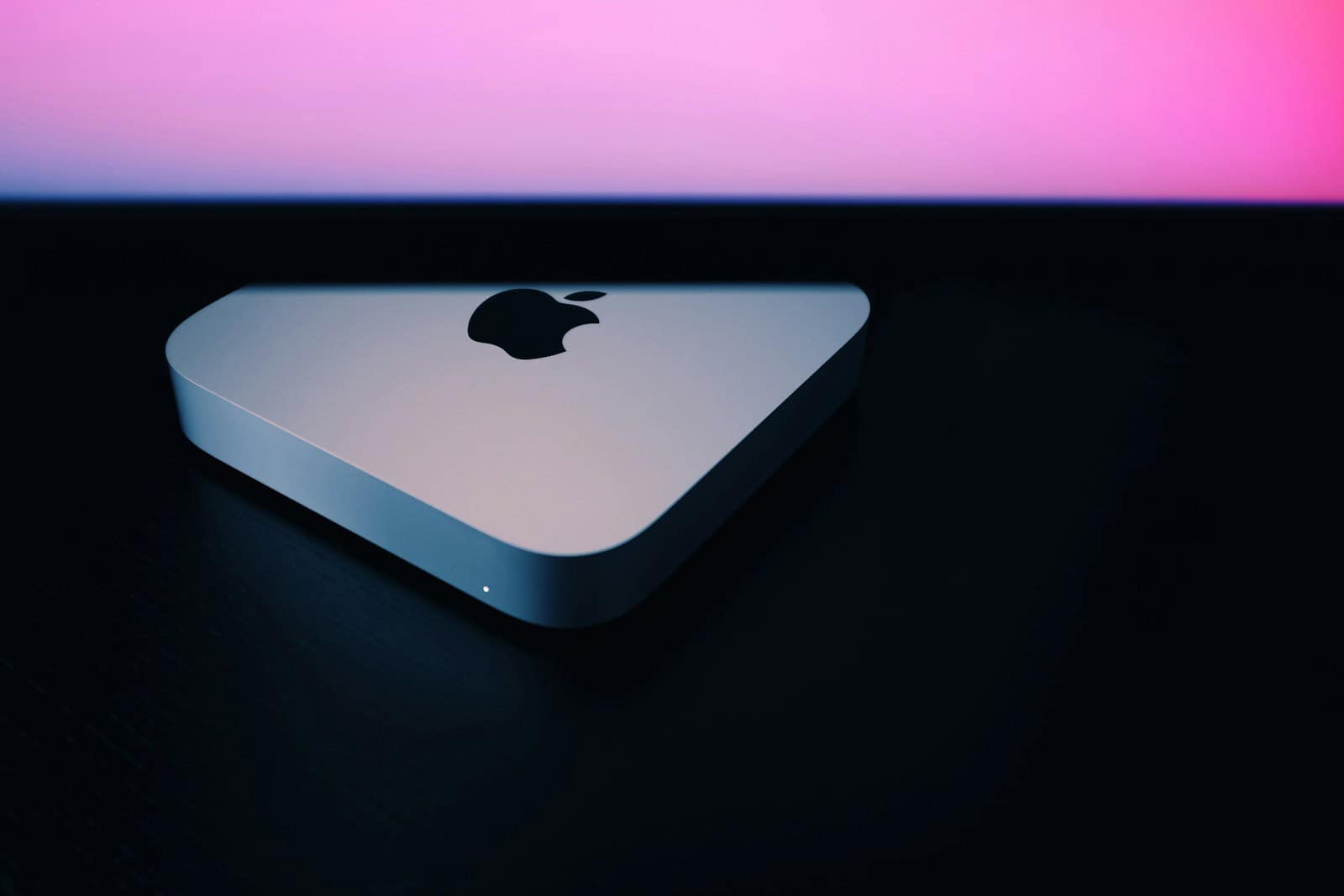
Ditch the MacBook Air: Why a Mac mini and iPad Combo is the Future of Productivity
Transitioning from a laptop to a combination of a Mac mini and an iPad Pro can significantly enhance productivity by ...
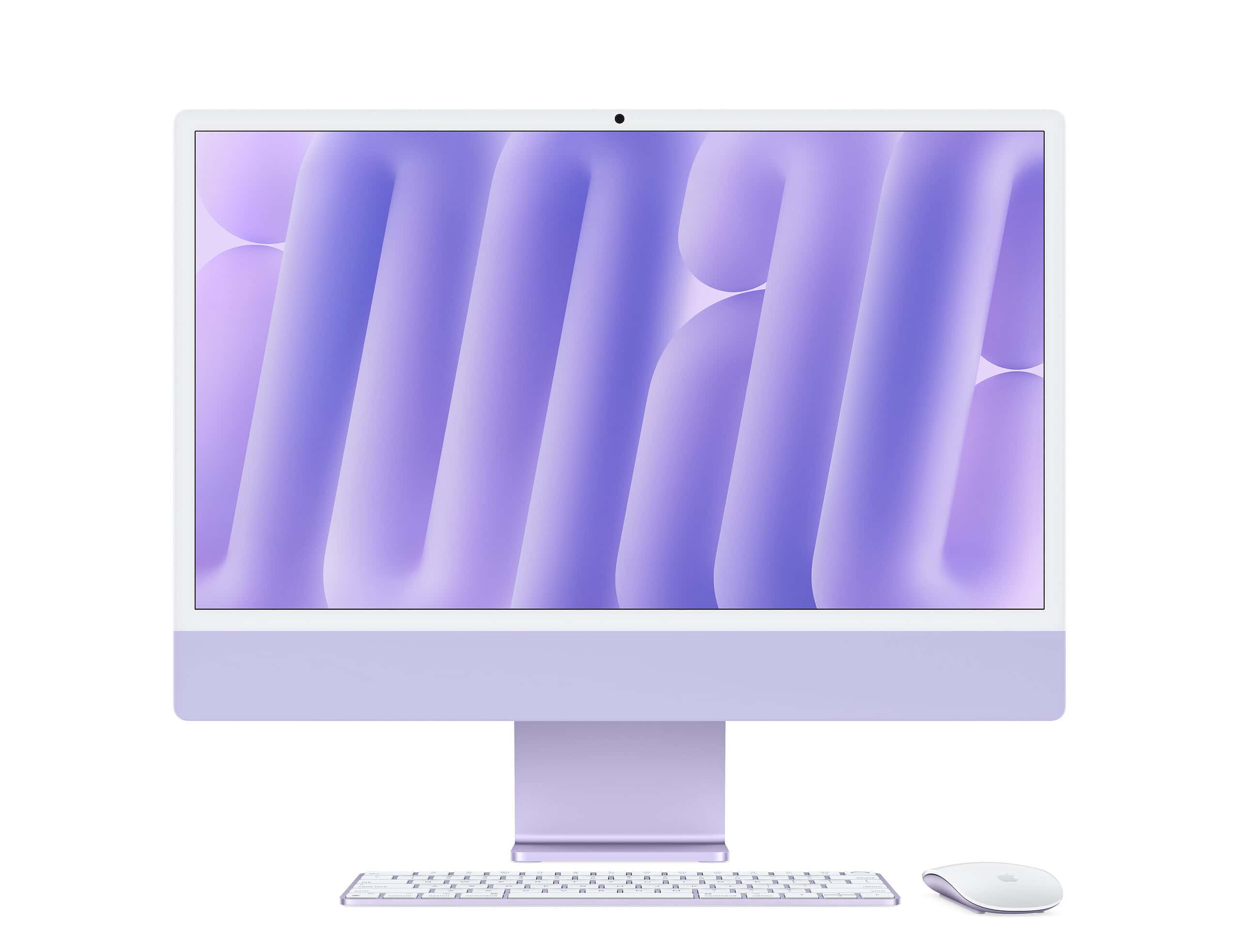
Factory Reset An Apple Mac Device (Macbook / iMac)
Whether preparing to sell your Mac, troubleshoot persistent software issues, or simply start fresh, a factory reset can be a ...
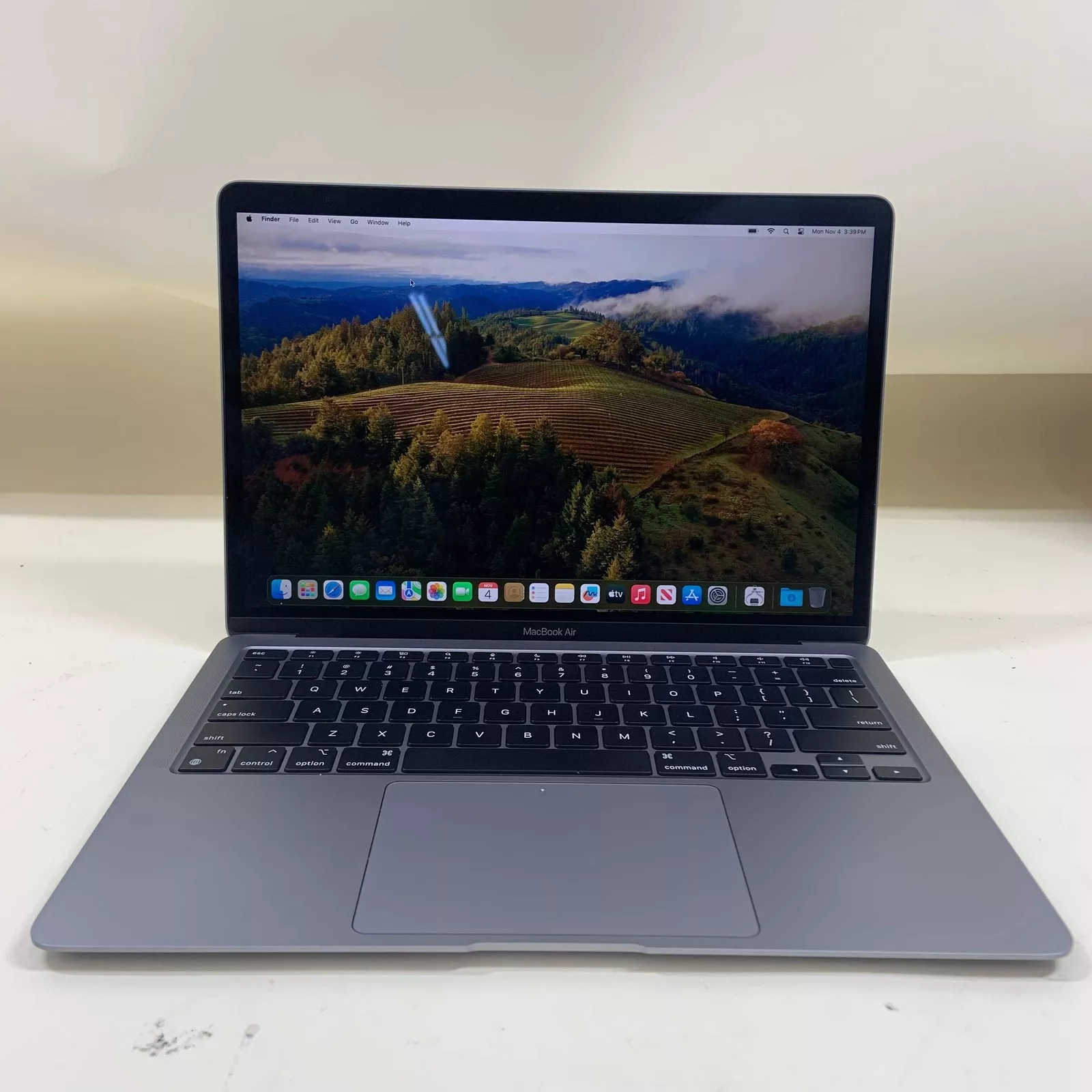
Is the Premium on a Mac Worth it Over a PC?
When deciding whether to buy a Mac or a PC, people often consider cost and benefits. Macs are known for ...
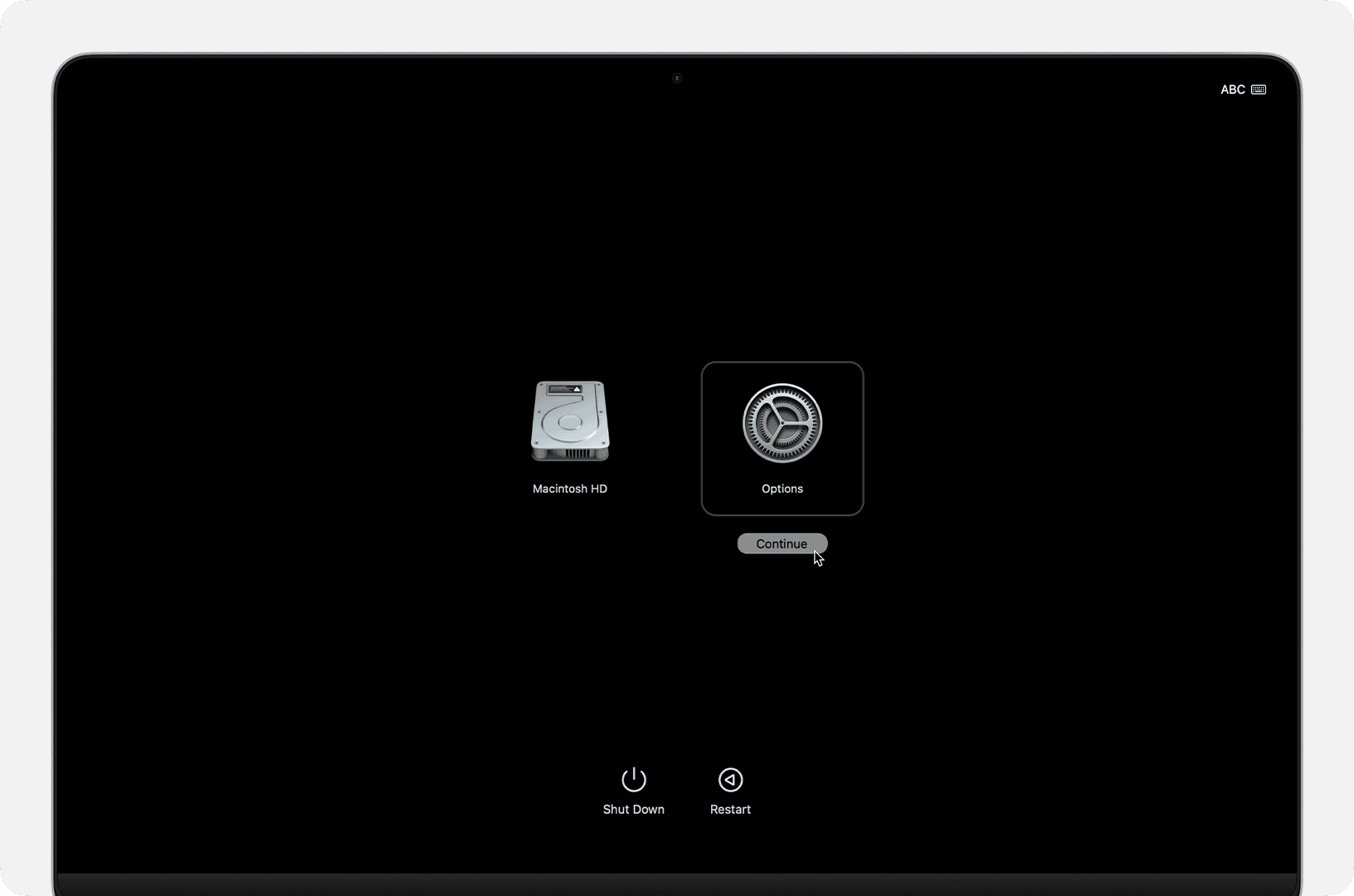
Starting Your Mac in Recovery Mode
Starting your Mac in Recovery Mode can be a lifesaver when you face system issues or need to perform important ...
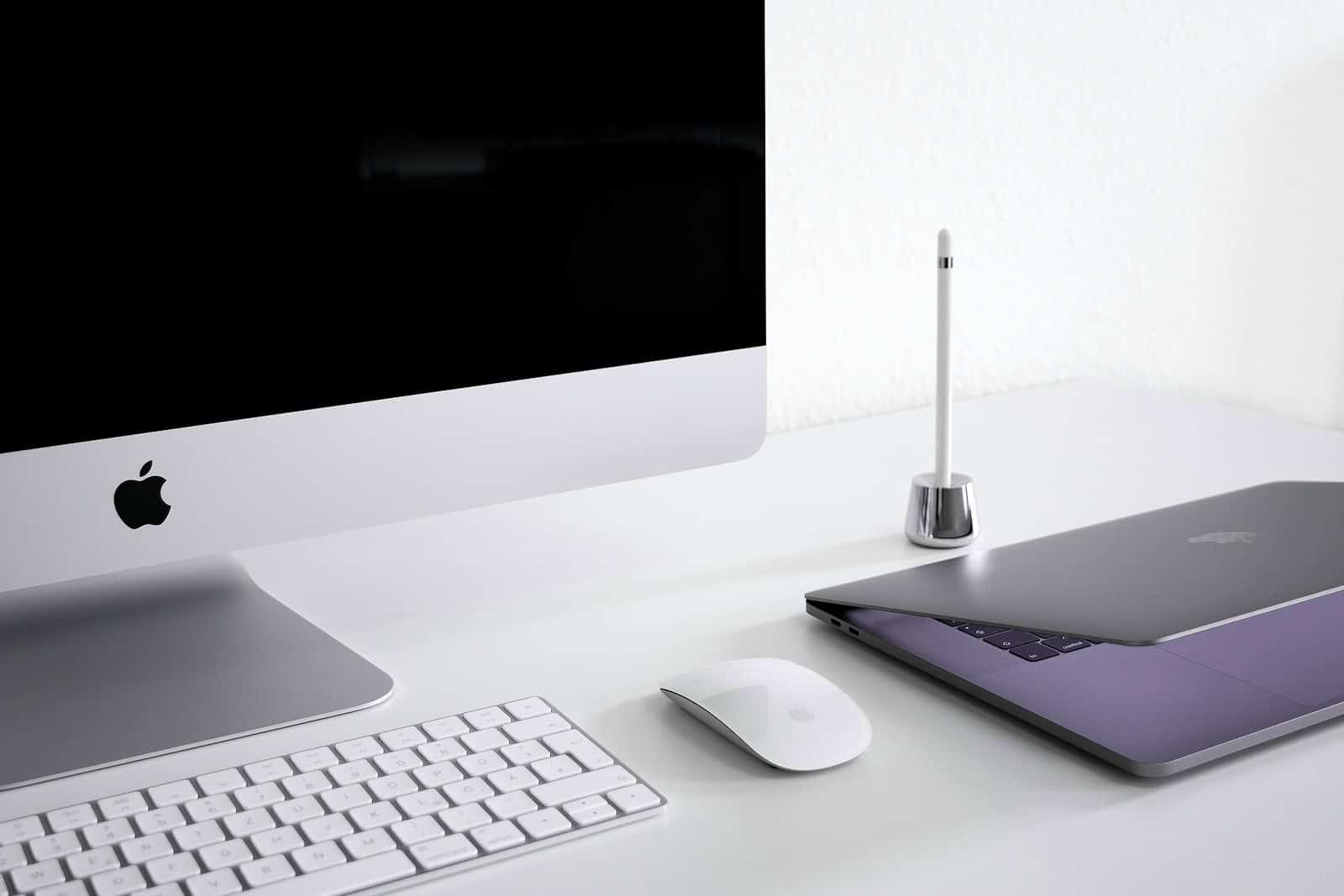
How To Use An iMac as a Second Monitor
Want to turn your iMac into a second display? You’re in luck. Several methods exist to use your iMac as ...
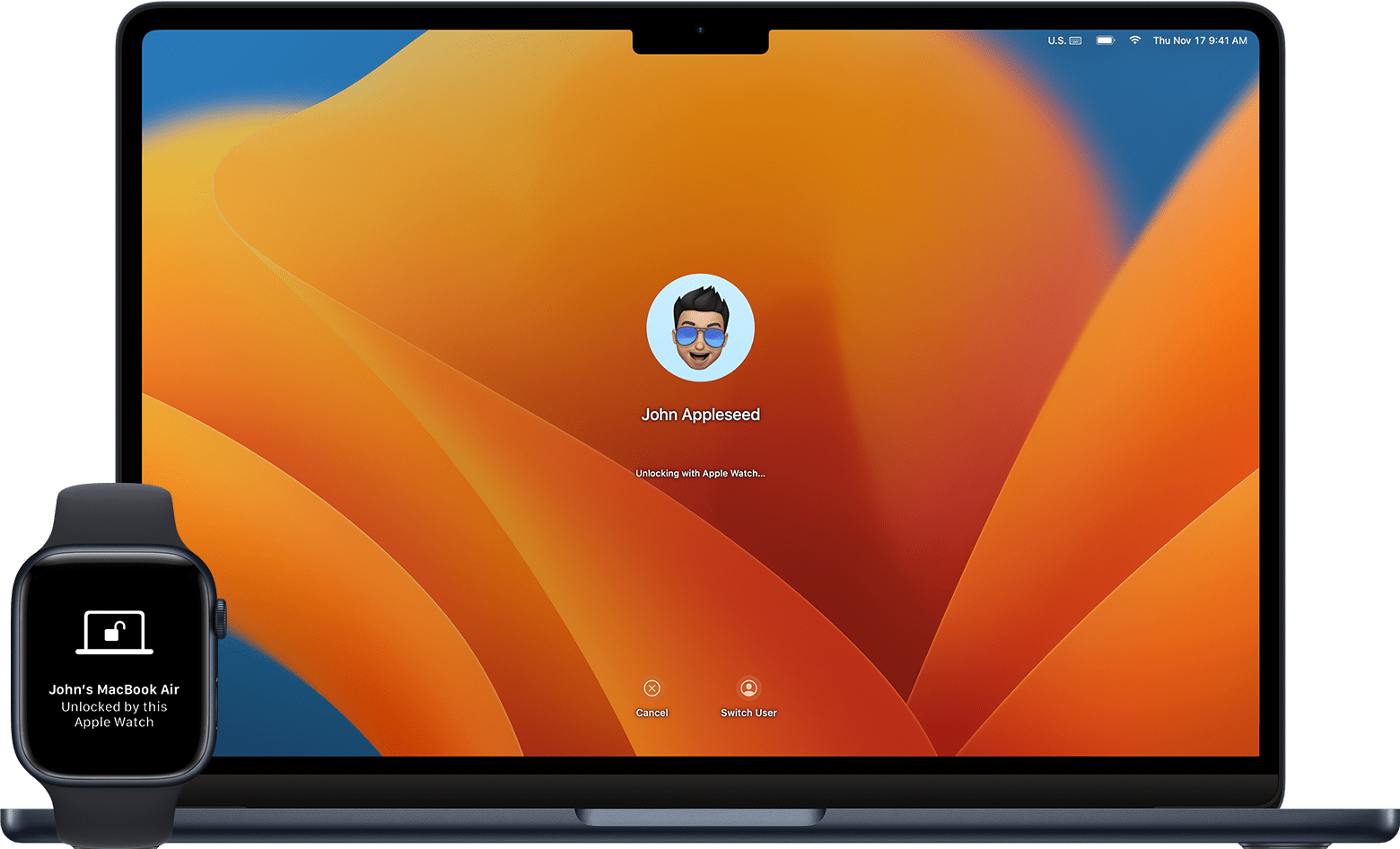
Unlock Your Mac with Apple Watch
Unlocking your Mac with your Apple Watch is a convenient feature that saves time and enhances security. You can log ...
New Mac mini M4 Specifications
Apple has unveiled the new Mac mini with M4 chip, showcasing a significant redesign and performance boost. The latest model ...
Apple Launches All New Mac Mini Featuring M4 and M4 Pro Chips
Apple has officially unveiled the latest version of its Mac mini, now equipped with the advanced M4 and M4 Pro ...