
MacOS

How to Cut, Copy, and Paste on Mac
Copying and pasting on a Mac is easy. The basic method uses keyboard shortcuts. Press Command + C to copy ...

Syncing Messages from iPhone to Mac
Don’t forget to ensure that both your iPhone and your Mac are signed into the same Apple ID. On your ...
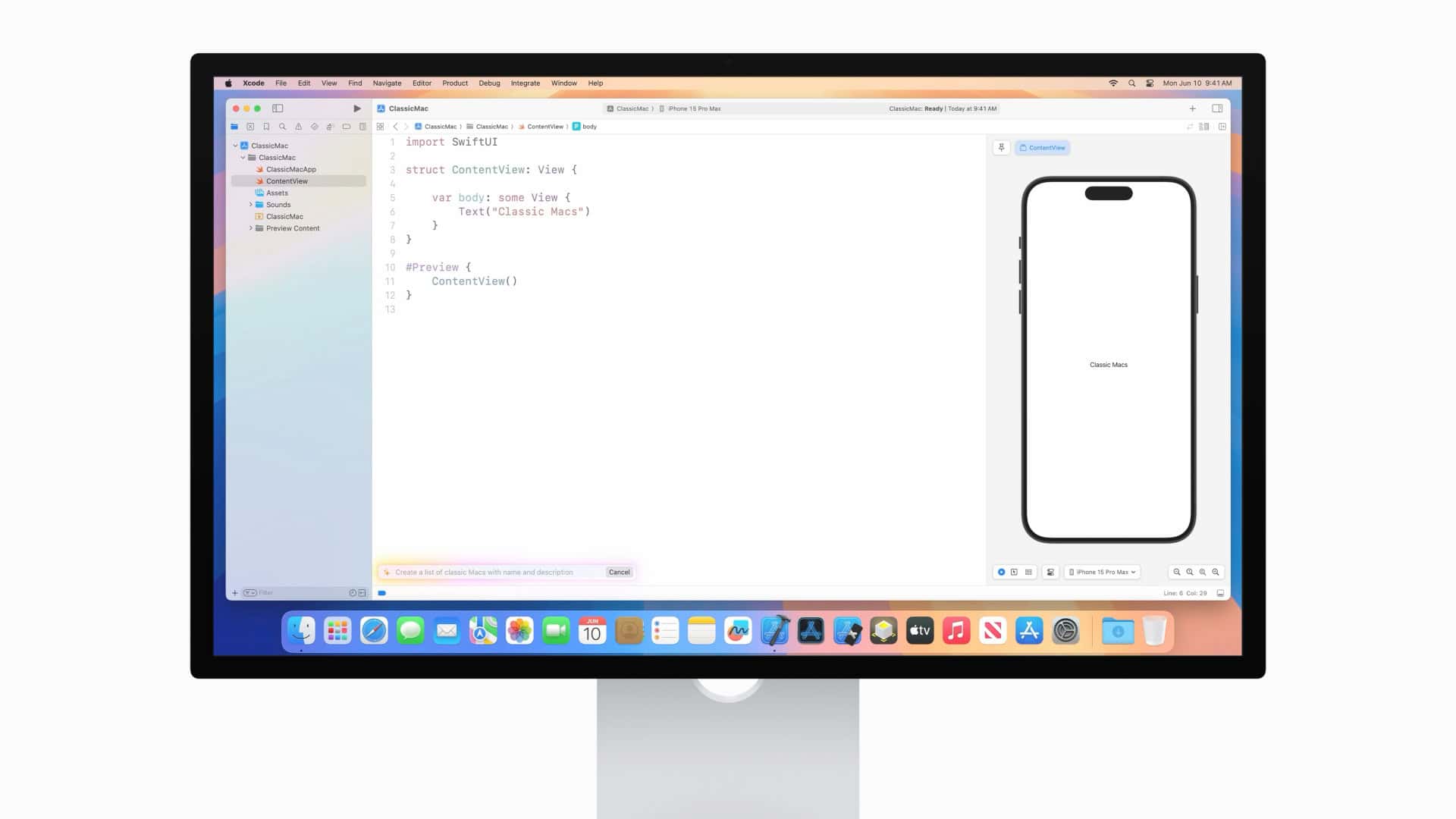
How to Fix Xcode 16 Problems: Troubleshooting Guide
Xcode 16 brings new features but also new problems. Bugs and glitches can slow down app development. Fixing these issues ...

Minecraft Gameplay on Mac
Playing Minecraft on a Mac can be a fun and engaging experience. By making a few adjustments, you can enjoy ...
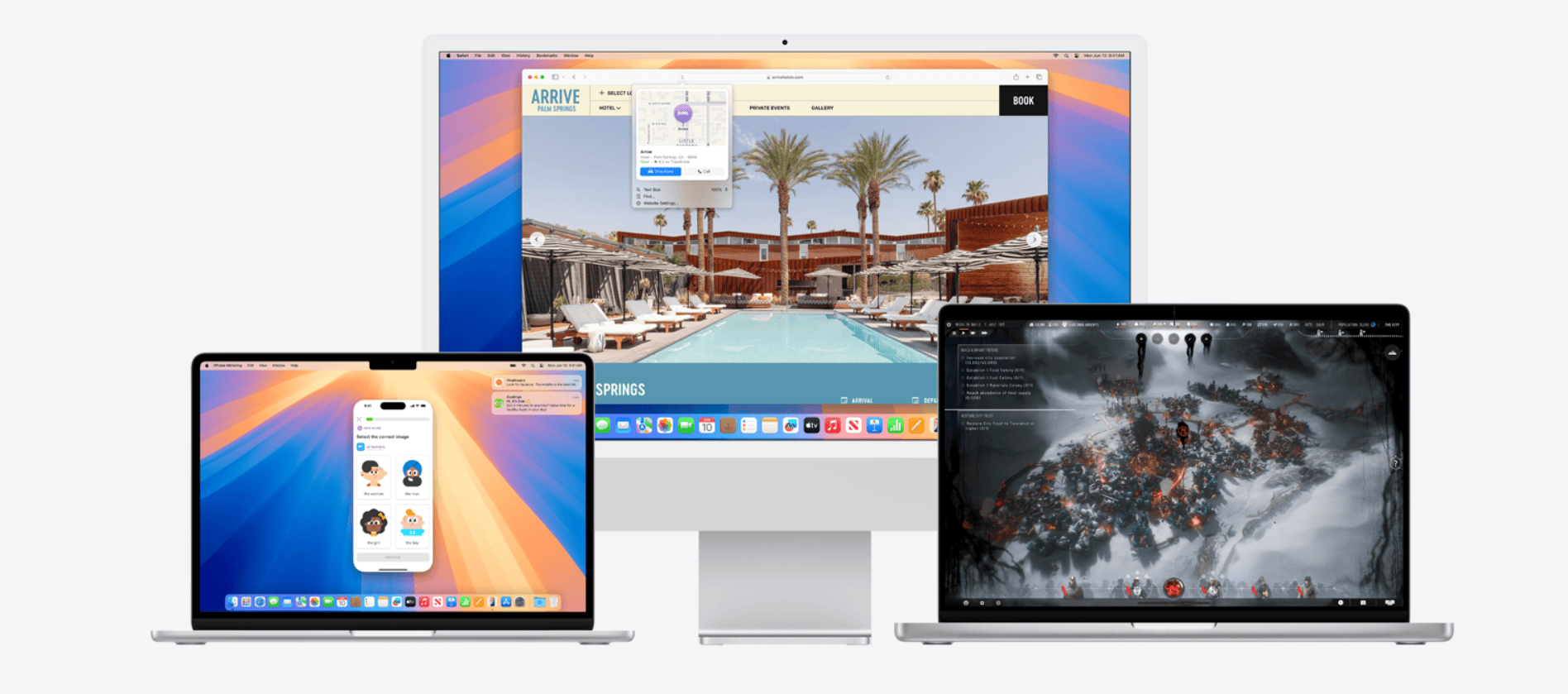
macOS Versions: Complete List In order
This article looks into the roots of MacOS, tracing its evolution from the initial release to its latest incarnations, and ...
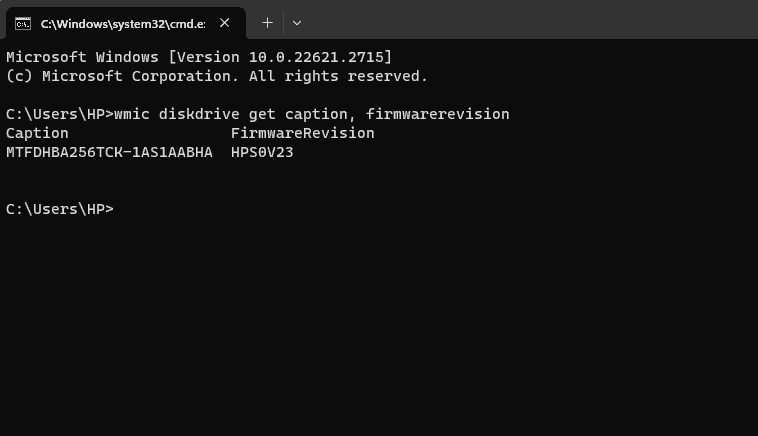
Find The Make And Model Number Of Your SSD
Do you need to know the make and model of your SSD? If you do, you can follow a simple ...
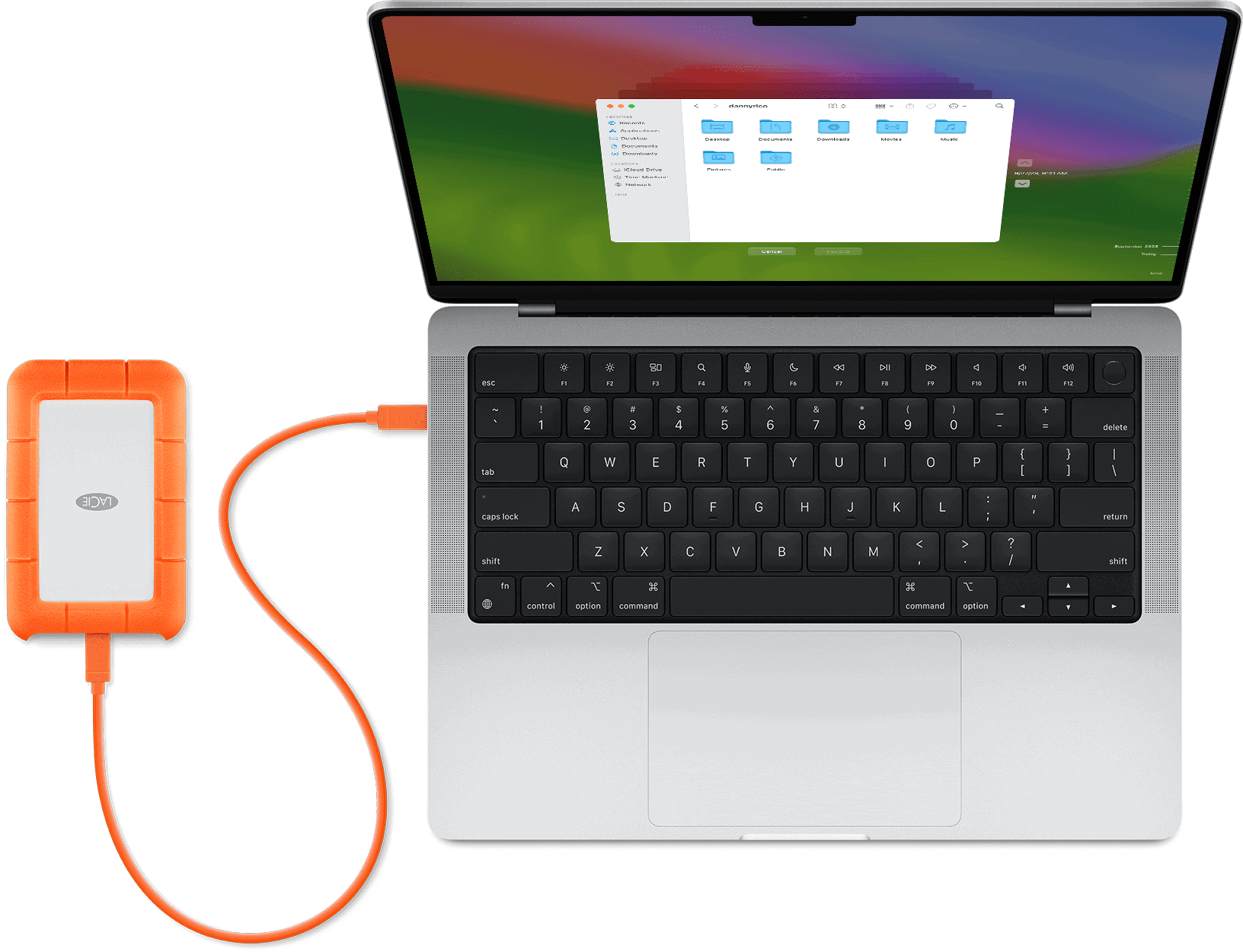
Backing Up Your Mac or MacBook: Procedure
Knowing how to back up your Mac or MacBook is important to keep your files safe and protect you against ...
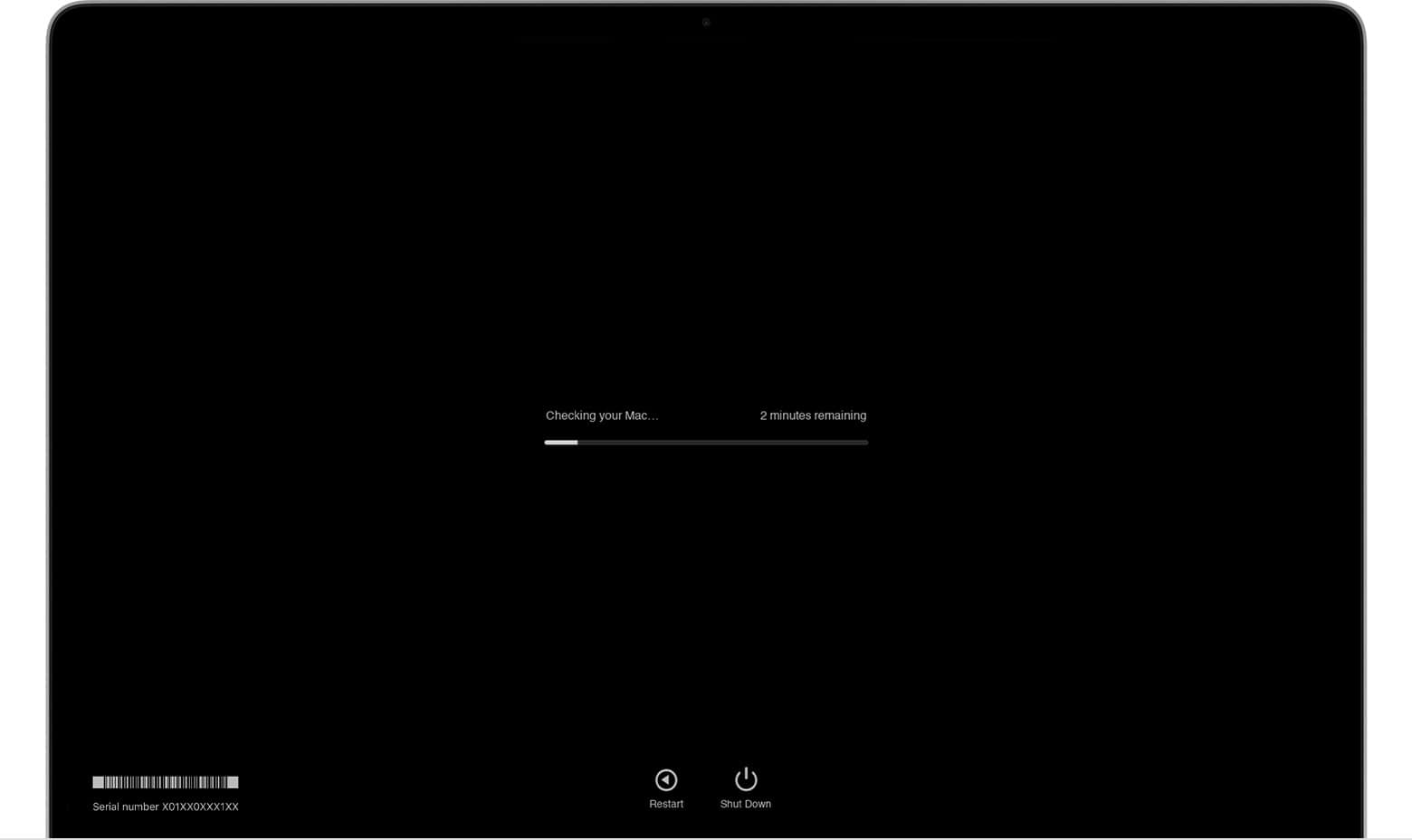
How to Use Apple Diagnostics
To use Apple Diagnostics and check your Mac’s hardware health, follow these steps: First, disconnect all external devices from your ...

Can You Recover Your Deleted Safari History If You Didn’t Make A Backup?
Losing your browsing history can be so frustrating. Whether you need to retrace your steps or retrieve important information, having ...

How to Change The Default Browser On A Mac or MacBook
Switching your default web browser on your Mac or MacBook computer is easy and only takes a few clicks. This ...





