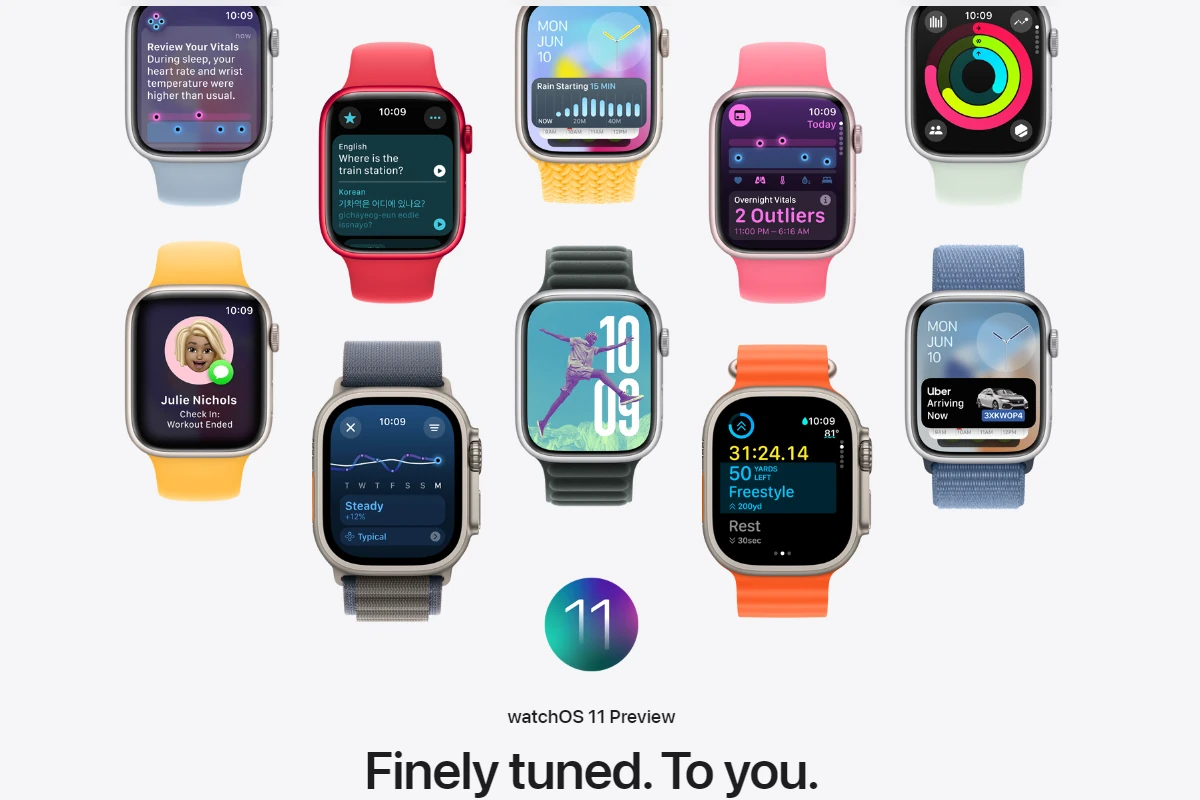
On February 11, 2026, Apple released watchOS 26.3, the latest update for Apple Watch Series 6 and later. While this isn’t a major feature upgrade, it’s an important maintenance release focused on security enhancements, bug fixes, and overall system stability.
If you own a compatible Apple Watch, here’s what watchOS 26.3 includes — and how to fix common issues after installing it.
⌚ What Is watchOS 26.3?
watchOS 26.3 is a point update to watchOS 26, Apple’s current operating system for Apple Watch. It’s available for:
- Apple Watch Series 6
- Apple Watch Series 7
- Apple Watch Series 8
- Apple Watch Series 9
- Apple Watch Ultra (all models)
- Newer supported models
This release focuses primarily on strengthening security and improving reliability rather than introducing new features.
🔐 What’s New in watchOS 26.3?
1. Security Improvements
The most important part of this update is a collection of security patches addressing:
- Kernel-level vulnerabilities
- Bluetooth stack weaknesses
- Memory handling issues
- App sandbox protections
These fixes help prevent potential exploits that could compromise your device or data, especially in wireless communications.
2. Bluetooth and Connectivity Fixes
Some users had previously reported occasional:
- Bluetooth dropouts
- Delays in syncing with iPhone
- Issues with AirPods or third-party accessories
watchOS 26.3 includes under-the-hood improvements aimed at making connections more stable and responsive.
3. Performance and Stability Enhancements
This update may improve:
- App launch speed
- Workout tracking consistency
- Notification reliability
- Overall system smoothness
As usual with point releases, many of the improvements happen behind the scenes.
⚠️ Common Problems After Updating (And How To Fix Them)
Although most updates install without issue, here are common problems and their solutions.
🔋 Battery Draining Faster
It’s normal for battery life to fluctuate briefly after an update.
✅ Fix:
- Restart both your Apple Watch and iPhone
- Give it 24–48 hours to stabilize
- Check for apps using excessive background activity
- Remove unused third-party watch apps
- Unpair and re-pair the watch if battery drain continues
📶 Watch Not Syncing With iPhone
✅ Fix:
- Ensure both devices have Bluetooth enabled
- Turn Airplane Mode on and off on both devices
- Restart both devices
- Check that both are updated to compatible versions
- Unpair and re-pair the Apple Watch if necessary
🐢 Watch Running Slow
✅ Fix:
- Restart the Apple Watch
- Remove rarely used apps
- Ensure storage isn’t full (Watch app > General > Storage)
- Unpair and set up as new if performance remains sluggish
🏃 Workout or Health Tracking Issues
If activity rings or workout metrics seem off:
✅ Fix:
- Restart both devices
- Check location services (iPhone > Settings > Privacy & Security > Location Services)
- Calibrate your Apple Watch by doing a 20-minute outdoor walk
- Ensure wrist detection is enabled
🔄 Update Won’t Install
✅ Try:
- Ensure watch battery is at least 50%
- Place watch on charger
- Keep iPhone nearby
- Restart both devices
- Ensure strong Wi‑Fi connection
- Free up storage if needed
If installation fails repeatedly, unpair the watch and pair it again to force a clean install.
✅ Should You Install watchOS 26.3?
Yes.
Even without new features, watchOS 26.3 delivers important security patches and stability improvements. Because Apple Watch handles personal data like health metrics and notifications, keeping it updated is strongly recommended.
Unless you rely on enterprise software that requires version testing, most users should update as soon as possible.
📌 How To Install watchOS 26.3
Using iPhone:
- Open the Watch app
- Tap General
- Tap Software Update
- Tap Download and Install
Requirements:
- Watch must be on its charger
- Battery at least 50%
- iPhone connected to Wi‑Fi
- Devices within range
You can also update directly on the watch via: Settings > General > Software Update
Final Thoughts
watchOS 26.3 may not bring flashy new features, but it plays a crucial role in keeping your Apple Watch secure, stable, and running smoothly. With important Bluetooth, kernel, and security fixes, it’s a recommended update for all supported models.
If you experience problems after installing it, most issues can be resolved with a restart or simple troubleshooting steps.