
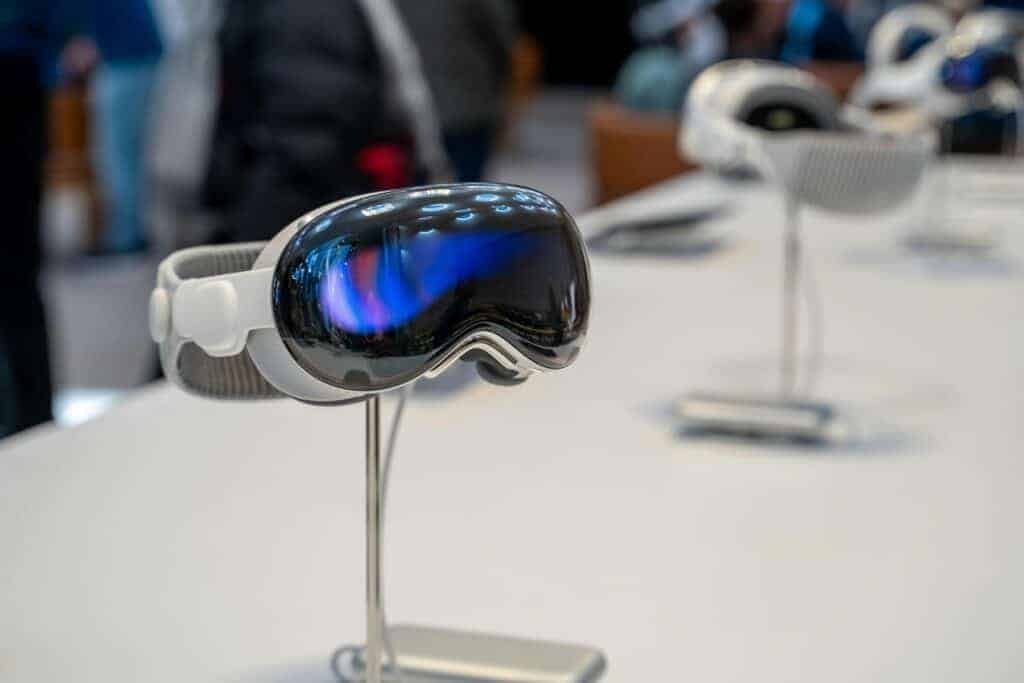
On February 11, 2026, Apple released visionOS 26.3, the latest software update for Apple Vision Pro. While this isn’t a major feature upgrade, it’s an important release focused on security patches, performance improvements, and overall system stability.
If you own an Apple Vision Pro, here’s what visionOS 26.3 includes — and what to do if you run into issues after installing it.
🥽 What Is visionOS 26.3?
visionOS 26.3 is a mid-cycle update to Apple’s spatial computing operating system. It’s available for:
- Apple Vision Pro (all models)
Unlike major annual updates that introduce new capabilities, version 26.3 is primarily a maintenance and security update designed to refine the experience and improve protection against vulnerabilities.
🔐 What’s New in visionOS 26.3?
1. Important Security Fixes
The most significant changes in visionOS 26.3 involve security patches affecting:
- WebKit (used in Safari and web-based apps)
- Rendering and graphics frameworks
- Kernel components
- App sandbox protections
- Memory handling systems
These updates address vulnerabilities that could potentially allow malicious web content or apps to execute unintended code or gain elevated privileges.
2. Improved Spatial App Stability
Users may notice improvements in:
- Spatial app launch reliability
- Window placement persistence
- Reduced crashes in immersive environments
- Better multitasking stability
Point updates often fine-tune how apps interact within the spatial computing environment.
3. Performance Enhancements
visionOS 26.3 includes under-the-hood optimizations that may result in:
- Smoother gesture tracking
- Improved eye-tracking responsiveness
- More consistent hand tracking
- Better thermal management during extended sessions
While Apple doesn’t always detail these changes, incremental performance gains are typical in updates like this.
4. Connectivity Improvements
Some refinements target:
- Bluetooth accessory reliability
- AirPlay stability
- iPhone and Mac integration
- Continuity features
These changes help ensure smoother interaction between Vision Pro and other Apple devices.
⚠️ Common Problems After Updating (And How To Fix Them)
Although most updates install without issue, here are some common problems users may encounter — and how to resolve them.
🔋 Battery Draining Faster
After an update, the system may re-index content and optimize apps.
✅ Fix:
- Restart the device
- Allow 24–48 hours for background processes to complete
- Close unused spatial apps
- Check for app updates in the App Store
If battery drain continues:
- Reset all settings (does not erase data)
🐢 Performance or Lag in Spatial Apps
✅ Fix:
- Restart Vision Pro
- Ensure you have sufficient free storage
- Update affected apps
- Remove unused apps
- Reboot once after initial post-update indexing finishes
🎮 Hand or Eye Tracking Issues
✅ Fix:
- Clean external sensors and cameras
- Restart the device
- Recalibrate tracking settings
- Ensure proper lighting conditions
- Remove and refit the headset for proper alignment
📶 Connectivity Problems (Wi‑Fi, Bluetooth, AirPlay)
✅ Fix:
- Restart Vision Pro
- Restart your router
- Toggle Bluetooth off and on
- Forget and reconnect to Wi‑Fi
- Reset Network Settings if needed
🔄 Update Won’t Install
✅ Try:
- Ensure stable Wi‑Fi connection
- Charge the battery sufficiently
- Restart the device
- Free up storage space
- Attempt installation again
If problems persist, use Recovery Mode to reinstall visionOS (this does not erase data unless you choose a full reset).
✅ Should You Install visionOS 26.3?
Yes.
visionOS 26.3 includes important security patches that protect against:
- Malicious web-based exploits
- App sandbox escapes
- Privilege escalation vulnerabilities
- System-level memory corruption issues
Because Vision Pro is deeply integrated with web content, cloud services, and other Apple devices, staying updated is essential.
📌 How To Install visionOS 26.3
- Open Settings
- Tap General
- Tap Software Update
- Select Download and Install
Before updating:
- Ensure strong Wi‑Fi connection
- Charge the device
- Back up important data if applicable
You can also enable automatic updates in Settings > General > Software Update > Automatic Updates.
Final Thoughts
visionOS 26.3 may not introduce headline-grabbing new features, but it strengthens your Apple Vision Pro where it matters most: security, stability, and performance.
For most users, installation is smooth and improvements happen quietly in the background. If you do encounter issues, they’re typically temporary and easily resolved with basic troubleshooting.





