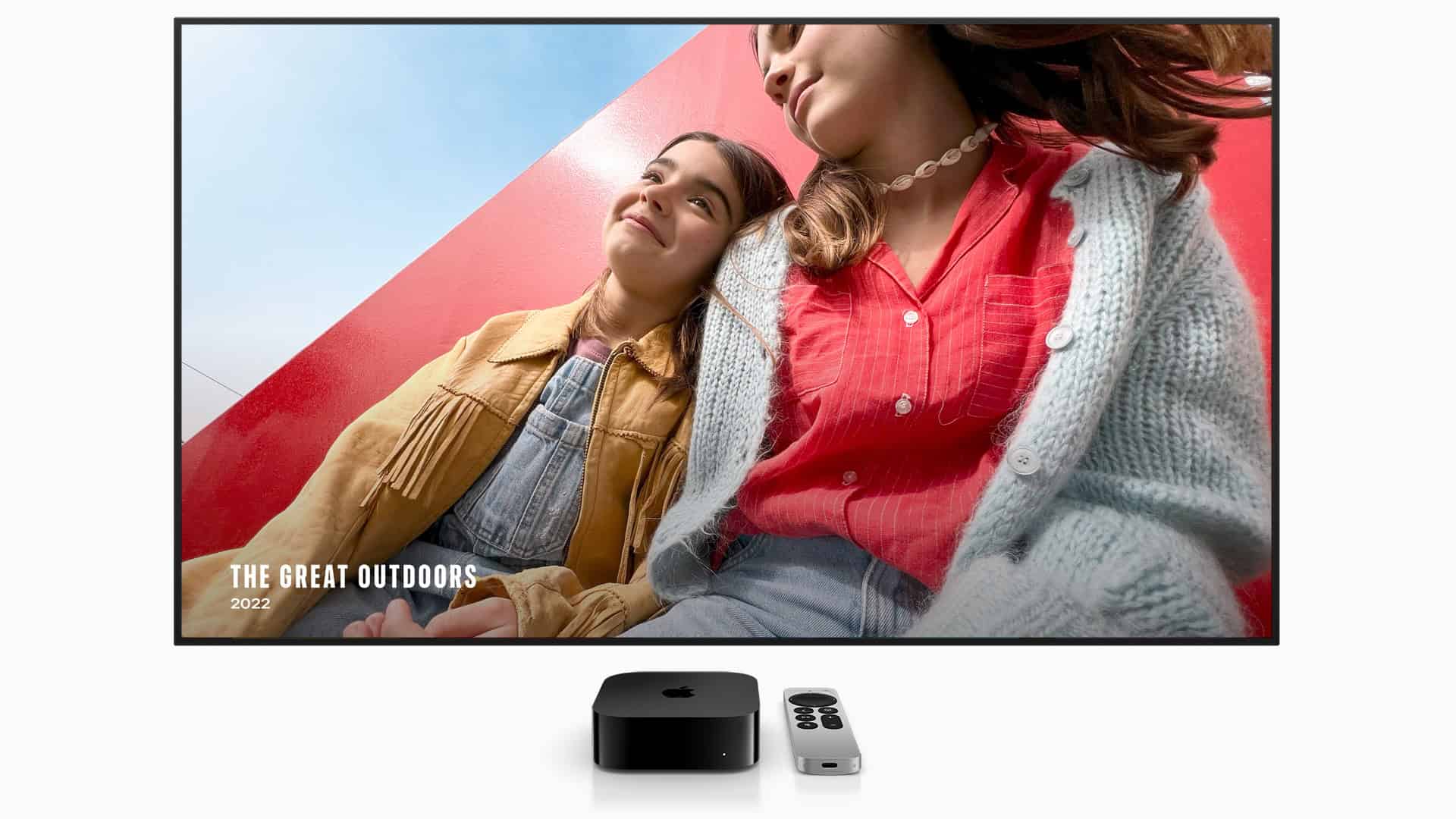
On February 11, 2026, Apple released tvOS 26.3, the latest update for Apple TV HD and Apple TV 4K models. While this isn’t a major feature update, it’s an important release that focuses on security improvements, system stability, and performance enhancements.
Here’s what tvOS 26.3 includes — and what to do if you run into problems after installing it.
📺 What Is tvOS 26.3?
tvOS 26.3 is a mid-cycle update to Apple’s tvOS 26 operating system. It’s available for:
- Apple TV HD
- Apple TV 4K (all generations)
Unlike big annual updates that introduce new features or interface changes, version 26.3 is primarily a maintenance and security update designed to improve reliability and protect your device.
🔐 What’s New in tvOS 26.3?
1. Important Security Fixes
The most significant changes in tvOS 26.3 are security-related. Apple patched vulnerabilities affecting:
- WebKit (used for web-based content and app rendering)
- Kernel components
- Media playback frameworks
- Memory handling and input validation systems
Some of these vulnerabilities could potentially allow malicious content to execute code or cause system instability. Installing the update ensures your Apple TV remains secure.
2. Improved Streaming Stability
Apple has made under-the-hood improvements that may result in:
- Fewer streaming interruptions
- Better buffering performance
- Improved app responsiveness
- More reliable AirPlay connections
While Apple doesn’t typically publish detailed performance notes for tvOS updates, stability tuning is common in point releases like this.
3. App Compatibility Updates
tvOS 26.3 includes system-level adjustments that help ensure:
- Continued compatibility with streaming apps
- Better background app behavior
- Improved integration with iOS 26 devices
⚠️ Common Problems After Updating (And How To Fix Them)
Most Apple TV updates install smoothly, but if you experience issues, here are the most common problems and solutions.
📡 Wi‑Fi Connection Issues
✅ Fix:
- Restart your Apple TV (Settings > System > Restart)
- Restart your router and modem
- Forget and reconnect to your Wi‑Fi network
- Move Apple TV closer to your router
- Switch to Ethernet if available
🐢 Streaming Apps Buffering or Freezing
✅ Fix:
- Force close the app (double-click TV button and swipe up)
- Restart Apple TV
- Check internet speed
- Update the app in the App Store
- Delete and reinstall the problematic app
🎮 Remote Not Responding
✅ Fix:
- Charge the Siri Remote
- Restart Apple TV
- Re-pair the remote:
- Hold Back (or Menu) + Volume Up for several seconds
- Move closer to Apple TV during pairing
If needed, you can use the Apple TV Remote in Control Center on your iPhone.
📺 Audio or Video Issues
If you notice no sound, flickering, or resolution problems:
✅ Fix:
- Restart Apple TV
- Check HDMI cable (try a different one)
- Make sure TV firmware is updated
- Go to Settings > Video and Audio and verify resolution settings
- Toggle Match Dynamic Range and Match Frame Rate off and on
🔄 Update Failed or Won’t Install
✅ Try:
- Ensure strong internet connection
- Restart Apple TV
- Free up storage by deleting unused apps
- Reset and Update:
- Settings > System > Reset > Reset and Update
Note: Resetting erases data, so use this as a last resort.
✅ Should You Install tvOS 26.3?
Yes.
Even if you haven’t noticed problems, tvOS 26.3 contains important security patches that protect against:
- Malicious web-based content
- Media framework vulnerabilities
- Potential system exploits
Security updates are especially important for internet-connected devices like streaming boxes.
📌 How To Install tvOS 26.3
- Open Settings
- Go to System
- Select Software Updates
- Choose Update Software
To enable automatic updates:
- Go to Settings > System > Software Updates
- Turn on Automatically Update
Final Thoughts
tvOS 26.3 may not bring visible new features, but it plays an important role in keeping your Apple TV secure, stable, and performing smoothly.
If you run into issues after updating, most problems can be resolved with a quick restart or simple troubleshooting steps.