
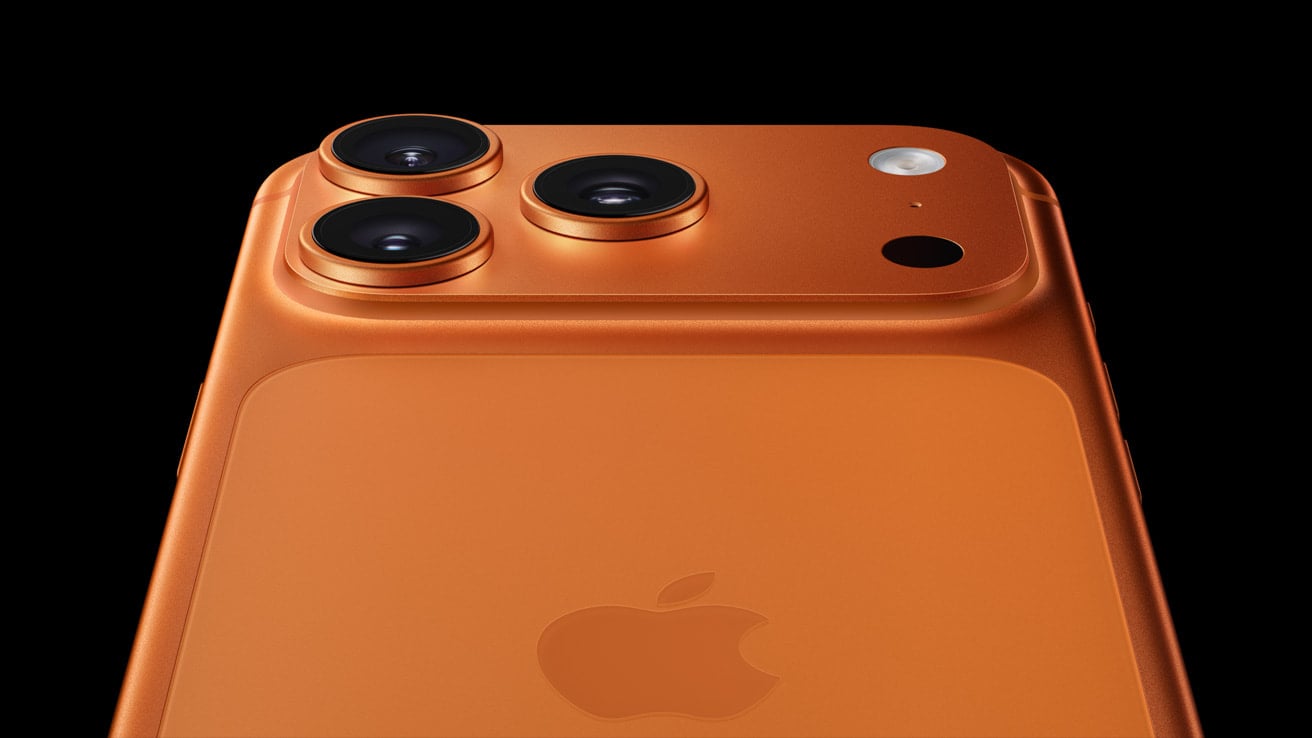
iPhone antennas play a crucial role in signal strength and call quality. Many users face issues with weak signals or dropped calls due to antenna problems. Fixing antenna issues can greatly improve your iPhone’s performance and connectivity.
Poor signal strength can stem from various factors, including physical damage to the antenna or software glitches. Simple steps like resetting network settings or updating iOS can often resolve these problems. In some cases, external antenna boosters may help enhance signal reception.
Understanding your iPhone’s signal strength is key to diagnosing antenna issues. The field test mode, accessed by dialing a specific code, provides detailed information about signal levels. This can help you pinpoint weak spots in your coverage area and take steps to improve reception.
iPhone Antenna: Latest Advancements in Signal Technology (2026)
Apple has steadily improved iPhone antenna performance over the years, moving from simple internal bands to highly engineered multi‑antenna systems designed for 5G, Wi‑Fi 7, satellite connectivity, and global band support.
Here’s a look at the latest advancements in iPhone antenna technology in 2026 and how they improve signal strength, speed, and reliability.
📡 Evolution of iPhone Antenna Technology
Early iPhones used simpler antenna bands integrated into the frame. Today’s models use:
- Multi‑antenna arrays
- Beamforming technology
- Smart antenna tuning
- mmWave 5G modules (in supported regions)
- Satellite communication antennas
Modern iPhones dynamically adjust antennas in real time based on how you’re holding the device and network conditions.
🚀 1. Advanced 5G Antenna Design
Recent iPhone generations (including iPhone 16 and iPhone 17 lineup) feature enhanced 5G antenna systems designed to:
- Support more global 5G bands
- Improve sub‑6 GHz coverage
- Enhance mmWave performance (in the U.S. and select markets)
- Reduce signal drop in congested areas
Industry reports indicate Apple has refined internal antenna placement and RF pathways in newer Pro models to improve reception consistency and reduce interference.
Improvements include:
- Better antenna isolation
- Optimized frame materials
- Smarter antenna switching between bands
These upgrades help improve call stability and data speeds in weak-signal environments.
🧠 2. Intelligent Antenna Tuning
Modern iPhones use dynamic antenna tuning, which means:
- The phone adjusts antenna impedance in real time
- It compensates for hand placement
- It reduces signal attenuation
This helps avoid issues like the historic “death grip” problem from early iPhone generations.
The system continuously monitors:
- Signal strength (RSSI)
- Network congestion
- Device orientation
It then switches to the best antenna path automatically.
🌍 3. Expanded Global Band Support
Newer iPhones support an unprecedented number of LTE and 5G bands.
Benefits include:
✅ Better international roaming
✅ Stronger rural coverage
✅ Compatibility with more carriers
✅ Improved carrier aggregation
Carrier aggregation allows the iPhone to combine multiple bands simultaneously for faster speeds and more stable performance.
📶 4. Wi‑Fi 6E and Wi‑Fi 7 Integration
Recent iPhones now support:
- Wi‑Fi 6E (6 GHz band)
- Wi‑Fi 7 (on newer Pro models)
These technologies rely on advanced antenna design for:
- Lower latency
- Higher throughput
- Reduced interference
- Better performance in crowded environments
Wi‑Fi 7 especially improves multi‑link operation (MLO), allowing devices to send and receive data across multiple frequency bands simultaneously.
🛰 5. Satellite Communication Antennas
Starting with iPhone 14, Apple introduced satellite connectivity. Newer models have refined this capability.
Satellite antenna advancements include:
- Custom RF components
- Directional guidance interface
- Improved low-band signal acquisition
- Emergency SOS and roadside assistance via satellite (in supported regions)
Satellite antennas are separate from cellular systems and require precise internal engineering due to space constraints.
🏗 6. Structural Design Improvements
Apple continues to modify internal architecture to improve RF performance.
Recent advancements include:
- Repositioned antenna lines
- Improved shielding from internal components
- Frame material optimization (titanium in Pro models)
- Better separation between camera modules and antenna pathways
These changes reduce interference and allow stronger signal transmission.
📊 Real-World Improvements Users Notice
Modern antenna upgrades translate into:
- Fewer dropped calls
- Faster 5G data speeds
- Better signal inside buildings
- More stable FaceTime and video calls
- Stronger performance in stadiums and dense areas
However, real-world performance still depends heavily on:
- Carrier infrastructure
- Network congestion
- Geographic location
- Building materials
🔬 Apple’s Custom Modem Future
Apple has been working toward integrating more of its own wireless silicon.
Benefits of deeper modem‑antenna integration may include:
- Improved power efficiency
- Better thermal management
- Smarter RF tuning
- More consistent signal behavior
As Apple continues vertical integration, tighter hardware‑software optimization is expected to further improve connectivity reliability.
📱 How to Maximize Your iPhone’s Signal Today
Even with advanced antenna tech, you can improve performance by:
✅ Keeping iOS updated
✅ Removing thick metal cases
✅ Resetting network settings if issues arise
✅ Enabling Wi‑Fi Calling in weak cellular areas
✅ Updating carrier settings
To check carrier settings: Settings → General → About
Final Thoughts
The iPhone antenna system in 2026 is more advanced than ever. With improvements in:
- Multi‑antenna arrays
- 5G and mmWave support
- Wi‑Fi 7 capability
- Satellite connectivity
- Real-time smart tuning
Apple has significantly enhanced signal reliability and global compatibility.
While no phone can overcome poor carrier infrastructure, modern iPhones are engineered to extract the best possible performance from available networks.
Key Takeaways
- Antenna issues can cause weak signals and dropped calls on iPhones
- Resetting network settings or updating iOS may fix many antenna problems
- Field test mode helps diagnose signal strength issues
Understanding iPhone Antenna and Signal Strength
iPhone antennas play a key role in cellular connectivity. They affect call quality, data speeds, and overall reception. Good signal strength is vital for smooth phone use.
Antenna Design and Function
iPhones use internal antennas to send and receive signals. These antennas are built into the phone’s frame. They work with different cellular bands like 4G and 5G. The design aims to balance looks and function.
Antennas catch radio waves from cell towers. They turn these waves into data your phone can use. The strength of this signal affects how well your iPhone works.
Common Issues Affecting Signal Strength
Many factors can weaken iPhone signals. Distance from cell towers is a big one. Buildings, trees, and hills can block signals too.
Network congestion slows things down. This happens when too many people use the same tower. Weather can also play a part. Heavy rain or snow might reduce signal quality.
Phone cases can sometimes block signals. Metal cases are the worst offenders. Software glitches may also cause weak signals.
Strategies to Boost Signal
Try these tips to improve your iPhone’s signal:
- Reset network settings
- Update iOS
- Toggle Airplane mode on and off
- Move to a window or open area
Wi-Fi calling helps in weak signal areas. It routes calls through Wi-Fi instead of cell towers.
Field Test Mode shows exact signal strength. To access it dial 3001#12345# on your iPhone. This can help find the best spot for reception.
Signal boosters can help in dead zones. They amplify weak signals inside buildings. Check carrier guidelines before buying one.
Frequently Asked Questions
iPhone antenna issues can affect signal strength and overall performance. Users often seek ways to improve reception and maintain their device’s antenna system.
How can the signal strength be improved on an iPhone?
To boost signal strength, try these tips:
- Update iOS to the latest version.
- Toggle Airplane Mode on and off.
- Restart your iPhone.
- Check for carrier settings updates.
- Reset network settings if problems persist.
These steps often resolve common signal issues without needing repairs.
What are the options for replacing a damaged iPhone antenna?
Damaged antennas usually require professional repair. Options include:
- Apple Store or authorized service provider repair.
- Third-party repair shops (may void warranty).
- DIY repair kits (for tech-savvy users).
Professional repair is often the safest choice to ensure proper function.
Where is the antenna located in the latest iPhone models?
Recent iPhones have multiple antennas around the device edges. They’re typically found:
- Along the metal frame.
- Near the top and bottom edges.
- Integrated into the side buttons.
This design improves reception and supports various wireless technologies.
What are the best practices for maintaining iPhone antenna integrity?
To keep your iPhone’s antenna in top shape:
- Use Apple-approved cases.
- Avoid dropping or damaging the phone’s edges.
- Keep the device clean and dry.
- Don’t block antenna areas when holding the phone.
These habits help maintain signal quality and prevent damage.
Are external antennas compatible with iPhone devices?
iPhones don’t support direct external antenna connections. However, some options exist:
- Signal boosters for cars or buildings.
- Passive antenna stickers (effectiveness varies).
- Wi-Fi calling features to bypass cellular issues.
These alternatives can help in areas with weak signals.
In terms of efficiency, how do iPhone antennas compare to external signal boosters?
iPhone antennas are optimized for size and power efficiency. External boosters offer:
- Stronger amplification in weak signal areas.
- Wider coverage range.
- Higher power consumption.
iPhone antennas work best for normal use. Boosters excel in remote locations.





