iOS
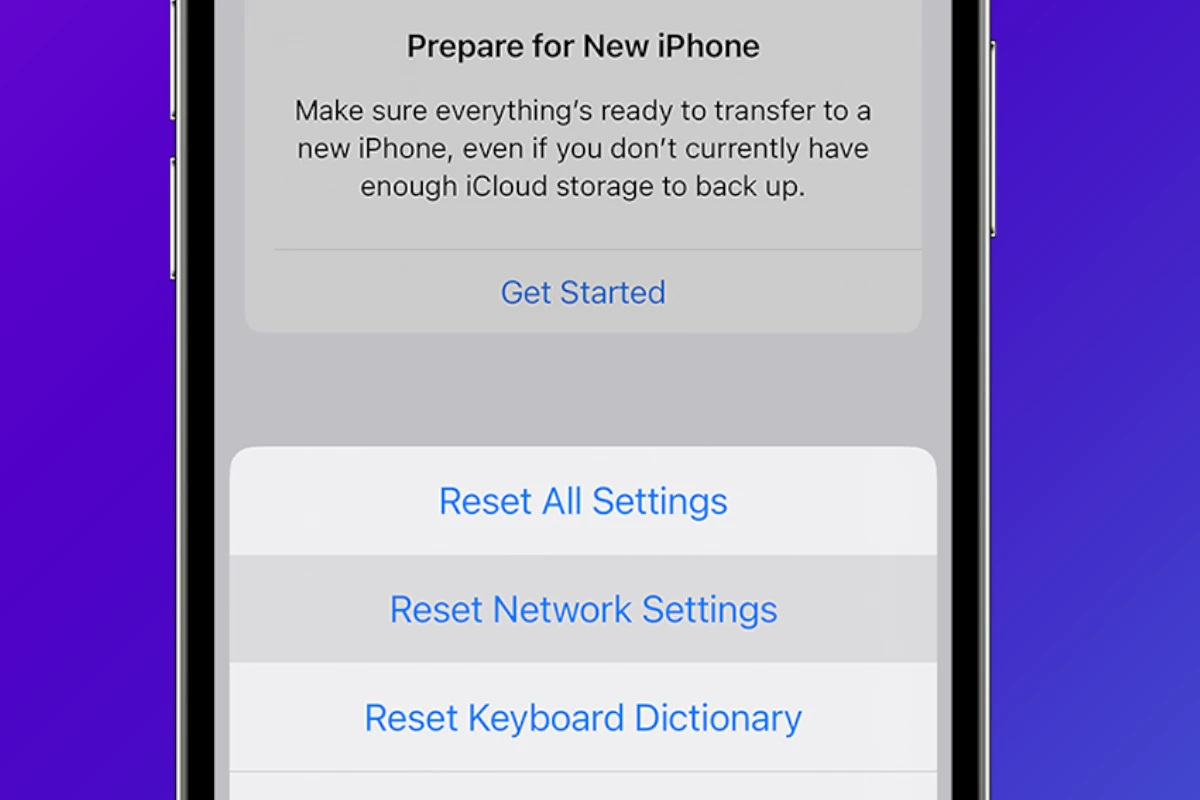
How to Reset Your iPhone’s Network Settings
Resetting an iPhone’s network settings can often fix connectivity issues. This process clears saved Wi-Fi networks and passwords, cellular settings, and ...
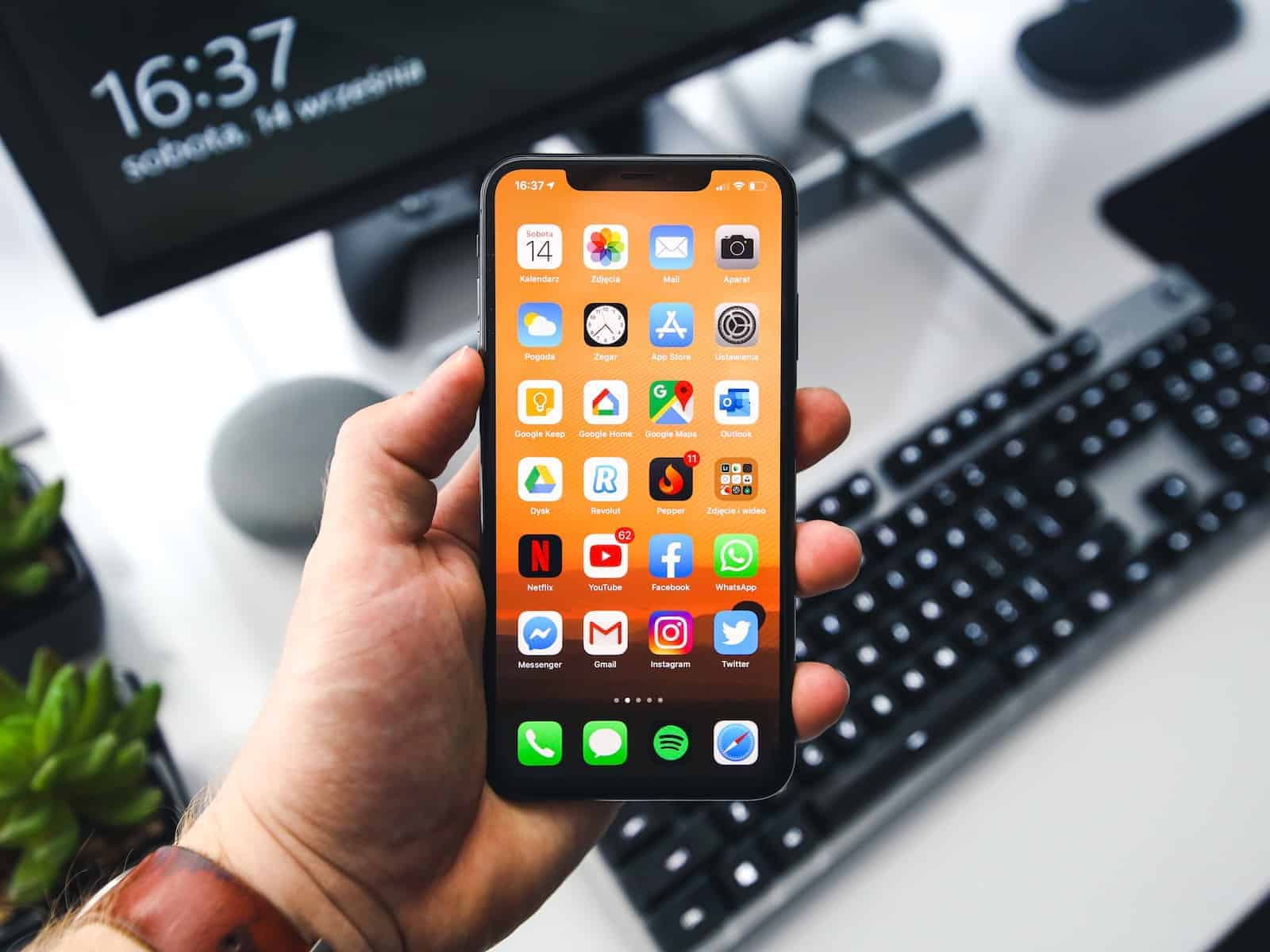
How to Check Recent Activity on Your iPhone
Understanding how to navigate and check your iPhone’s recent activity can be incredibly useful. Whether it’s to monitor your screen ...
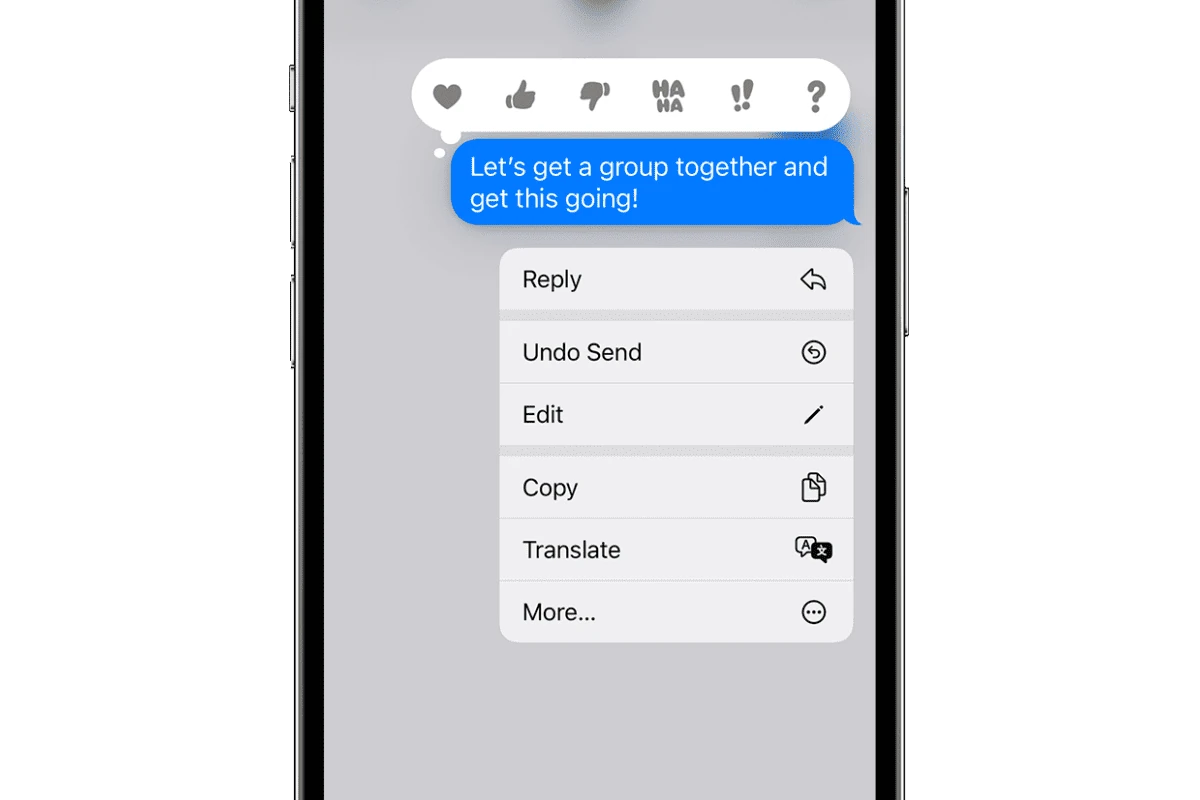
Unsend a Text on Your iPhone: Message Recall
Accidentally sent a message you wish you hadn’t? With the introduction of iOS 16, iPhone users have been given a ...
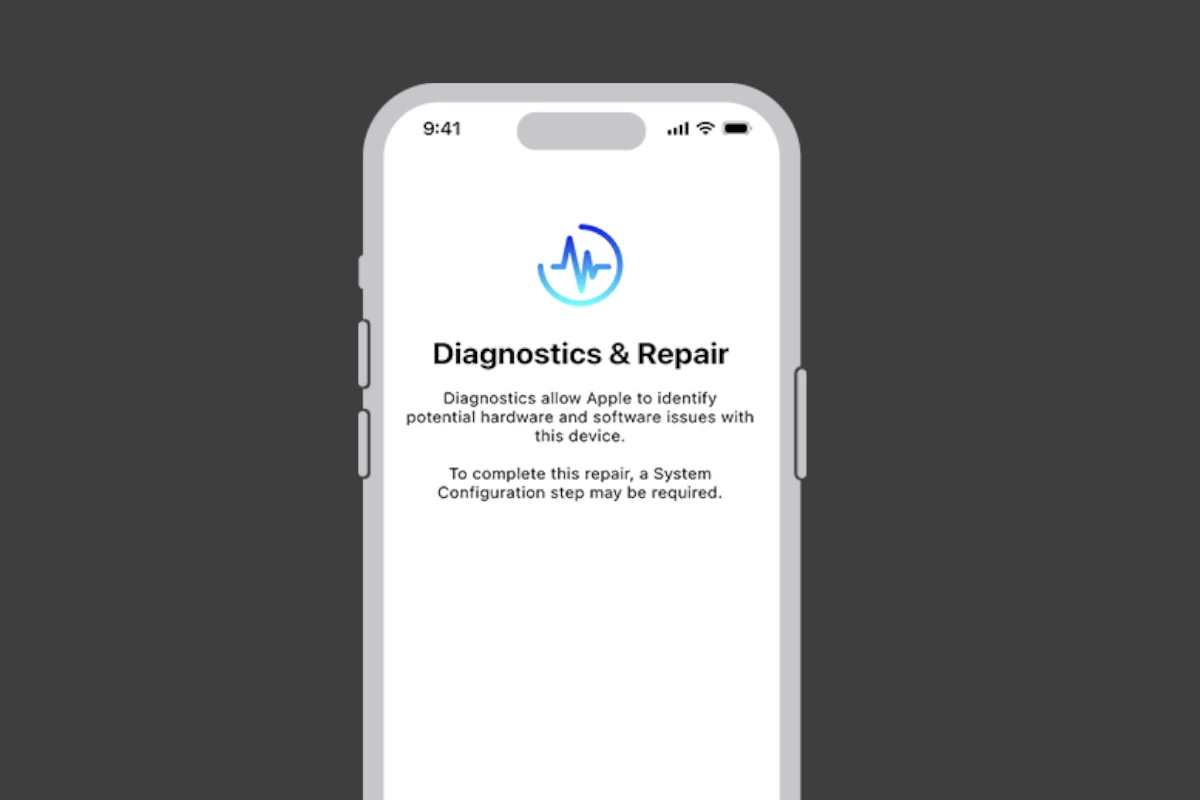
iPhone Diagnostic Mode and Testing
iPhones do not have a built-in diagnostic tool like some Android devices. However, Apple provides a remote diagnostic tool through ...

Making A Safe Environment On Siri For Kids: Parental Controls
Siri can be a fun and educational tool for kids when used responsibly and with appropriate parental supervision. By setting ...
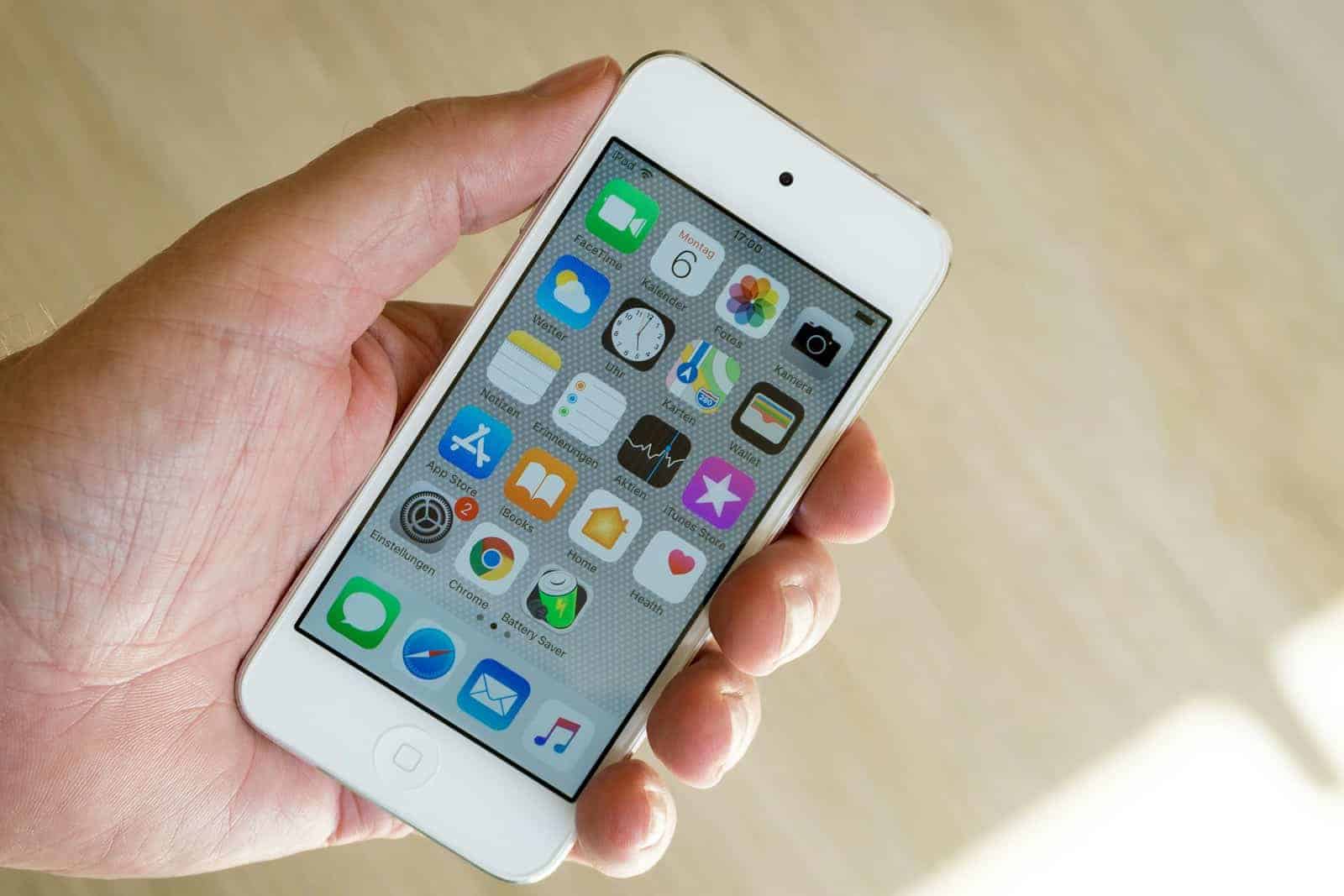
Can You Update iPhone 6 to iOS 15? No, But You Can For The 6s
Unfortunately, if you have an iPhone 6 and want to update to iOS 15, you won’t be able to. iOS ...
iOS 18 Introducing New Home Screen Features, App Organization
Great news is coming for iPhone users! When iOS 18 launches it will introduce new home screen features that will ...

How to Take a Selfie Just with Your Voice
If you own a smartphone like an iPhone or Android you can use voice commands to take a selfie, thanks ...
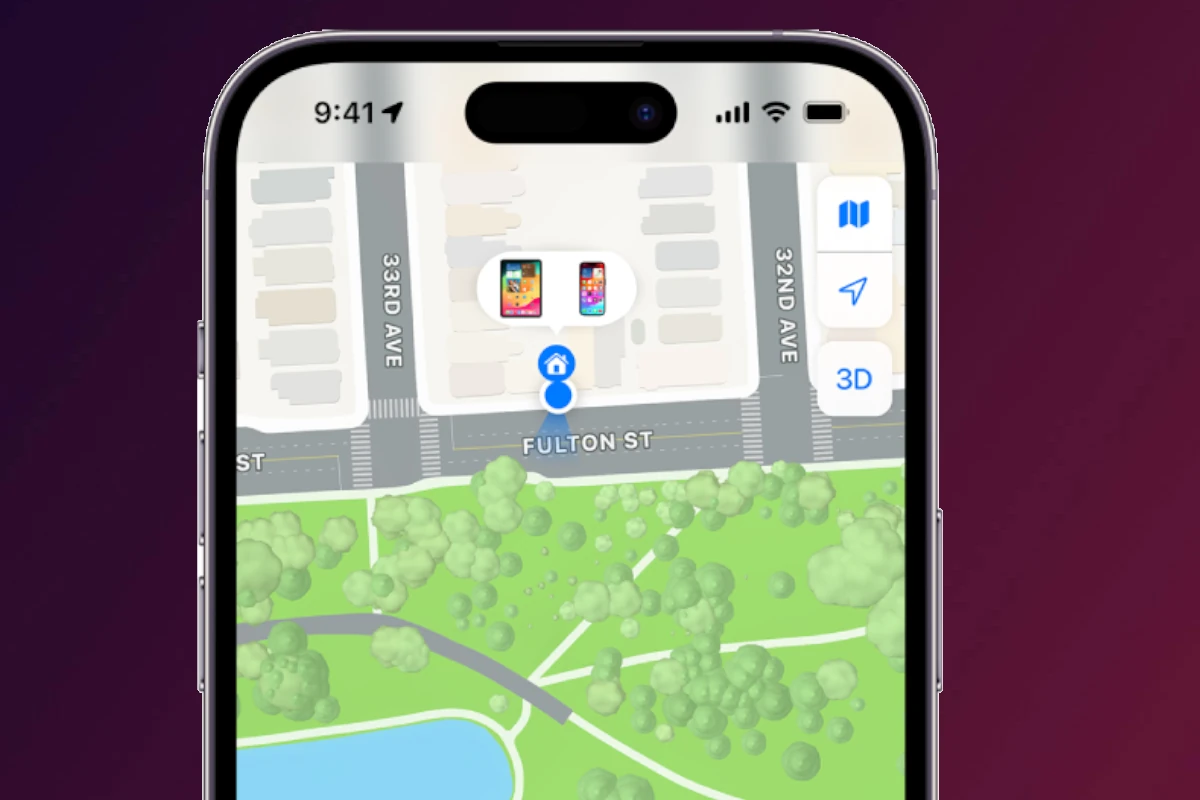
Temporarily Hide Your Location on Find My iPhone
Have you ever wondered how to keep your whereabouts a secret while using Find My iPhone? Whether it’s planning a ...

How To Hide Your Phone Number On iPhone
To hide your phone number on an iPhone, you can turn off caller ID or dial *67 before the number ...