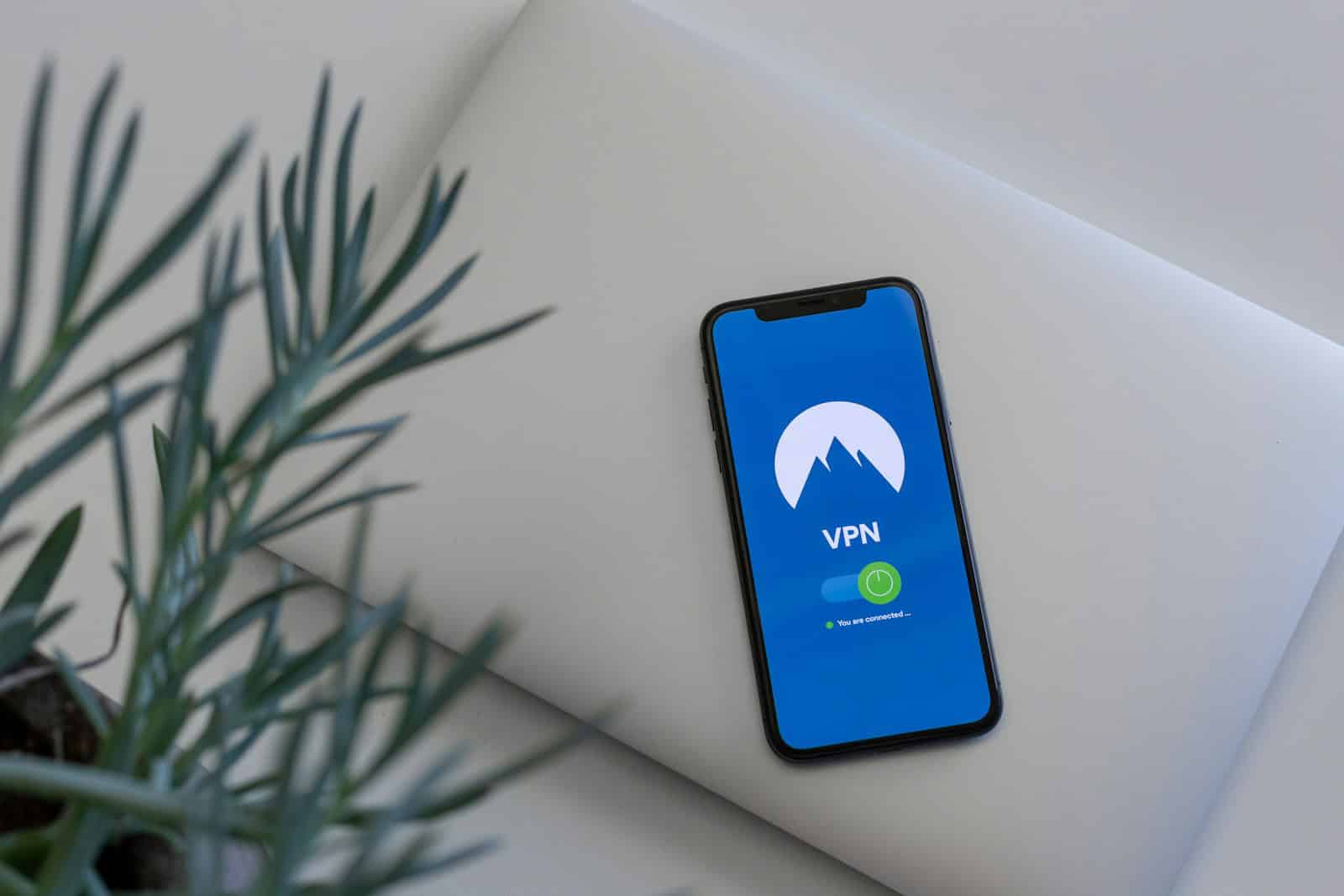
Using a VPN on your iPhone is one of the simplest and most effective ways to protect your privacy, secure your data, and access content safely online. Whether you’re browsing at home, using public Wi‑Fi, or traveling abroad, a VPN adds an important layer of protection.
This guide explains what a VPN is, why you need one on your iPhone, how it works, and how to choose the right service.
What Is a VPN?
A VPN (Virtual Private Network) is a service that encrypts your internet connection and routes your traffic through a secure server. Instead of your data traveling openly across the internet, it’s protected and masked.
When you use a VPN on your iPhone:
- Your internet traffic is encrypted.
- Your real IP address is hidden.
- Your data is protected from hackers and trackers.
- Your online activity becomes more private.
Why Use a VPN on iPhone?
Many people assume iPhones are automatically secure. While Apple provides strong built-in security, a VPN protects your internet connection specifically.
1. Protect Public Wi‑Fi Connections
Public Wi‑Fi in cafes, airports, and hotels can be risky. Hackers may attempt to intercept unencrypted traffic.
A VPN:
- Encrypts your data
- Prevents Wi‑Fi snooping
- Secures sensitive activity like banking or email
2. Improve Online Privacy
Your internet service provider (ISP), advertisers, and websites can track your IP address and browsing activity.
A VPN:
- Masks your IP address
- Reduces tracking
- Helps limit targeted ads
3. Access Geo‑Restricted Content
Some streaming services and websites restrict content based on location.
With a VPN, you can:
- Connect to servers in different countries
- Access region-specific content
- Bypass certain content restrictions (where legally permitted)
4. Avoid Bandwidth Throttling
Some ISPs slow down streaming or gaming traffic.
A VPN may help reduce throttling by hiding your activity type from your ISP.
How Does a VPN Work on iPhone?
When you activate a VPN:
- Your iPhone connects to a secure VPN server.
- All internet traffic is encrypted.
- Your IP address changes to the VPN server’s location.
- Websites see the VPN’s IP address instead of yours.
Most modern VPN apps for iPhone make this process automatic with one tap.
How to Set Up a VPN on iPhone
Method 1: Use a VPN App (Recommended)
- Download a trusted VPN app from the App Store.
- Create an account.
- Log in and select a server location.
- Tap “Connect.”
- Approve the VPN configuration when prompted.
You’ll see a VPN icon at the top of your screen when connected.
Method 2: Manual Configuration
Advanced users can configure a VPN manually:
- Go to Settings
- Tap General
- Select VPN & Device Management
- Tap Add VPN Configuration
- Enter server details provided by your VPN provider
This method is usually unnecessary unless required by a workplace or school.
What to Look for in an iPhone VPN
Not all VPNs are equal. When choosing one, consider:
✅ Strong Encryption
Look for AES‑256 encryption or modern protocols like WireGuard.
✅ No‑Logs Policy
Choose providers that don’t store your browsing activity.
✅ Fast Speeds
Important for streaming, gaming, and video calls.
✅ Large Server Network
More server locations provide better flexibility.
✅ iOS Compatibility
Ensure the app is optimized for iPhone and regularly updated.
✅ Kill Switch
Automatically disconnects internet if the VPN drops.
Free vs. Paid VPNs for iPhone
Free VPNs
Pros:
- No upfront cost
Cons:
- Data limits
- Slower speeds
- Fewer server locations
- Possible data logging
Paid VPNs
Pros:
- Better security
- Faster performance
- Unlimited data
- More server options
For regular use, a reputable paid VPN is usually the safer choice.
Does a VPN Drain iPhone Battery?
A VPN uses some additional battery power because it encrypts traffic continuously. However, most modern VPN apps are optimized for minimal battery impact.
You may notice slightly higher battery usage during extended sessions.
Is It Legal to Use a VPN on iPhone?
In most countries, using a VPN is legal. However:
- Some countries restrict VPN usage.
- Using a VPN for illegal activities remains illegal.
- Always follow local laws and platform terms of service.
When Should You Turn On Your VPN?
It’s a good idea to use a VPN:
- On public Wi‑Fi
- When accessing sensitive accounts
- While traveling
- When streaming geo-restricted content
- If you value privacy
Some users keep their VPN on at all times for continuous protection.
Final Thoughts
A VPN for iPhone adds an extra layer of security and privacy to your digital life. While iPhones are already secure devices, a VPN protects your internet connection—especially on public networks.
To summarize:
- A VPN encrypts your data.
- It hides your IP address.
- It protects against hackers and tracking.
- It helps access region-specific content.
Choosing a reliable VPN and using it wisely can significantly improve your online safety and privacy.
In today’s connected world, a VPN isn’t just a tech tool—it’s an essential part of responsible mobile security.
VPN for iPhone Meaning
A VPN, or virtual private network, on an iPhone serves as a tool for security and privacy. By directing internet traffic through encrypted servers, it helps to mask the user’s actual IP address. This encrypted tunnel keeps the user’s data safe from those who might try to snoop, including hackers and intrusive advertisers. It allows iPhone users to maintain their privacy and access content with geographic restrictions. Through a VPN, users on iOS can ensure that their online activities are not being tracked, giving them a safer browsing experience.
Choosing the right VPN for an iPhone hinges on several important considerations. It should offer a seamless connection, strong encryption, and a no-logs policy to ensure private information remains confidential. Users want a VPN that’s quick to set up and easy to use, providing a safeguard for everyday online tasks like banking, shopping, or simple web browsing. A reliable VPN for iOS not only boosts security but also grants the freedom to access a broader range of online material without geographical limitations.
Key Takeaways
- VPNs enhance privacy and security for iPhone users by encrypting their internet connection.
- An effective iPhone VPN is user-friendly and maintains a strong policy to protect user data.
- Selecting a suitable VPN ensures increased online freedom and protection from data theft.
Understanding VPNs on iPhones
When using an iPhone, a VPN adds a layer of privacy and security to everyday internet use. This section explores the essentials of VPNs for iPhone users.
What is a VPN?
A virtual private network, or VPN, is a service that secures internet traffic. Information from an iPhone is encrypted before it travels across the internet. This hides the IP address and protects data.
Benefits of Using a VPN on an iPhone
Using a VPN on an iPhone has several advantages:
- Privacy: Masks browsing activity from others on the same network.
- Security: Encrypts data to fend off unauthorized access.
- Access: Allows entry to geo-restricted content, such as streaming services.
How VPNs Enhance Privacy and Security
VPNs enhance privacy and security on iPhones by:
- Encrypting internet traffic: This makes it hard for others to intercept or read data.
- Hiding the IP address: Helps to keep location information private.
The encryption process makes sure that sensitive activities, like shopping or banking, remain secure and private.
Selecting the Right VPN for Your iPhone
When looking for a reliable VPN for your iPhone, key factors include performance, ease of use, and security features. A good selection ensures privacy and fast connection speeds without compromising your budget.
Comparison of VPN Providers
The App Store offers various VPN providers. ExpressVPN and NordVPN are often rated high due to their speeds and security. Free VPNs might appeal to budget-conscious users, but they may lack in performance and security. It’s wise to compare the providers based on your specific needs like speed, price, and reliability.
Important Features to Consider
Performance: Speed is crucial. A VPN should not slow down your browsing.
Security: Look for a no-logs policy and features like a kill switch.
Cost: VPNs come with different pricing, including subscriptions. Balance cost with the features offered.
Ease of Use: The iOS app should offer a straightforward setup process.
VPN Protocol: Options like L2TP, IKEv2, and others impact security and speed. Consider VPNs offering a variety of protocols.
Setting Up a VPN on iOS
To configure a VPN on an iPhone,
- Choose a VPN app from the App Store.
- Install it.
- Open the app and follow the setup instructions.
In the iPhone’s settings, you may also manually enter VPN configuration details if required by your VPN provider. Always ensure the settings match the protocols your VPN service uses.