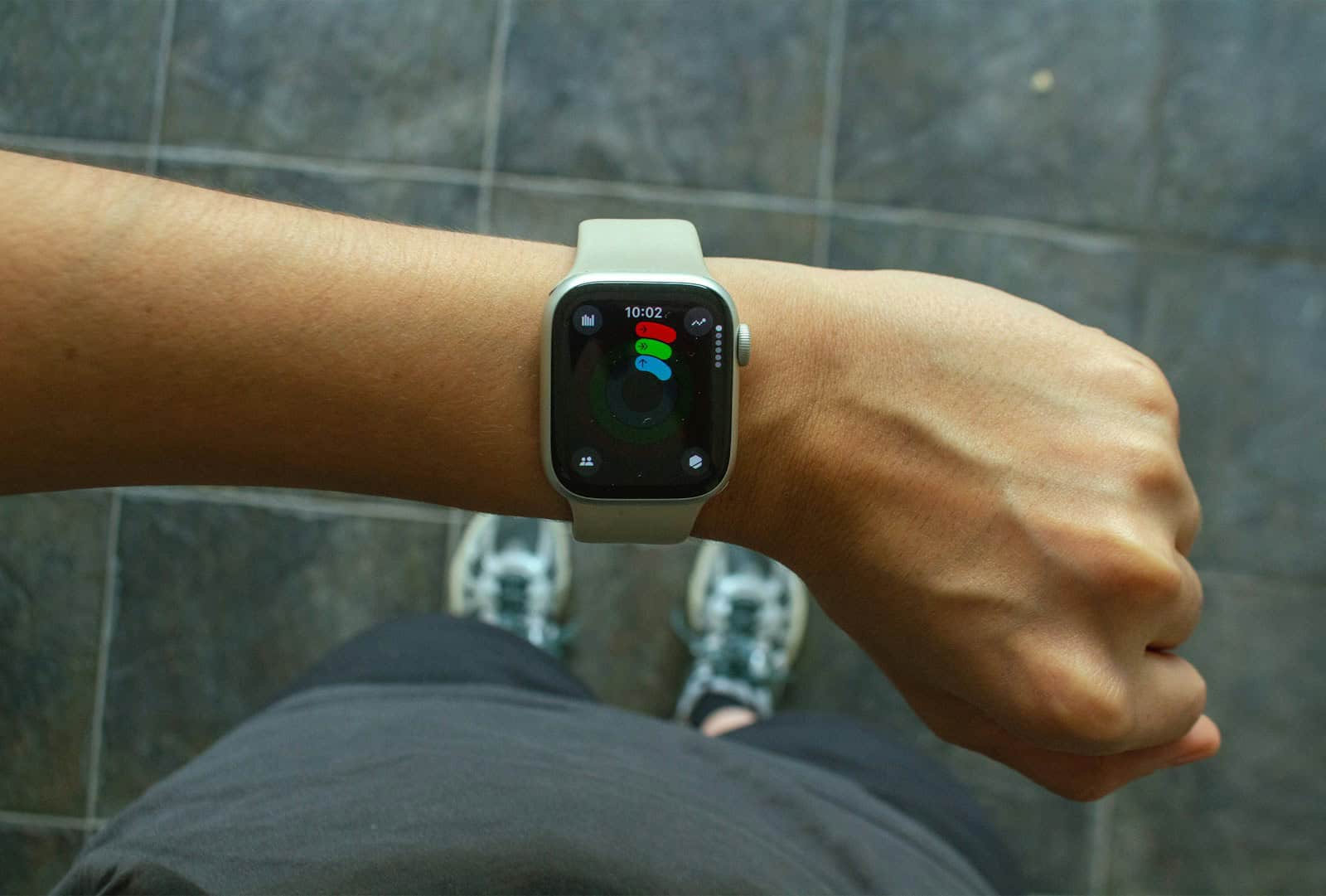
Deciding whether to upgrade an Apple Watch is not always straightforward. Consumers should assess their current device’s performance and feature set against the latest model’s offerings. If the new Apple Watch introduces significantly advanced technology that aligns with the user’s needs, then upgrading makes sense. However, if the changes are marginal and the current watch performs adequately, it may be wiser to hold off.
Owners of older Apple Watch models may find the enhancements in the newer series enticing. Improvements like faster processors, better health tracking capabilities, and longer battery life are common reasons to consider an upgrade. On the other hand, those with more recent models like the Series 8 or Ultra might not find enough innovation in the Series 9 to justify the expense.
Before making any purchase, potential buyers should take into account the trade-in value of their current device and the cost of the new model. Apple’s trade-in program could reduce the financial impact, but careful evaluation is still essential to make a cost-effective decision.
Should I Upgrade My Apple Watch? A Practical Guide
With new Apple Watch models released regularly, it’s natural to wonder whether upgrading is worth it. Apple Watch improvements tend to be incremental, not revolutionary, so the right choice depends on your current model, how you use it, and what you’re missing.
This guide will help you decide if upgrading your Apple Watch makes sense—or if you’re better off sticking with what you have.
First, What Apple Watch Do You Have?
Your current model is the biggest factor.
Series 3 and Older
If you’re still using a very old Apple Watch:
- Performance is noticeably slower
- Software support is limited or ending
- Battery health is likely degraded
✅ Upgrading is strongly recommended.
Series 4, 5, or SE (1st Gen)
These models are still usable but show their age.
Consider upgrading if:
- Battery doesn’t last a full day
- You want newer health features
- You notice lag or slow app loading
✅ Upgrade if you value performance and health tracking.
Series 6, 7, or SE (2nd Gen)
These are still modern devices.
You may not need to upgrade unless:
- A specific new feature matters to you
- Battery health is poor
- You want a bigger or brighter display
⚠️ Upgrading is optional, not essential.
Series 8, 9, or Ultra Models
If you own a recent Apple Watch:
- Performance is excellent
- Health and safety features are up to date
- Software support is guaranteed for years
❌ Upgrading is usually unnecessary.
What’s New in Recent Apple Watch Models?
Before upgrading, check whether newer features actually matter to you.
Health and Safety Improvements
Recent models offer:
- Advanced heart health notifications
- Blood oxygen monitoring
- Temperature sensing (cycle tracking)
- Crash Detection
- Improved fall detection
If health tracking is a priority, newer models can offer real benefits.
Performance and Display
Newer Apple Watches include:
- Faster chips for smoother performance
- Always‑On displays
- Larger, brighter screens
- Thinner bezels
These upgrades improve everyday usability but may not change how you use the watch.
Battery Life
Most standard Apple Watch models still offer about 18 hours of battery life.
If you want:
- Multi‑day battery life
- Extreme outdoor tracking
The Apple Watch Ultra may be a worthwhile upgrade.
Reasons You Should Upgrade
Upgrading makes sense if:
- Your battery struggles to last a full day
- Your watch no longer receives software updates
- You want advanced health or safety features
- Performance feels slow or unreliable
- You’re switching to a new iPhone and want better compatibility
Reasons You Shouldn’t Upgrade Yet
You can safely wait if:
- Your watch works smoothly
- Battery life still meets your needs
- New features don’t affect your daily routine
- You mainly use it for notifications and fitness basics
Apple Watches are designed to last several years, and skipping a generation or two is often the smart move.
Alternative: Battery Replacement or Trade‑In
Before buying new, consider:
- Battery replacement if performance is fine but battery life isn’t
- Apple trade‑in programs to reduce upgrade costs
- Refurbished models for better value
These options can extend the life of your current watch or make upgrading more affordable.
Which Apple Watch Should You Upgrade To?
- Apple Watch SE – Best value for everyday users
- Apple Watch Series (latest) – Best balance of features and price
- Apple Watch Ultra – Best for athletes, adventurers, and long battery life
Choose based on how you actually use your watch—not just what’s new.
Final Verdict
You should upgrade your Apple Watch if your current one feels slow, struggles with battery life, or lacks features that matter to your health, safety, or lifestyle. If it still works well and meets your needs, there’s no urgency—waiting another year can be the smarter move.
The best upgrade isn’t always the newest model—it’s the one that genuinely improves how you use your Apple Watch every day.
Key Takeaways
- Assess an Apple Watch’s current performance against new features.
- Upgrades may be valuable for owners of significantly older models.
- Consider trade-in values and costs before purchasing.
Evaluating the Need for an Upgrade
When deciding if an upgrade is right for you, consider the changes in features, health capabilities, and compatibility.
Comparing Features Across Models
The Apple Watch Series 9 offers a faster processor and a slightly larger, brighter display compared to the Series 7 and 8. It has the same design with an always-on display making it easy to see the time without raising your wrist. Battery life remains consistent across these models, giving users a full day of use before needing a charge. The Series 9 also runs on the latest watchOS, enhancing its UI and overall interaction.
Assessing Health and Fitness Capabilities
Newer models come with advanced health tracking. This includes heart rate notifications, an ECG app, and crash detection, a new addition with the Series 8 and 9. Sleep tracking and cycle tracking also continue to improve. These watches support a healthy lifestyle with fitness tracking and are beneficial for those who rely on detailed health data.
Understanding Compatibility and Software
All recent Apple Watch models require an iPhone to pair with. They run on watchOS, but the Series 9 benefits from the latest version, providing a smoother experience and access to the newest apps. It is important to check compatibility with your current iPhone, as older phones may not support the latest watchOS. This can be crucial for receiving the full range of features the watch offers.
Considerations Before Making a Purchase
When deciding to buy an Apple Watch, it is crucial to weigh the cost against the benefits, check out design and material options, and consider other smartwatches in the market.
Assessing Cost Against Benefits
Before purchasing an Apple Watch, consider the price and what features you’re getting. Apple’s trade-in program may offer a discount for your old device, which can help with the cost. The latest models might have improvements in specs like a faster chip or better water and dust resistance. Think about whether these advancements are worth the upgrade for you.
Examining Design and Material Choices
Apple Watches come in various colors, such as midnight, starlight, silver, gold, graphite, and product red. You can choose bands that best suit your style. The case size, weight, and materials like aluminum or stainless steel affect not only the look but also the durability. Remember to check for the compatibility of bands with the case size you choose.
Looking at Market Alternatives
It’s wise to look at other smartwatches besides Apple, like those from Samsung. Compare their features, including battery life, storage, and technology such as health apps and gesture control. Some may offer a qwerty keyboard, precision finding, or exclusive features like blood oxygen apps. Considering these alternatives can give you a better idea of the smartwatch that fits your needs.