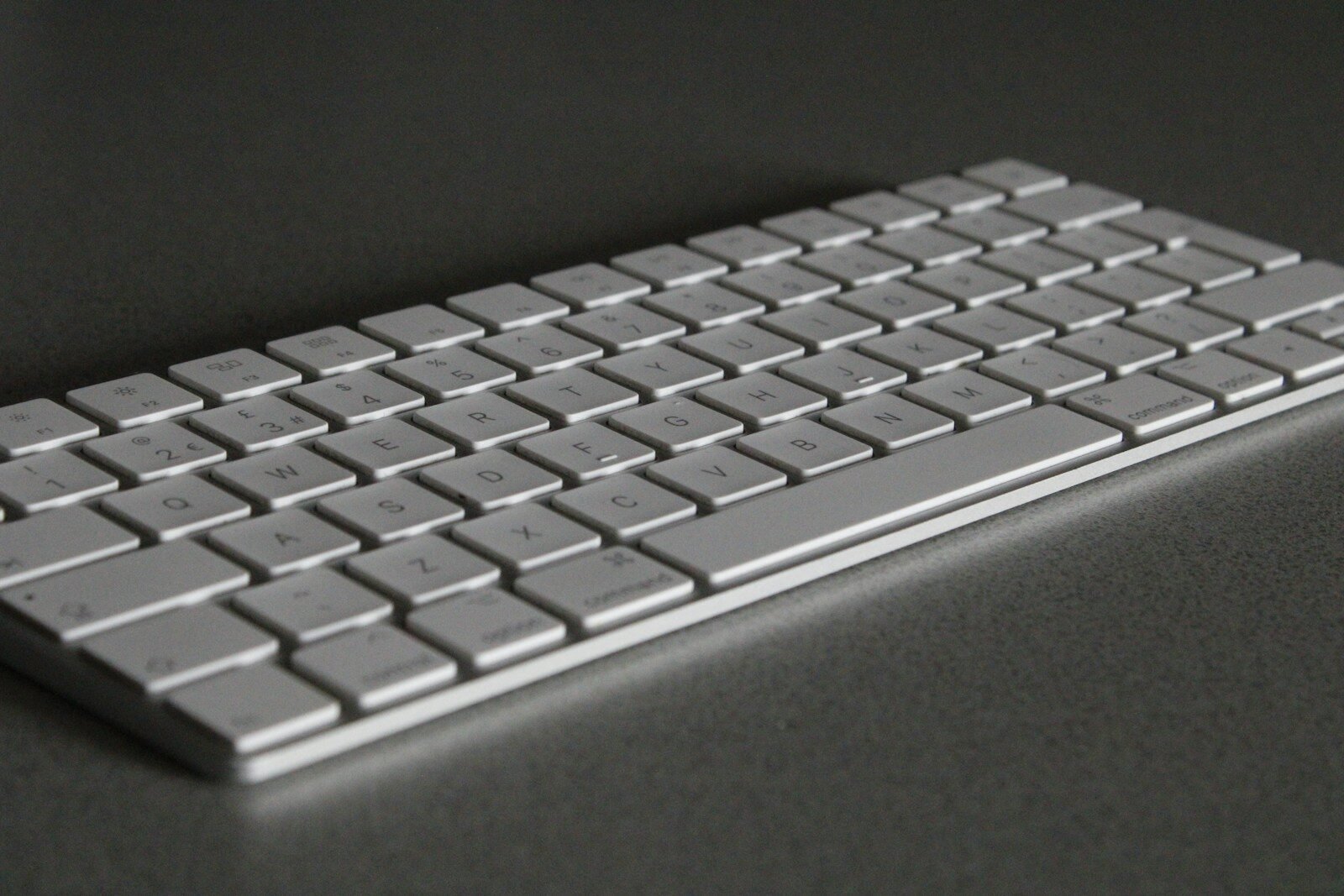
Choosing an alternative to Apple’s Magic Keyboard for a Mac setup can be a critical decision for any user. It dictates not only the feel and responsiveness of each keystroke but also the overall aesthetic and functionality of the workspace. While Apple’s own keyboard has its merits, including a sleek design and seamless integration with macOS, alternatives offer a variety of key features that cater to different preferences and needs.
From ergonomic designs to mechanical switches, the landscape of Mac-compatible keyboards is vast. Some users may value portability and opt for a slim, lightweight option while others might prioritize a full-size layout with tactile feedback for a satisfying typing experience. Additional considerations include connectivity options like Bluetooth for wireless convenience and the inclusion of backlit keys for working in low-light conditions.
Best Mac Keyboard Alternatives
Apple’s Magic Keyboard is sleek, minimalist, and optimized for macOS — but it’s not for everyone. Whether you want better ergonomics, mechanical switches, multi-device support, or a more affordable option, there are excellent Mac-compatible keyboard alternatives available in 2026.
Below, we’ll explore the best Mac keyboard alternatives, including mechanical, ergonomic, budget, and premium options — all fully compatible with macOS.
🔎 What to Look for in a Mac Keyboard Alternative
Before choosing a keyboard, consider:
- Mac layout support (Command ⌘ and Option ⌥ keys in the right place)
- macOS compatibility (function row media keys)
- Bluetooth or wired connectivity
- Mechanical vs. membrane switches
- Ergonomics
- Multi-device switching
- Backlighting
🏆 Best Mac Keyboard Alternatives (2026)
| Keyboard | Best For | Connectivity | Key Type | Mac Layout | Price Range |
|---|---|---|---|---|---|
| Logitech MX Keys S for Mac | Best Overall | Bluetooth / USB-C | Scissor | Yes (Mac-specific) | $$ |
| Keychron K2 (Mac Version) | Best Mechanical | Bluetooth / Wired | Mechanical | Yes | $$ |
| Keychron Q1 Pro | Premium Mechanical | Bluetooth / Wired | Mechanical (Hot-swappable) | Yes | $$$ |
| Logitech ERGO K860 | Best Ergonomic | Bluetooth / USB Receiver | Scissor | Yes | $$$ |
| NuPhy Air75 V2 | Best Low-Profile Mechanical | Bluetooth / Wired | Low-profile Mechanical | Yes | $$ |
| Satechi Slim X3 | Budget Mac Alternative | Bluetooth | Scissor | Yes | $ |
| Microsoft Surface Keyboard | Minimalist Alternative | Bluetooth | Scissor | No (but compatible) | $$ |
✅ 1. Logitech MX Keys S for Mac – Best Overall
If you want a direct upgrade from Apple’s Magic Keyboard, the MX Keys S for Mac is the top choice.
Why It’s Great:
- Mac-specific layout
- Excellent tactile scissor switches
- Smart backlighting
- Connects to 3 devices
- USB-C charging
- Excellent battery life
It feels more solid and comfortable than the Magic Keyboard, especially for long typing sessions.
Best for: Professionals, writers, remote workers.
✅ 2. Keychron K2 (Mac Version) – Best Mechanical on a Budget
Keychron has become a favorite among Mac users.
Why It’s Great:
- Native Mac keycaps included
- Wireless + wired support
- RGB backlighting
- Gateron mechanical switches
- Affordable price
It delivers that satisfying mechanical feel without breaking the bank.
Best for: First-time mechanical keyboard users.
✅ 3. Keychron Q1 Pro – Best Premium Mechanical
If you want a high-end typing experience, this is it.
Highlights:
- All-aluminum body
- Hot-swappable switches
- VIA/QMK customization
- Mac layout included
- Wireless and wired
It’s heavier, premium, and built for enthusiasts.
Best for: Developers, writers, and keyboard enthusiasts.
✅ 4. Logitech ERGO K860 – Best Ergonomic Option
If comfort is your priority, this split ergonomic keyboard reduces wrist strain.
Features:
- Curved split layout
- Padded wrist rest
- Adjustable tilt
- Mac compatibility
Ideal for people typing 6+ hours daily.
✅ 5. NuPhy Air75 V2 – Best Low-Profile Mechanical
Love Apple’s slim design but want mechanical keys? The Air75 V2 blends both worlds.
Why It Stands Out:
- Ultra-slim design
- Mac-specific layout
- Multi-device pairing
- Sleek aluminum frame
It’s one of the closest “mechanical Magic Keyboard” alternatives available.
✅ 6. Satechi Slim X3 – Best Budget Alternative
A very affordable Mac-style keyboard.
Pros:
- Full Mac layout
- Numeric keypad
- Bluetooth multi-device
- Clean aluminum design
It closely resembles Apple’s keyboard at a lower price.
🎯 Which Mac Keyboard Alternative Should You Choose?
- For most people: Logitech MX Keys S for Mac
- For mechanical fans: Keychron K2 or Q1 Pro
- For ergonomics: Logitech ERGO K860
- For budget buyers: Satechi Slim X3
- For slim mechanical feel: NuPhy Air75 V2
Final Thoughts
The Magic Keyboard isn’t the only great option for Mac users. In 2026, there are better-typed, more ergonomic, more customizable, and more affordable keyboards available.
Whether you want:
- A premium mechanical experience
- A comfortable ergonomic layout
- A sleek Apple-style alternative
- Or a budget-friendly replacement
There’s a Mac keyboard alternative that fits your workflow perfectly.
Key Takeaways
- Alternative keyboards offer a range of features that suit different user needs beyond what is available with Apple’s Magic Keyboard.
- Mac users have multiple options for keyboard customization, which include ergonomic designs, mechanical switches, and various connectivity methods.
- Choosing the right keyboard enhances both the functionality and comfort of a Mac user’s computing experience.
Key Features of Alternative Mac Keyboards
Selecting a Mac keyboard alternative hinges on certain key features. These include how the keyboard connects to your device, enhancements for typing, and seamless compatibility with macOS.
Connectivity Options
Alternative keyboards offer various connectivity options to suit user preferences. Bluetooth allows for a cordless desk while USB and wired solutions offer a constant connection. Many keyboards feature multi-device pairing, enabling swift switches between Mac, iPad, or iPhone. Some also come with a Bolt USB receiver, improving the stability of wireless connections.
Typing Experience Enhancements
The typing experience is crucial for productivity and comfort. Alternatives to the Magic Keyboard often provide adjustable backlit keys for low-light environments and ergonomic designs to reduce strain. Mechanical keyboards offer tactile feedback and a satisfying press. Features like a palm or wrist rest can help prevent RSI and further improve ergonomics.
Keyboard Compatibility and Integration
A top alternative keyboard should integrate well with macOS and its devices, like the iMac, MacBook, and Mac Mini. Look for a keyboard that supports Mac-centric functions such as Touch ID, Apple Pay, spotlight search, and smart action keys. Media controls for screen brightness and media playback, along with keys optimized for creative software like Photoshop or Premiere, are also significant pluses. Compatibility ensures not just connection but also intuitive use with Mac systems.
Top Mac Keyboard Alternatives and Their Advantages
In the quest for the best keyboard for Mac users, alternatives to the Apple Magic Keyboard should combine comfort, functionality, and seamless Mac integration.
Mechanical Keyboard Selections
For those who prefer a tactile typing experience, mechanical keyboards are a solid choice. They offer a range of mechanical switches to suit different typing styles and preferences. The Keychron K2, K3, and K8 emerge as popular picks due to their compatibility with Macs, high build quality, and versatility with multiple devices. These keyboards often feature a complete set of Function keys, and some offer USB-C connectivity for charging and direct connection. Models such as the Kinesis Freestyle Edge RGB cater to professional needs with their split design and programmable keys, delivering an ergonomic advantage.
Ergonomic and Compact Designs
Ergonomics play a crucial part in long hours of typing. The Logitech Ergo K860 is a standout with its split design and cushioned palm rest that encourages a more natural hand position. Meanwhile, the Logitech MX Keys for Mac and its smaller variant, the MX Keys Mini, deliver a balance between slim, laptop-style keys and the comfort of a full-sized keyboard. They support Logitech Flow for multitasking across devices and have the advantage of wireless connectivity. These models also include a handy fn key which, together with the command key, makes for a Mac-friendly configuration. Compact options like the Logitech K480 and the Satechi Aluminum Bluetooth Keyboard are noted for their portability and compatibility with Mac’s layout and shortcuts. With features like spill-resistant designs and the option for AA batteries or rechargeable power, users have a broad selection to match their work style and environment.