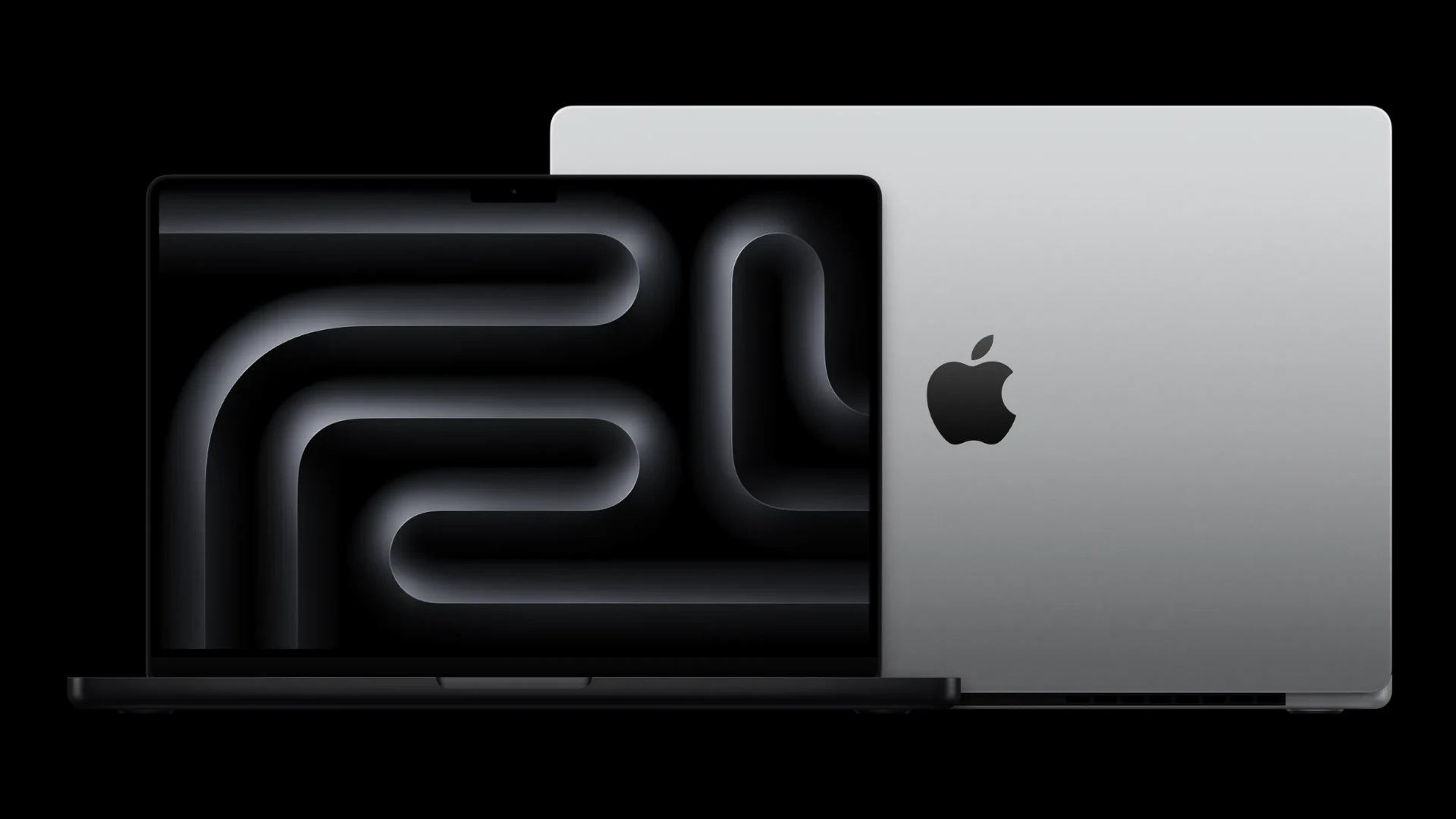
When looking for a MacBook, storage capacity is a crucial factor. Apple’s MacBook line has seen continuous updates, with varying storage options to meet different needs. Users seeking ample space may lean towards models boasting up to 2TB of SSD storage. This is a feature often found in the more advanced MacBook Pro models. These devices cater to professionals who handle large files and require swift data access.
Selecting a MacBook with the most storage goes beyond just the numbers. It involves understanding the trade-off between cost and capacity. Apple equips its laptops with high-speed SSDs, which provide quick read and write speeds, thus enhancing overall performance. Customers should consider their specific usage patterns, which directly affects the storage requirements. For instance, video editors and graphic designers typically require more space than casual users.
Which MacBooks Have the Most Storage?
If storage space is a top priority—whether you’re a video editor, developer, photographer, or power user—choosing the right MacBook matters. Apple offers several MacBook models with different maximum storage options, and understanding these limits can help you avoid costly upgrades or running out of space later.
Below is a breakdown of which MacBooks offer the most storage, how they compare, and who they’re best for.
Quick Summary: MacBooks With the Most Storage
| MacBook Model | Maximum Storage |
|---|---|
| MacBook Pro 16‑inch (M3 Max) | Up to 8TB |
| MacBook Pro 14‑inch (M3 Max) | Up to 8TB |
| MacBook Pro 16‑inch (M3 Pro) | Up to 4TB |
| MacBook Pro 14‑inch (M3 Pro) | Up to 4TB |
| MacBook Air 15‑inch (M3) | Up to 2TB |
| MacBook Air 13‑inch (M3) | Up to 2TB |
MacBook Pro: The Most Storage Available
✅ MacBook Pro 14‑inch & 16‑inch (M3 Max)
- Maximum storage: 8TB SSD
- Best for: Video editors, 3D artists, developers, data scientists, music producers
- Why it stands out:
These are the only MacBooks that can be configured with 8TB of internal SSD storage, making them Apple’s top choice for users who work with massive files or large local datasets.
Key notes:
- 8TB storage is only available with M3 Max configurations
- Storage is not upgradeable later
- SSD performance is extremely fast, ideal for professional workflows
✅ MacBook Pro (M3 Pro models)
- Maximum storage: 4TB SSD
- Best for: Advanced users who don’t need extreme storage
- Good balance of performance and cost compared to M3 Max
MacBook Air: Lightweight With Limited Storage
✅ MacBook Air 13‑inch & 15‑inch (M3)
- Maximum storage: 2TB SSD
- Best for: Students, writers, business users, casual creatives
- Limitations:
- No option beyond 2TB
- Not designed for heavy local storage needs
Despite the lower storage ceiling, the MacBook Air is still a solid choice if you rely on cloud storage or external drives.
Older MacBooks: Still Competitive?
Some Intel-based MacBook Pros (2019–2020) also supported up to 8TB of storage, but they are no longer recommended unless you need legacy software or Windows via Boot Camp. Apple Silicon MacBooks offer:
- Better performance
- Longer battery life
- Faster SSD speeds
- Ongoing macOS support
Important Things to Know Before Buying
⚠️ Storage Cannot Be Upgraded
All modern MacBooks have soldered SSDs, meaning:
- You must choose the right storage at purchase
- External SSDs are the only way to expand later
💰 Storage Upgrades Are Expensive
Apple charges a premium for storage upgrades, especially at higher tiers (4TB–8TB). If you truly need internal space, it’s often worth the investment upfront.
☁️ Alternatives to Large Internal Storage
If you don’t need everything stored locally:
- External Thunderbolt SSDs
- Cloud storage (iCloud, Google Drive, Dropbox)
- Network-attached storage (NAS)
Which MacBook Should You Choose?
Choose a MacBook Pro with 8TB if you:
- Edit 4K/8K video
- Work with massive photo or audio libraries
- Need fast access to large datasets
Choose 2–4TB if you:
- Do creative work but can archive older files
- Use external or cloud storage
Choose a MacBook Air if you:
- Value portability and price over storage capacity
- Work mostly online or with smaller files
Final Verdict
✅ MacBook Pro (M3 Max) models offer the most storage of any MacBook—up to 8TB, making them the ultimate choice for storage-heavy professional workflows.
If storage is your #1 concern, no other MacBook comes close.
Key Takeaways
- The most advanced MacBook Pro models offer up to 2TB of storage.
- Cost and storage capacity are directly related in Apple’s MacBook lineup.
- Usage patterns dictate the appropriate storage needs for each user.
MacBook Models and Storage Options
When choosing a MacBook, storage is a key factor. This section explores the available storage options for MacBook Air and MacBook Pro models.
Comparing MacBook Air and MacBook Pro
MacBook Air often starts with base storage of 256GB. It offers upgrades to 512GB, 1TB, or even 2TB. The MacBook Pro models step it up with a starting point of 1TB on some models, reflecting their position for more demanding tasks that need more space. Each model aims to cater to different needs from casual use to professional demands.
Understanding SSD Capacities Across Models
SSDs, or solid-state drives, are the heart of MacBook storage, offering fast and reliable access to your data. As technology progresses, Apple introduces new chips like the M1, M2, and the rumored M3, each potentially increasing performance and storage capabilities. Larger SSD options are directly proportional to both performance boosts and price increases, allowing users to pick what fits their needs and budget.
Advancements in Apple’s Storage Technology
With each new MacBook release, advancements in storage technology are evident. The introduction of the M1 chip in MacBooks brought not just a leap in processing power but also improvements in how storage is managed and accessed. It positioned the MacBook Air as a powerful yet budget-friendly option, while the MacBook Pro models, with options for enhanced memory and SSDs, cater to the high-end user who needs both speed and space for complex tasks.
Notable Features Affecting Storage Performance and Usage
Selecting a MacBook with ample storage isn’t just about the highest capacity. It also involves considering how the system uses and manages data.
The Role of Apple Silicon in Storage Efficiency
Apple Silicon, the brain behind the latest MacBooks, impacts storage performance greatly. The M1 and M2 chips offer high-speed SSD controllers and unified memory architectures. This means data flows faster between storage and RAM, making file access swift for tasks like video editing. The GPU and CPU work together seamlessly due to this design, boosting overall efficiency and productivity.
MacBook Design and Built-in Storage Implications
MacBooks offer a blend of sleek design, light weight, and powerful hardware. Storage comes built-in, with no option for post-purchase upgrades. Users need to pick the right storage size upon purchase, balancing need with price. Larger built-in SSDs can handle intense tasks like graphics design and software development while maintaining quick performance.
Software Optimizations and Storage Management
MacOS offers features to help manage and optimize built-in storage without much effort. Tools within the OS enable users to:
- Store files in iCloud
- Automatically delete watched movies and shows
- Optimize storage by removing local copies of photos and email attachments that are stored in iCloud
The system suggests how to save space and keep the MacBook running smoothly, making these MacBooks great for users who value straightforward solutions for space management. This software-hardware synergy aids in keeping a MacBook fast and responsive even as storage gets filled up.