
Macbooks
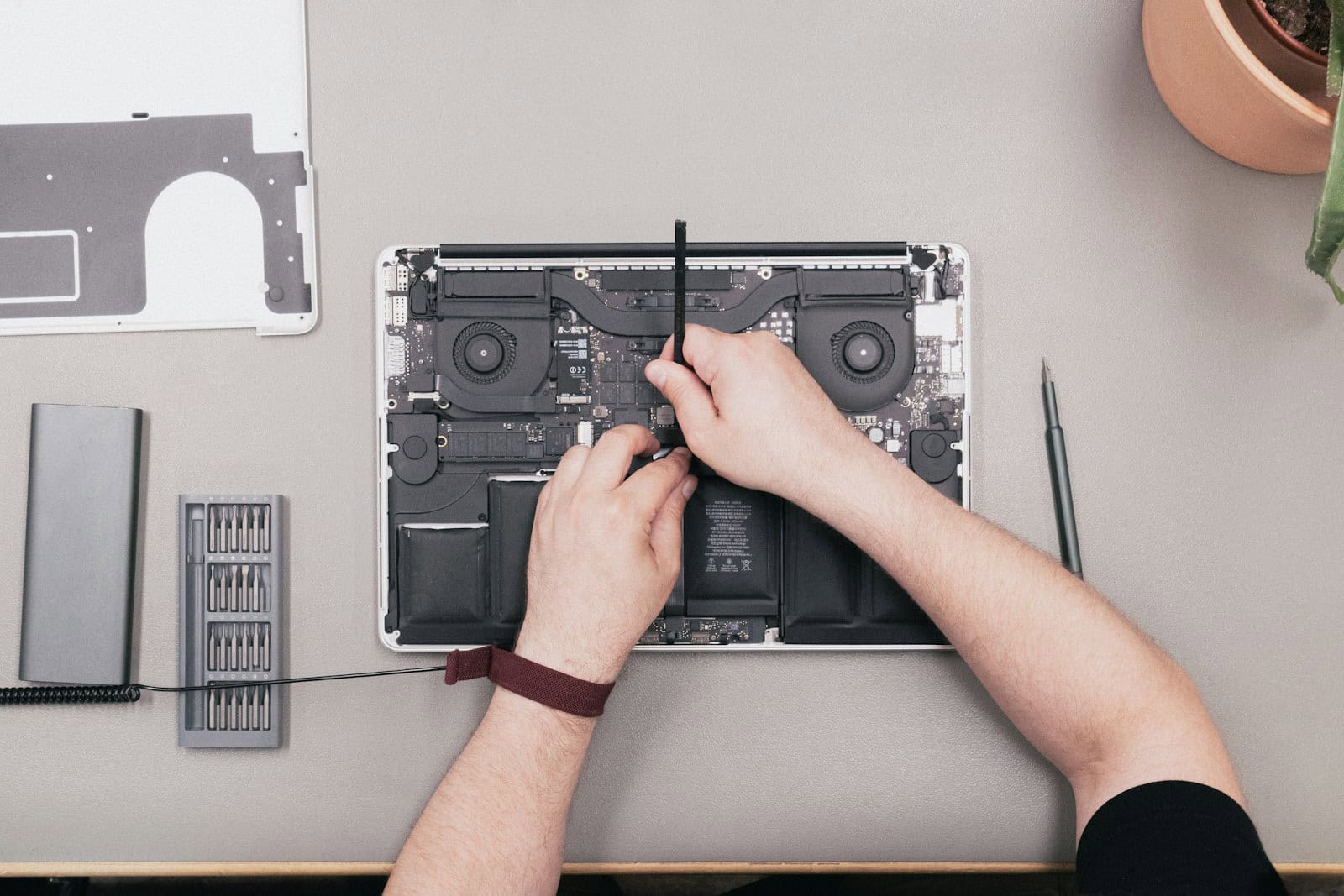
Apple’s Self Repair Program: Explained
Apple now allows customers who are good with technology to fix their own Apple devices. This program offers details about ...
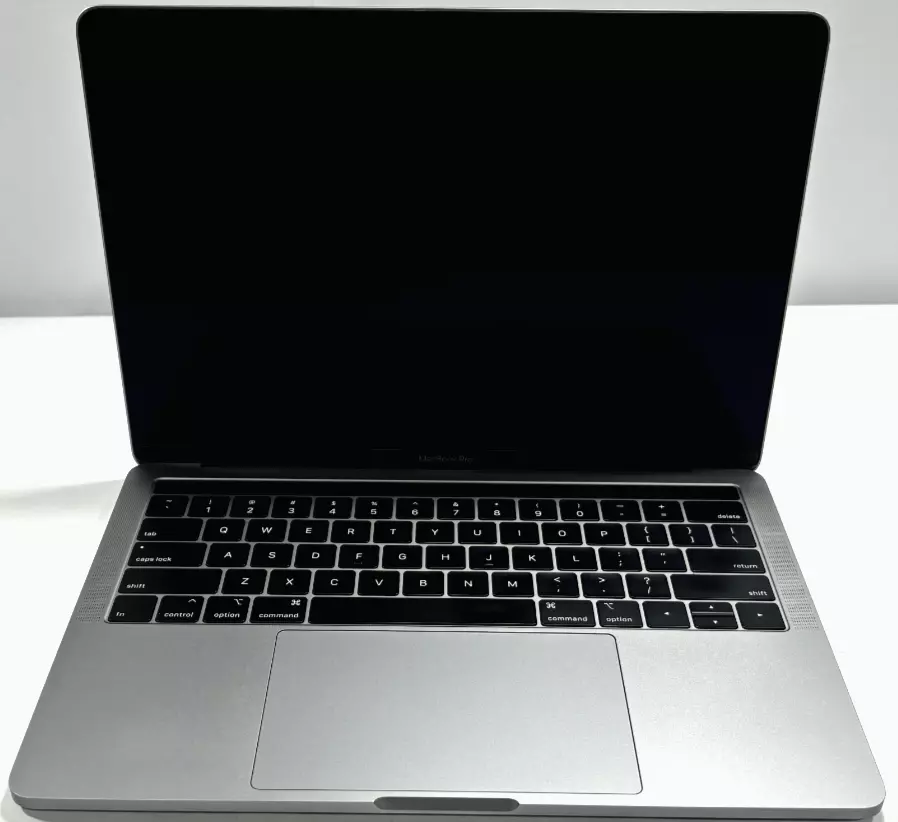
How to Clean Your MacBook Screen: Expert Tips
Keep your MacBook screen clean to make sure it stays clear and lasts longer. Use a soft, lint-free cloth slightly ...
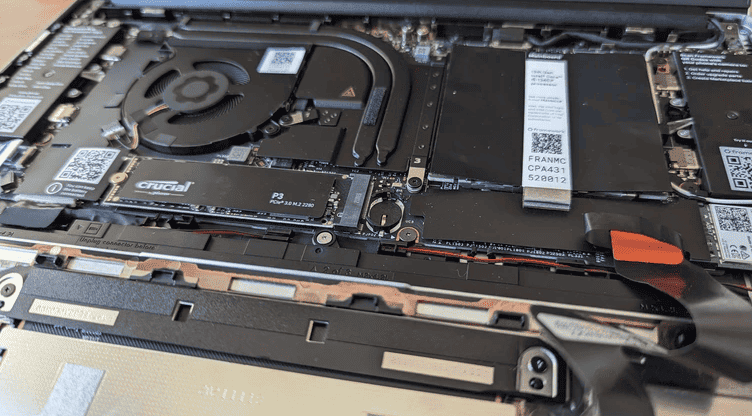
How To Replace A Laptop Battery: Step-by-Step
Laptop batteries are essential for portable computing, but they don’t last forever. Over time, they lose their ability to hold ...

The 10 Best Laptops Coming In 2025 (What Will Be Available)
To get ready for 2025 you need to pack a lot of power into your next laptop: both performance and ...
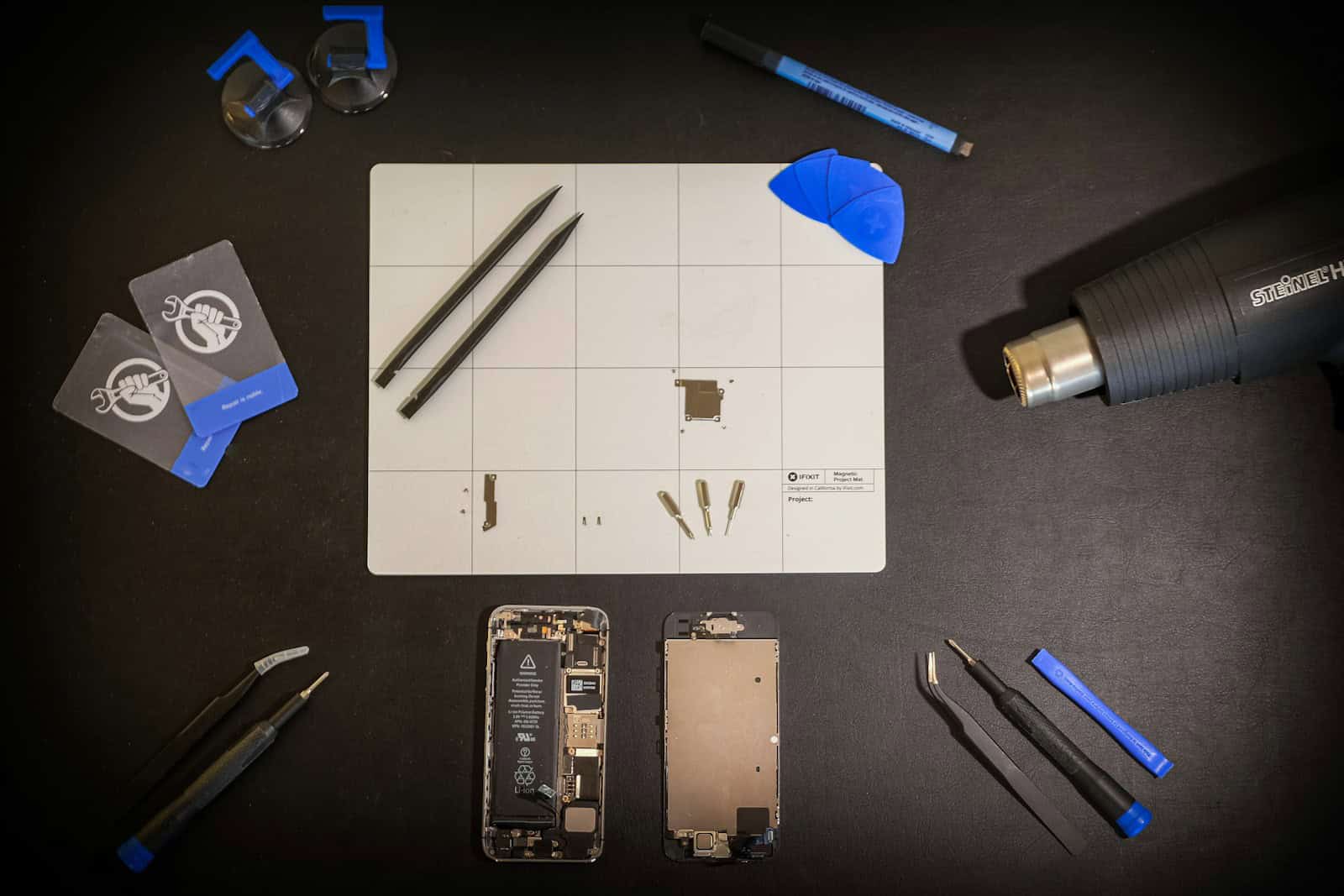
Where To Buy Replacement Parts for Your iPhone or Mac
Fixing a broken iPhone can be hard. Many people want to save money by doing repairs themselves, but one issue ...
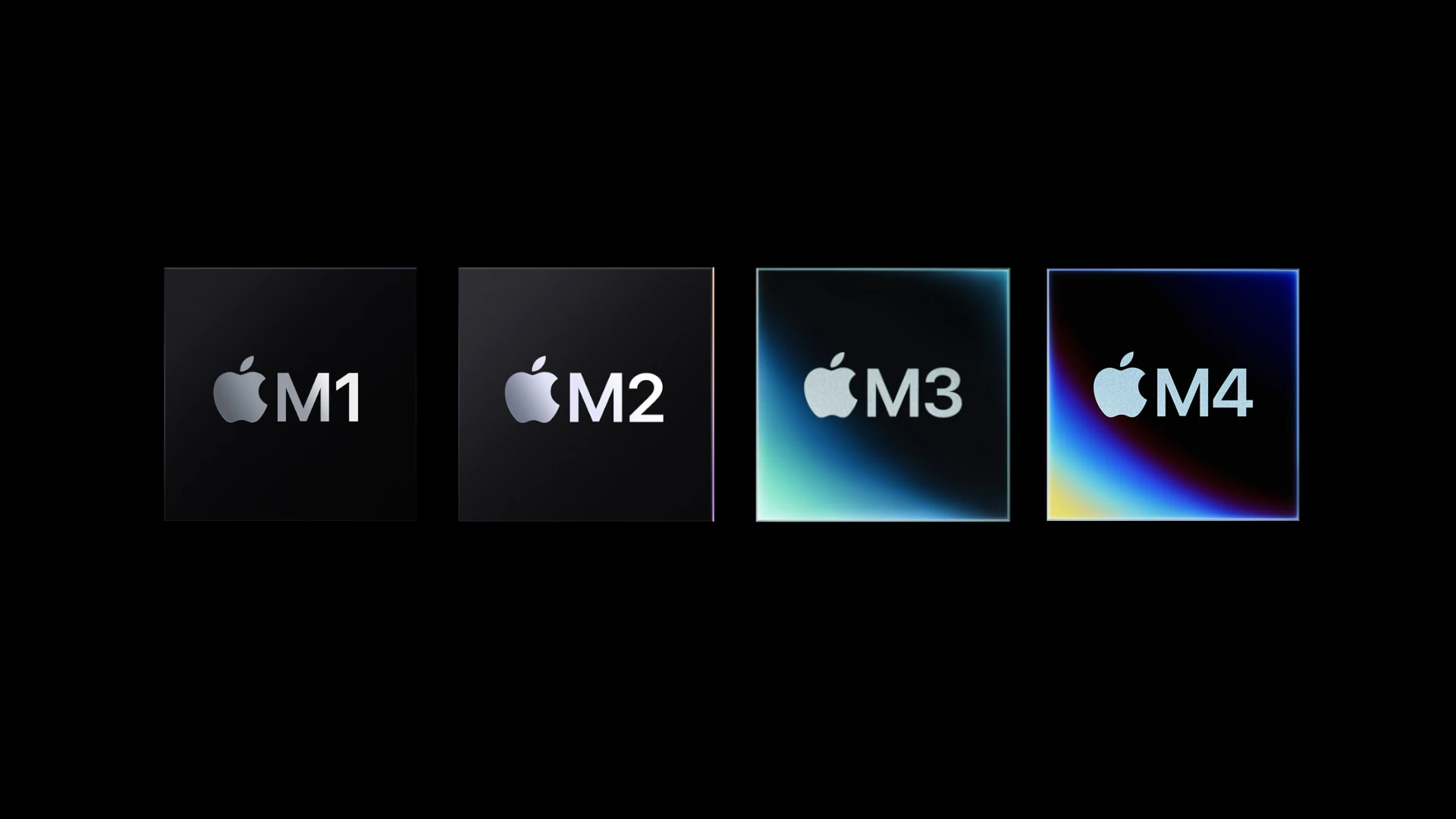
Apple M-series Chips Explained: M1, M2, M3, M4, M5
Apple’s M-series chips have completely changed Macs. These powerful processors make computers faster and use less power. They are custom-made for ...
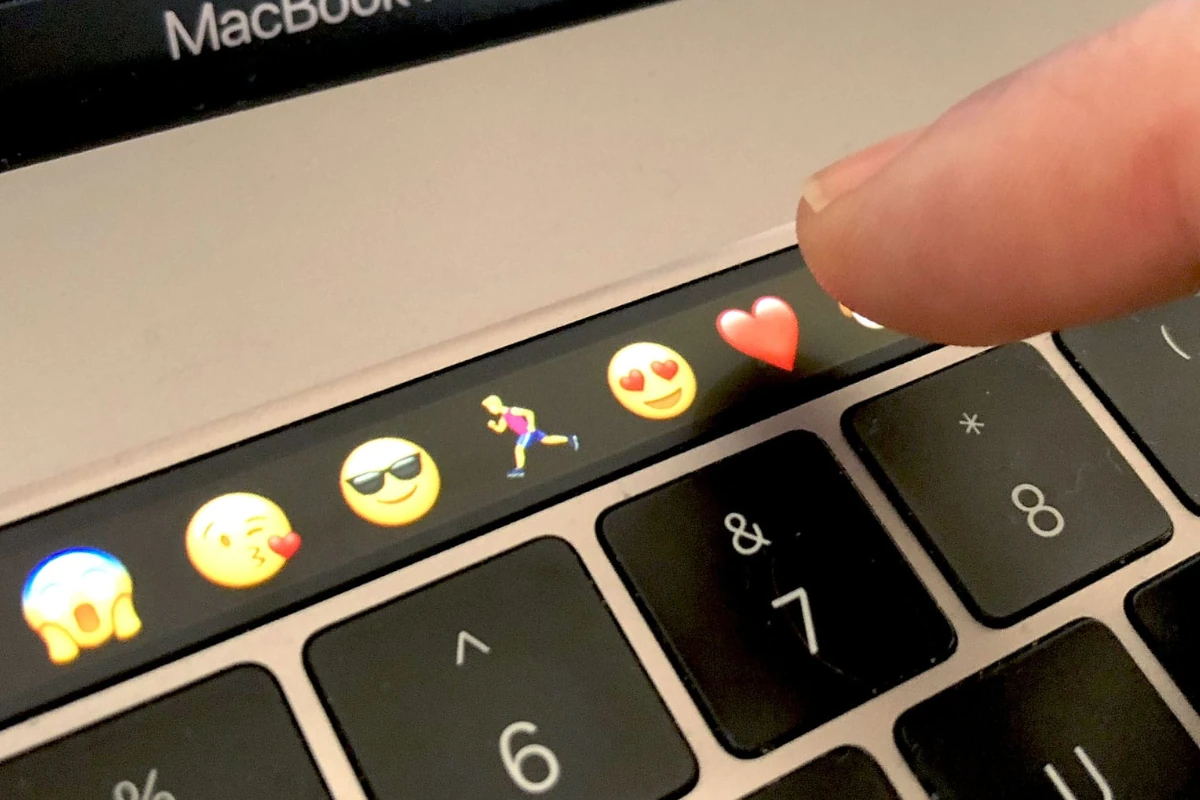
How to Take a Screenshot on a MacBook Pro Using The Touch Bar
Capturing screenshots on a MacBook Pro is essential for both personal and professional use. The Touch Bar on the MacBook Pro provides ...

Connect Your iPad to a MacBook: Step-by-Step
Connecting your iPad and MacBook is simple. There are various ways to do it. When you connect your iPad to ...
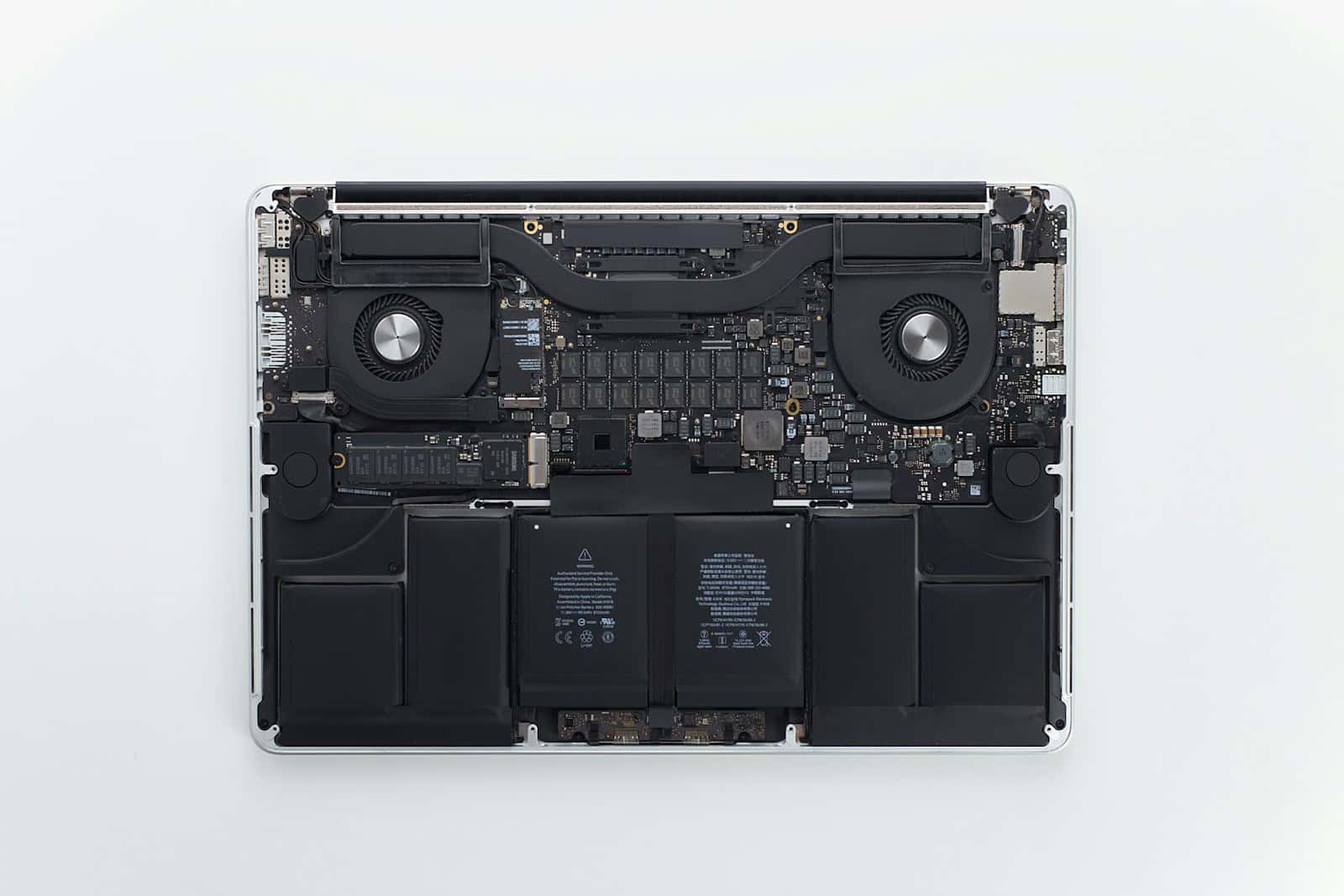
Battery Replacement Process for a MacBook Pro
Replacing the battery in a MacBook Pro is a matter of both utility and longevity. As with all rechargeable batteries, ...





