iOS
How to Use the New Messages Features in iOS
Apple’s latest iOS updates, including iOS 17 and iOS 18, have introduced a variety of new features to the Messages ...

Type to Siri Feature: Explained
The Type to Siri feature allows iPhone users to interact with Apple’s virtual assistant without speaking. This function lets you ...

How to Fix iOS 18.1 Problems
iOS 18.1 brings new features and fixes to iPhones. But some users face problems after updating. iOS 18.1, while introducing ...
Apple’s iOS 18.1 and iPadOS 18.1 Launches: Explore the New Features
Apple has officially launched iOS 18.1 and iPadOS 18.1, introducing important advancements in Apple Intelligence. This update marks Apple’s entry ...
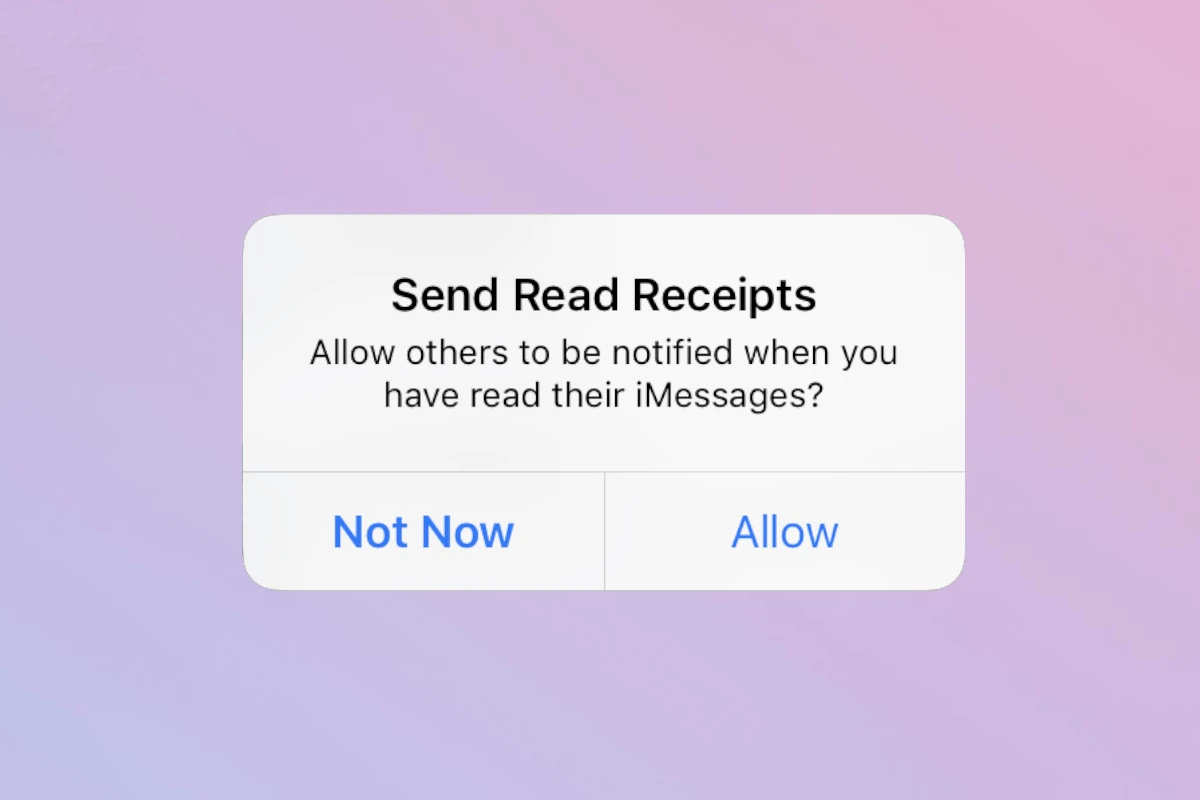
Turn Read Receipts Off on iPhone
Read receipts on iPhones let others know when you’ve seen their messages. To turn off read receipts on your iPhone, ...
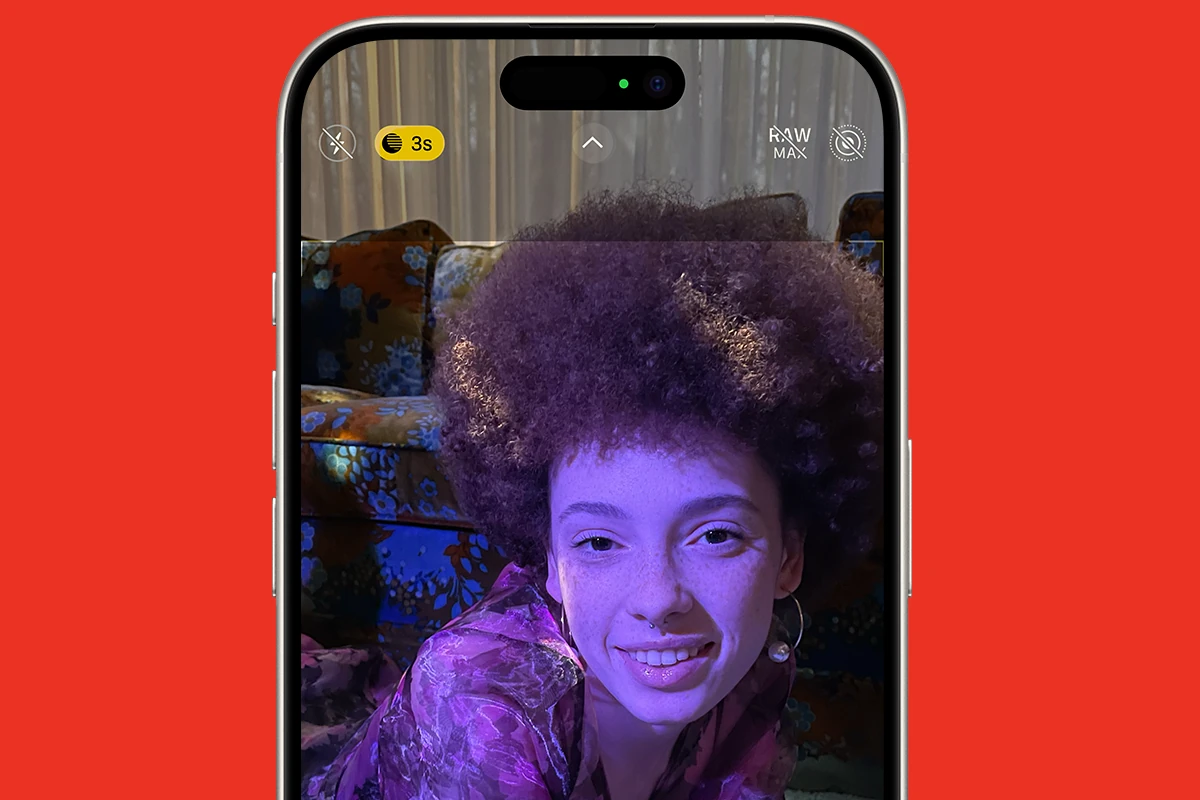
iPhone Night Mode Explained
Capturing good photos in low light has always been hard for photographers and smartphone users. The iPhone’s Night Mode helps ...
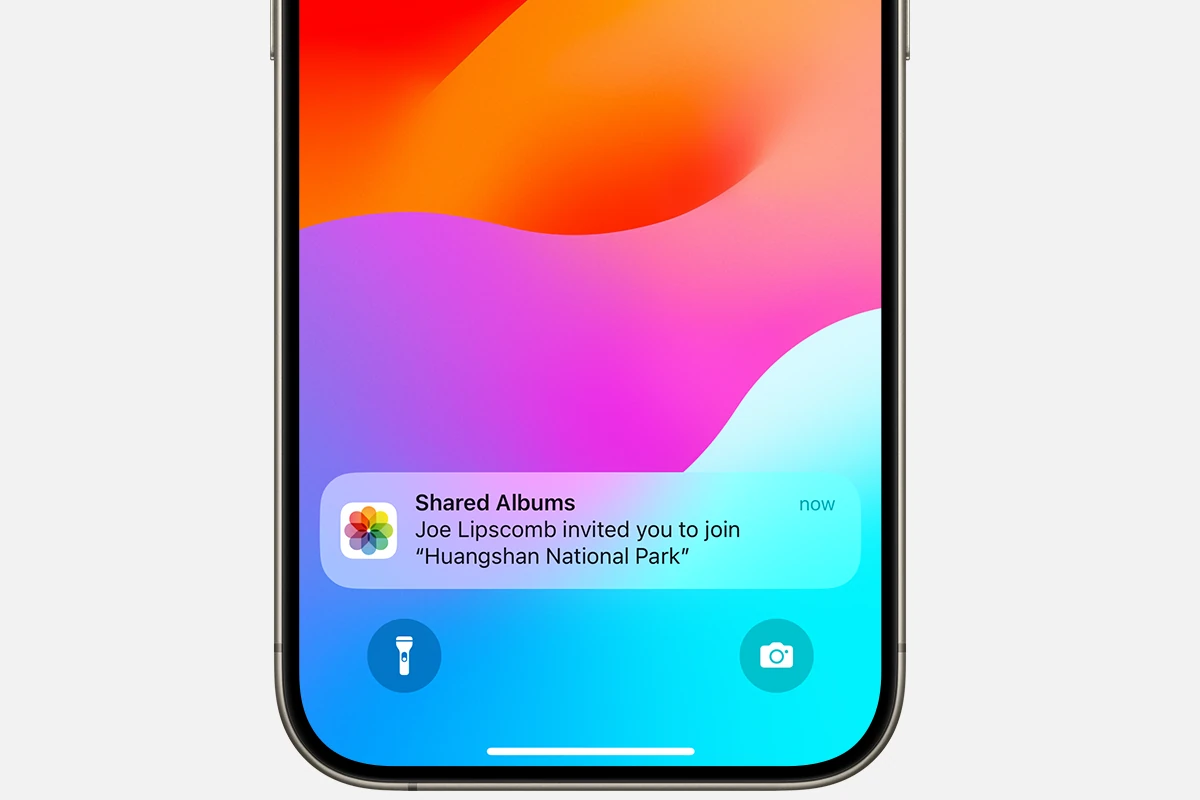
How to Accept a Shared Album on iPhone
Sharing photos with friends and family is easy with shared albums on iPhones. These albums let you show off your ...
How To Forward a Text Message on Your Phone: iPhone and Android
When you need to send a text message to someone else, you don’t have to retype it. Phones today have ...

How Do You Send a Voice Message on iPhone?
Voice messages on iPhone make talking easier by giving you an option outside of typing or calling – you just ...
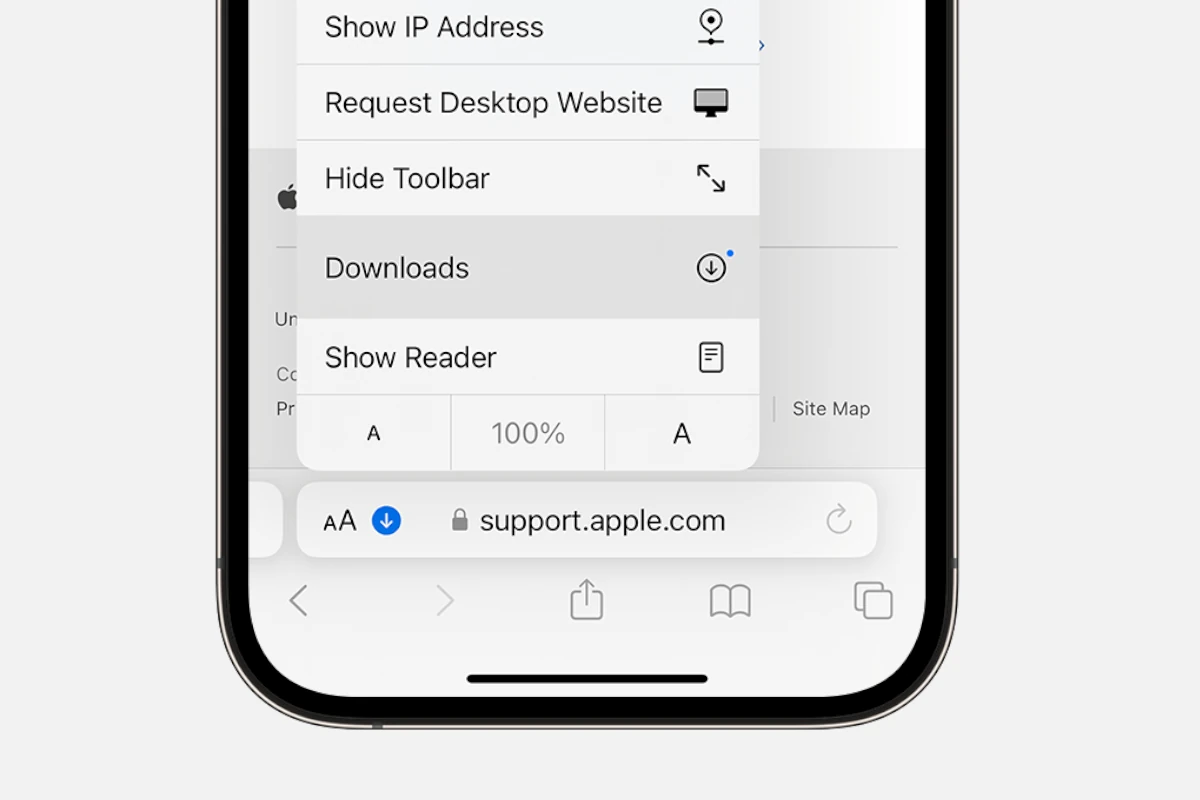
Where Do Downloads Go On iPhone
When trying to find downloads on an iPhone, users often look for a dedicated downloads folder as seen on computers. ...