
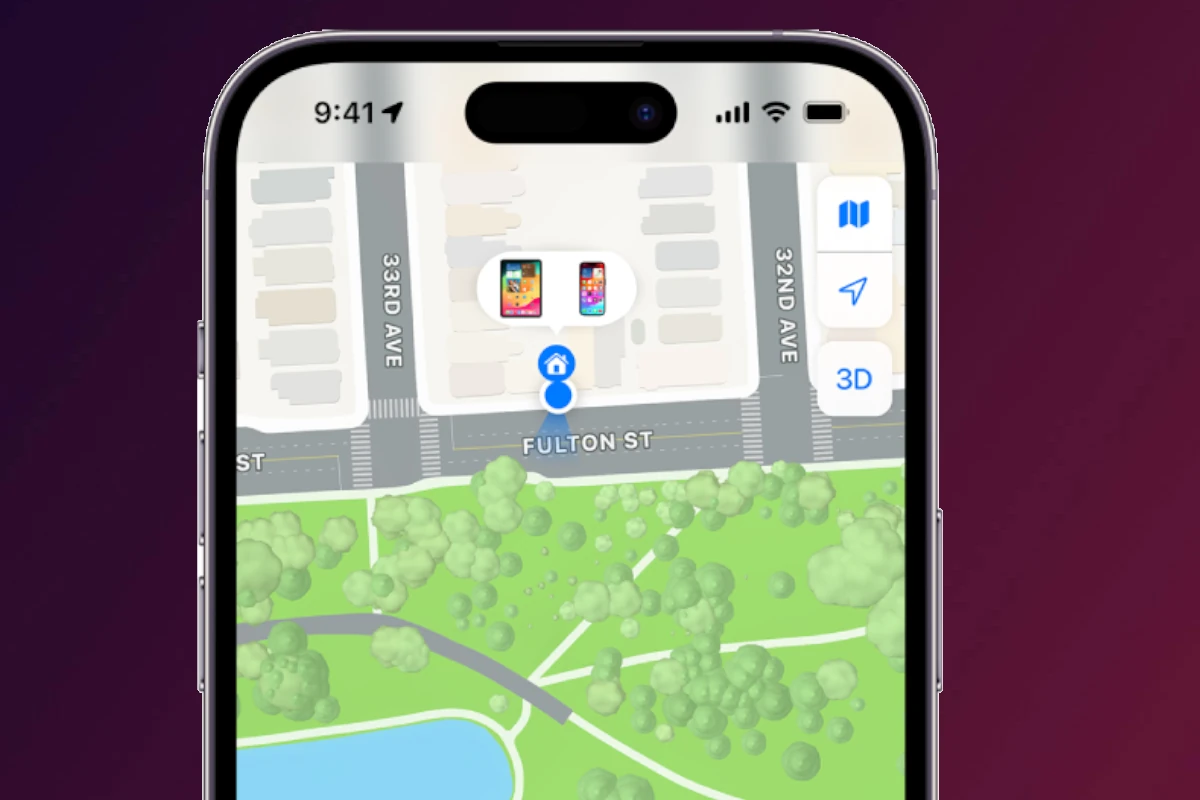
Apple’s Find My Friends (now part of the Find My app) is designed to make sharing locations simple and reliable. However, there are times when it stops working, shows incorrect locations, or fails to update altogether. If you’re wondering why Find My Friends is not working, this guide covers the most common causes and step‑by‑step fixes to get it working again.
Common Reasons Find My Friends Isn’t Working
Location Services Are Disabled
Find My relies entirely on location access.
Check this first:
- Go to Settings → Privacy & Security → Location Services
- Make sure Location Services is turned ON
- Scroll down and tap Find My
- Set location access to While Using the App or Always
Also enable Precise Location for accurate tracking.
Internet Connection Issues
Find My requires an active internet connection.
- Weak Wi‑Fi or cellular signal can prevent updates
- Airplane Mode disables location sharing
- Data restrictions may block background updates
Fix:
Switch between Wi‑Fi and cellular data or restart your network connection.
Location Sharing Is Turned Off
Sometimes sharing is accidentally disabled.
Check:
- Open the Find My app
- Go to the People tab
- Select the person’s name
- Confirm Share My Location is enabled
If you can’t see someone, ask them to re‑enable sharing from their device.
Incorrect Date & Time Settings
Find My depends on system time for syncing.
Fix:
- Go to Settings → General → Date & Time
- Enable Set Automatically
Incorrect time settings can stop location updates entirely.
Find My Is Disabled in iCloud Settings
If Find My is turned off, the app won’t function.
Check:
- Go to Settings
- Tap your Apple ID
- Select Find My
- Ensure Find My iPhone and Share My Location are ON
Device‑Specific Problems
iPhone Is Powered Off or Battery Is Dead
Find My can’t update locations if the device is:
- Turned off
- Out of battery
- In Power Saving Mode for extended periods
Some newer iPhones can share last known location, but real‑time tracking will stop.
Background App Refresh Is Disabled
Without background refresh, locations won’t update automatically.
Fix:
- Go to Settings → General → Background App Refresh
- Turn it ON
- Make sure Find My is enabled
iOS Software Bugs or Outdated Version
Software glitches can interfere with Find My.
Fix:
- Go to Settings → General → Software Update
- Install the latest iOS version
- Restart your device after updating
Account & Permission Issues
Using Different Apple IDs
Location sharing only works between Apple IDs.
- Make sure both users are signed into iCloud
- Confirm you’re sharing with the correct Apple ID email
Location Sharing Has Expired
Sharing can be temporary.
Check if sharing expired:
- Open Find My → People
- Look for an expiration notice
- Resend the location request if needed
Fixes That Often Work Instantly
Try these quick solutions:
- Restart both devices
- Toggle Location Services OFF → ON
- Sign out of iCloud and sign back in
- Disable and re‑enable location sharing
These steps resolve most Find My Friends issues.
When Find My Friends Shows the Wrong Location
This can happen due to:
- GPS signal interference (indoors, underground)
- Using VPNs or proxy networks
- Wi‑Fi location inaccuracies
Tip: Ask the other person to move outdoors or reconnect to a stronger signal.
When Nothing Works
If Find My still isn’t working:
- Check Apple System Status for outages
- Contact Apple Support for account‑level issues
- Reset network settings (Settings → General → Transfer or Reset iPhone → Reset → Network Settings)
Final Thoughts
When Find My Friends isn’t working, the issue is usually caused by disabled location services, connectivity problems, expired sharing, or software bugs. Thankfully, most problems are easy to fix in just a few minutes by checking settings and restarting devices.
Once everything is configured correctly, Find My remains one of the most reliable location‑sharing tools available on iPhone.





