
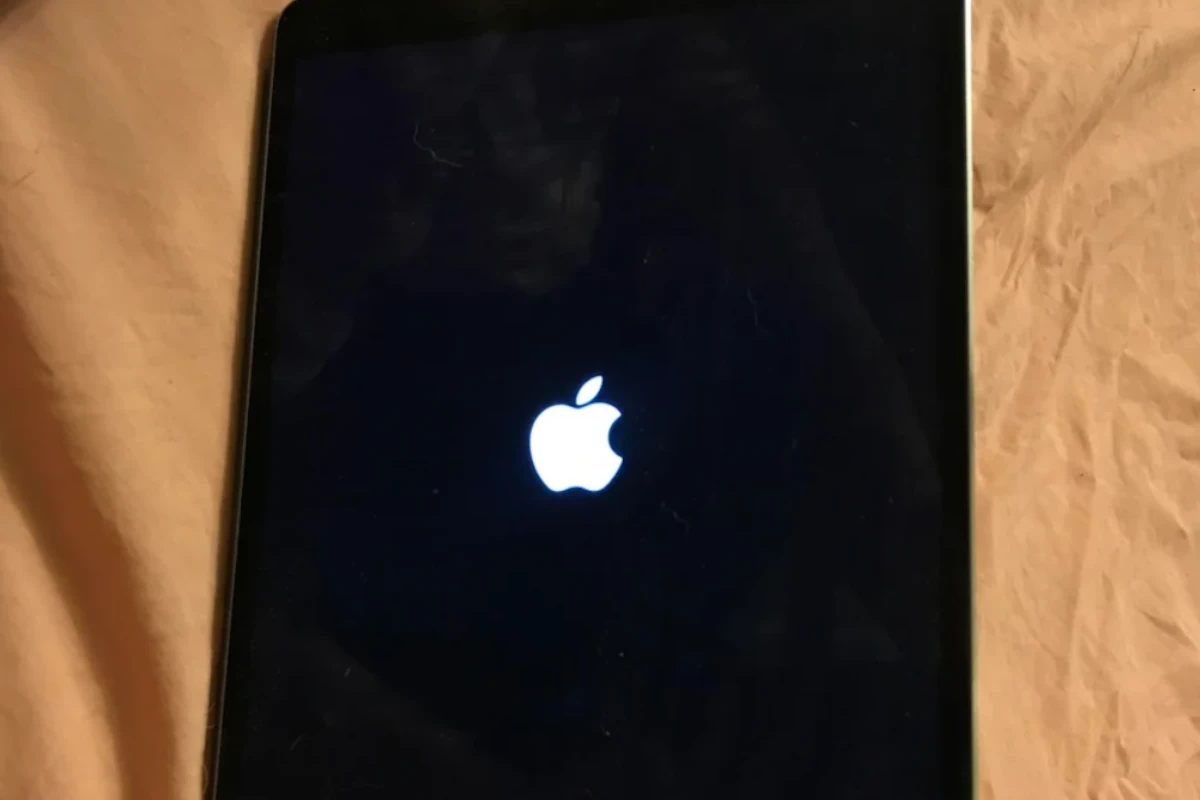
Apple introduced a nostalgic feature to recent iPhone models that brings back memories of the classic Mac startup sound. iPhone 14 and newer models can now play distinctive chimes when powering on and off, similar to the iconic sound Mac computers have made for decades.
The power-off and startup sounds are built directly into the iPhone’s bootrom, allowing them to play even before iOS fully loads. These audio cues serve as helpful indicators of the device’s power state, especially for users who rely on accessibility features.
The new startup and shutdown chimes add a touch of personality while providing practical feedback about device status. The feature comes as an optional accessibility setting that users can enable or disable based on their preferences.
iPhone Shutdown Chimes Guide: What They Are & How to Control Them
Apple added shutdown and startup chimes to iPhones to provide audible feedback when your device powers off or on. While helpful for some users, others prefer a silent shutdown. This guide explains what iPhone shutdown chimes are, which models support them, and how to enable or disable them.
What Are iPhone Shutdown Chimes?
Shutdown chimes are short sounds that play when:
- Your iPhone powers off
- Your iPhone powers on
They serve as an audible confirmation that the device has completed the action—similar to startup sounds on Macs.
Which iPhones Support Shutdown Chimes?
Shutdown and startup sounds are supported on:
- iPhone 14 and newer
- Devices running iOS 16 or later
Older iPhones do not include this feature.
Why Apple Added Shutdown Sounds
- Accessibility feedback for visually impaired users
- Clear confirmation that the phone is fully powered down
- Consistent behavior across Apple devices
How to Turn iPhone Shutdown Chimes On or Off
Method 1: Using iPhone Settings (Recommended)
- Open Settings
- Tap Sounds & Haptics
- Toggle Power On & Off Sounds
- ✅ On: Chimes play when powering on/off
- ❌ Off: Silent shutdown and startup
Changes apply immediately.
Method 2: Silent Mode & Volume Buttons
- Shutdown chimes ignore Silent Mode
- Lowering system volume does not disable the sound
- Only the Settings toggle controls it
Can You Customize the Shutdown Sound?
Currently:
- ❌ You cannot change the sound
- ❌ You cannot adjust its volume separately
- ✅ Only enable or disable it
Apple does not allow third‑party customization.
Shutdown Chimes vs Other iPhone Sounds
| Sound Type | Affected by Silent Mode | Adjustable |
|---|---|---|
| Notifications | ✅ Yes | ✅ Yes |
| Ringtones | ✅ Yes | ✅ Yes |
| Alarms | ❌ No | ✅ Yes |
| Shutdown chime | ❌ No | ❌ No |
Troubleshooting Shutdown Chimes
Chime Won’t Turn Off
- Ensure your iPhone is updated to the latest iOS
- Restart the device
- Re‑check Settings → Sounds & Haptics
Chime Not Playing
- Confirm the feature is enabled
- Ensure your speaker is functioning
- Try powering off normally (not force shutdown)
Accessibility Considerations
Shutdown sounds can be helpful if you:
- Have low vision
- Use VoiceOver
- Need audible confirmation without looking at the screen
Frequently Asked Questions
Does Low Power Mode affect shutdown sounds?
No.
Does Airplane Mode mute the chime?
No.
Does Do Not Disturb silence it?
No.
Can I disable startup sound only?
No—startup and shutdown sounds are linked.
Final Thoughts
iPhone shutdown chimes are a small but thoughtful feature, offering clear feedback when your device powers on or off. Whether you find them helpful or annoying, Apple gives you full control with a single toggle.
Key Takeaways
- iPhone 14 models support both startup and shutdown sound effects
- The chimes function independently from iOS through the device bootrom
- Users can control these audio cues through accessibility settings
iPhone Shutdown Chimes
iPhone shutdown chimes serve as audio indicators that signal when the device powers on or off, while also confirming successful completion of diagnostic tests.
Historical Evolution and Significance
The shutdown chime tradition started with Mac computers, becoming an iconic part of Apple’s audio identity. In 2020, Apple brought this feature to mobile devices with the iPhone 14 series.
Each iPhone 14 model uses specific audio files for startup and shutdown sounds. The startup sound confirms that the device has passed its initial diagnostic checks.
These chimes help users verify their device’s power state without looking at the screen. This feature proves especially valuable for users with visual impairments.
Technical Aspects of Shutdown Sounds
The iPhone shutdown sound file (DeviceShutdown.caf) resides in the UISounds folder within iOS. Different iPhone 14 models use distinct boot chime files stored in the embeddedaudioresources firmware folder.
The audio files use Apple’s preferred formats:
- CAF (Core Audio Format)
- ALAC (Apple Lossless Audio Codec)
- 32-bit PCM stereo
The system plays these sounds through the device’s main speaker at a preset volume level.
Accessibility and Customization
Users can enable or disable shutdown chimes through the Settings app:
- Open Settings
- Navigate to Accessibility
- Select Audio/Visual
- Toggle Power On & Off Sounds
The feature integrates with other accessibility options to create a more inclusive user experience.
These sounds work alongside visual indicators and haptic feedback to provide multi-sensory device status information.
Integration with Other Apple Devices
The shutdown chime feature connects the iPhone experience with other Apple devices. Modern Macs, including Apple Silicon and T2-equipped models, use similar startup sounds.
AirPods Pro and AirTags incorporate related audio cues for connection and power status.
Sound effects across the Apple ecosystem share common characteristics in tone and quality, creating a unified audio experience.
The feature maintains consistency across iOS 16 and newer versions, working seamlessly with macOS Ventura and other recent operating systems.
Frequently Asked Questions
Common issues with iPhone shutdown chimes range from random sounds to non-functioning features. Several solutions exist for troubleshooting and customizing these audio indicators.
What could cause an iPhone to emit chime sounds randomly?
Random chime sounds may occur due to app notifications, system alerts, or software glitches. The first step is to check notification settings for all installed apps.
Users should inspect the Accessibility settings to verify if any sound-related features are accidentally enabled.
A simple restart often resolves unexpected chime behavior.
How can I resolve the issue of my iPhone’s shutdown chime not functioning?
Check if the feature is enabled in Settings > Accessibility > Power On & Off Sounds.
Ensure the iPhone’s ringer switch isn’t set to silent mode.
If these steps don’t work, reset all settings through Settings > General > Reset.
Is there a way to download the iPhone shutdown sound?
The shutdown sound file (DeviceShutdown.caf) is embedded in the iOS system files within the UISounds folder.
Access to system files requires specialized software and may violate Apple’s terms of service.
Can the iPhone startup chime be customized or changed?
The startup chime cannot be customized through official iOS settings.
The sound file (d27-boot-chime.im4p or similar) is locked in the system firmware.
Why doesn’t my iPhone 11 play the shutdown chime?
The shutdown chime feature is exclusive to iPhone 14 and newer models.
This feature was added as an accessibility option for users with visual impairments.
Are there any troubleshooting steps for an iPhone that chimes when turning off?
Verify the Power On & Off Sounds setting is configured correctly in Accessibility settings.
Update iOS to the latest version to fix potential software bugs.
If problems persist, contact Apple Support for additional assistance.





