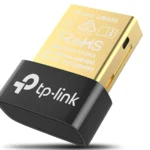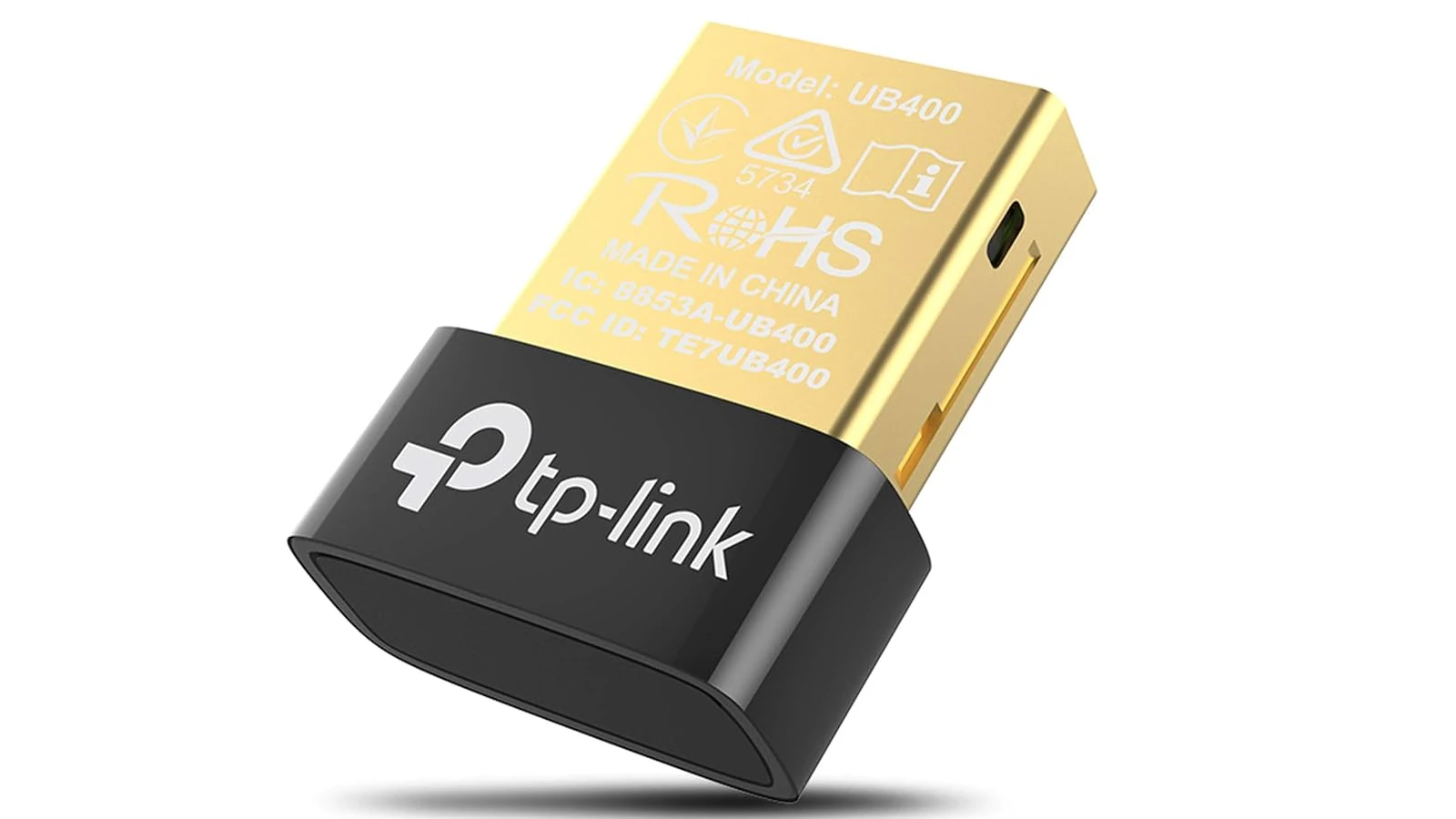
A dongle is a small hardware device that plugs into a computer, TV, smartphone, or other electronics to add features or enable connectivity. While the word might sound technical, dongles are incredibly common — and you’ve probably used one without realizing it.
Here’s a simple breakdown of what a dongle is used for, the different types available, and when you might need one.
What Exactly Is a Dongle?
A dongle is typically a compact adapter that connects to a port such as:
- USB-A
- USB-C
- HDMI
- Lightning
- Ethernet
- Audio jack
Its main purpose is to add functionality that your device doesn’t already have built in.
Think of it as a bridge between your device and another technology.
Common Uses for a Dongle
1. Adding Internet Connectivity
One of the most common uses is enabling internet access.
Examples:
- USB Wi-Fi dongle (adds wireless internet to a desktop)
- USB cellular dongle (provides mobile data via SIM card)
- Ethernet-to-USB adapter (adds wired internet to laptops without an Ethernet port)
This is especially useful for:
- Older computers
- Slim laptops without built-in ports
- Remote work setups
2. Connecting to External Displays
Display dongles allow you to connect your device to a monitor or TV.
Examples:
- USB-C to HDMI adapter
- Lightning to HDMI adapter
- Wireless display dongles (like screen mirroring devices)
These are commonly used for:
- Presentations
- Streaming video to a TV
- Dual-monitor work setups
3. Expanding USB Ports
Many modern laptops have limited ports. A USB hub dongle expands connectivity by adding:
- Extra USB ports
- SD card readers
- HDMI outputs
- Ethernet ports
These are popular with MacBook and ultrabook users.
4. Wireless Accessories & Peripherals
Some wireless devices use a small USB receiver (dongle) to connect.
Examples:
- Wireless mouse and keyboard receivers
- Bluetooth dongles
- Gaming headset adapters
These allow devices to communicate wirelessly with your computer.
5. Security & Software Licensing
In professional settings, dongles are sometimes used as hardware security keys.
Examples:
- Software license authentication keys
- Two-factor authentication security keys
- Encryption access devices
The software only runs when the dongle is plugged in.
6. Streaming Media
Some streaming devices are technically dongles.
Examples:
- HDMI streaming sticks
- Screen casting adapters
They plug directly into a TV and allow access to streaming apps.
Why Do People Need Dongles?
Modern devices are getting thinner and removing ports to save space. Dongles help:
- Restore missing ports
- Add new features
- Improve compatibility
- Enable wireless connections
- Support legacy devices
They’re especially useful in work environments where flexibility is important.
Are Dongles Still Necessary in 2026?
Yes — and possibly more than ever.
As laptops and tablets continue to prioritize minimal design (fewer ports), dongles remain essential for:
- Business professionals
- Remote workers
- Students
- Gamers
- Content creators
USB-C has simplified many connections, but adapters are still widely used.
Pros and Cons of Using Dongles
✅ Pros
- Compact and portable
- Affordable
- Easy to install
- Adds instant functionality
❌ Cons
- Easy to lose
- Can clutter workspace
- Some low-quality versions may fail
- May require drivers or updates
Final Thoughts
A dongle is a small but powerful accessory that expands what your device can do. Whether you’re adding internet access, connecting to a monitor, using wireless accessories, or unlocking secure software, dongles make modern technology more flexible.
In short:
If your device is missing a feature or port, a dongle is likely the solution.