
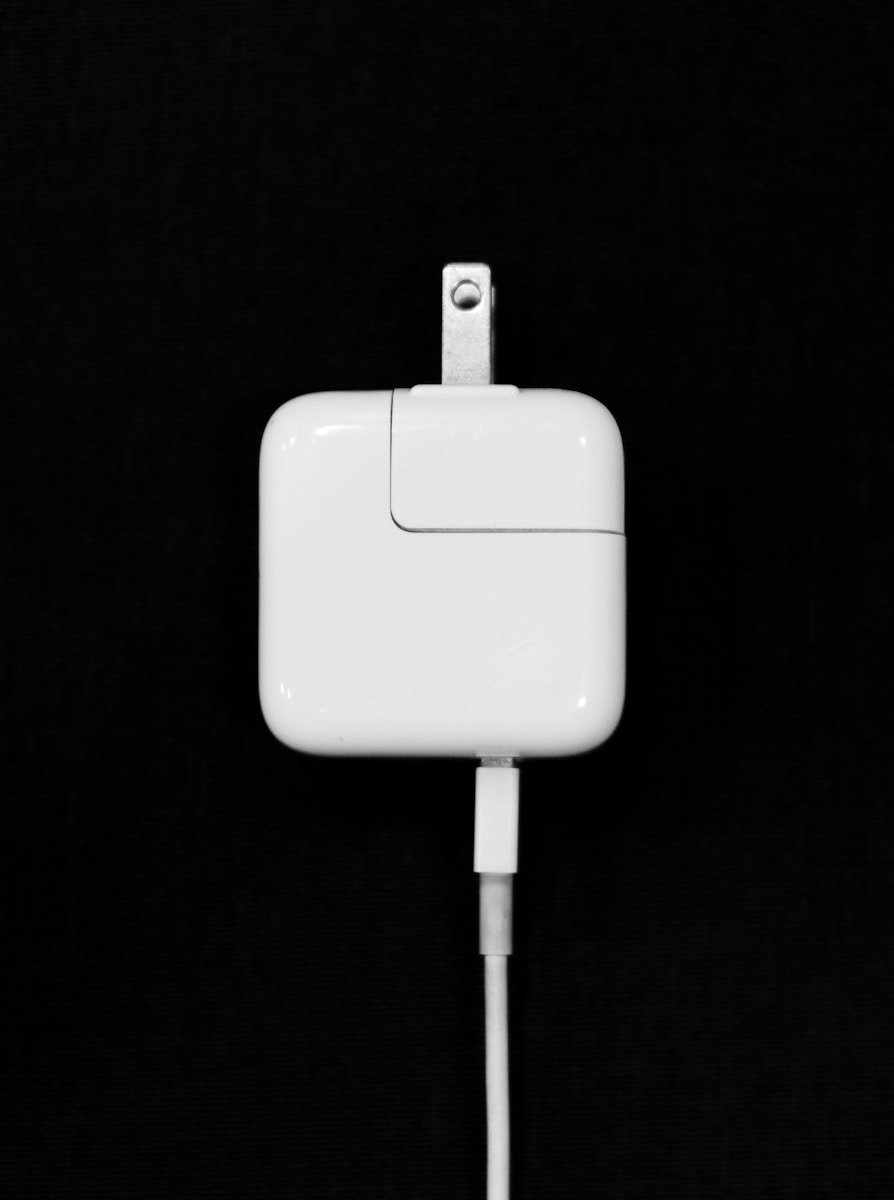
Choosing the right charger for your MacBook Pro is crucial for optimal performance and battery health. The ideal wattage for your MacBook Pro charger depends on your specific model and ranges from 30W to 140W. Apple offers various charger options to meet different needs.
MacBook Pro models have evolved over time, with newer versions requiring higher wattage chargers. For instance, the 14-inch and 16-inch MacBook Pro models support fast charging with compatible power adapters. This feature can charge your device up to 50% in just 30 minutes.
When selecting a charger, consider factors like portability and charging speed. While higher wattage chargers offer faster charging, they may be bulkier. Lower wattage options are more compact but charge your device slower. You can use any USB-C charger with your MacBook Pro, but it’s best to match the wattage for optimal results.
| MacBook Pro Model | Recommended Charger Wattage |
|---|---|
| 13-inch (M1, 2020) | 61W |
| 14-inch (2021-2023) | 67W or 96W |
| 16-inch (2021-2023) | 140W |
MacBook Pro Charger Wattage: Which Power Adapter Do You Need?
Choosing the right charger for your MacBook Pro isn’t just about plugging in any USB‑C cable. Using the correct wattage power adapter ensures faster charging, optimal performance, and long‑term battery health. This guide breaks down exactly which charger you need based on your MacBook Pro model.
Why Charger Wattage Matters
MacBook Pro models draw different amounts of power depending on:
- Screen size
- Processor (Intel, M1, M2, M3, etc.)
- Performance load (video editing, gaming, compiling code)
Using too little wattage means:
- Slower charging
- Battery draining while plugged in
- Reduced performance under heavy workloads
Using higher wattage than required is safe — your MacBook will only draw what it needs.
MacBook Pro Charger Wattage by Model
✅ 13‑inch MacBook Pro
Recommended charger: 61W USB‑C
| Model | Processor | Minimum Wattage |
|---|---|---|
| 2016–2020 | Intel | 61W |
| 2020–2022 | M1 / M2 | 61W |
💡 You can use a 96W charger, but it won’t charge faster.
✅ 14‑inch MacBook Pro
Recommended charger: 67W or 96W USB‑C
| Configuration | Charger |
|---|---|
| Base model | 67W |
| Higher‑end CPU/GPU | 96W |
⚡ Supports fast charging with 96W via MagSafe.
✅ 15‑inch MacBook Pro (Intel)
Recommended charger: 87W USB‑C
| Model Years | Wattage |
|---|---|
| 2016–2019 | 87W |
✅ 16‑inch MacBook Pro
Recommended charger: 96W or 140W
| Model | Charger |
|---|---|
| Intel (2019) | 96W |
| Apple Silicon (M1/M2/M3 Pro & Max) | 140W |
🚀 140W enables fast charging but requires:
- Apple 140W adapter
- MagSafe 3 cable (USB‑C won’t reach 140W)
Fast Charging Explained
Fast charging is available on:
- 14‑inch and 16‑inch MacBook Pro models
- Requires higher wattage + MagSafe
| Model | Fast Charge Requirement |
|---|---|
| 14‑inch | 96W + MagSafe |
| 16‑inch | 140W + MagSafe |
⏱️ Charge to ~50% in about 30 minutes.
Can You Use a Lower or Higher Wattage Charger?
✅ Higher Wattage
- Safe
- No risk of damage
- MacBook draws only what it needs
⚠️ Lower Wattage
- Works for light use
- May not charge under heavy load
- Not recommended long‑term
Third‑Party Chargers: Are They Safe?
Yes — if they meet these standards:
- USB‑C Power Delivery (PD)
- UL‑certified
- From reputable brands (Anker, Belkin, UGREEN)
Avoid cheap, uncertified chargers — they can overheat or damage your battery.
Quick Reference Chart
| MacBook Pro Model | Recommended Wattage |
|---|---|
| 13‑inch | 61W |
| 14‑inch | 67W / 96W |
| 15‑inch | 87W |
| 16‑inch | 96W / 140W |
Final Recommendation
If you want one charger that works for everything, choose:
- 96W USB‑C (best all‑around)
- 140W MagSafe (best for 16‑inch fast charging)
Still unsure? Check Apple Menu → About This Mac → System Report → Power to see your model’s recommended wattage.
✅ Bottom line: The right charger ensures faster charging, better performance, and longer battery life. Match your MacBook Pro’s size and power needs — and when in doubt, go higher wattage.
Understanding Charger Compatibility and Wattage
Selecting the right charger for your MacBook Pro is crucial for optimal performance and safety. Wattage and compatibility vary across different MacBook models and charger types.
Identifying the Right Charger for Your MacBook Model
MacBook Pro models require specific charger types and wattages. The 13-inch MacBook Pro models introduced in 2016 or later use the Apple 61W USB-C Power Adapter. For 14-inch and 16-inch models, higher wattage adapters are necessary.
To find your MacBook’s required charger:
- Check the bottom of your laptop for the model number
- Visit Apple’s support website
- Look up your model’s specifications
USB-C chargers are now standard for most recent MacBooks. Older models may use MagSafe or MagSafe 2 connectors.
Wattage Requirements and Specifications
Wattage requirements depend on your MacBook Pro’s size and year. Here’s a quick reference:
| MacBook Pro Model | Recommended Charger Wattage |
|---|---|
| 13-inch | 61W or 67W |
| 14-inch | 67W or 96W |
| 16-inch | 96W or 140W |
The 140W USB-C Power Adapter enables fast charging for 14-inch and 16-inch MacBook Pro models. This feature can charge your battery up to 50% in just 30 minutes.
Using a higher wattage charger than recommended is safe. Your MacBook will only draw the power it needs. However, using a lower wattage charger may result in slower charging or inability to charge while in use.
Maximizing Charging Efficiency
Proper charging practices and equipment selection can significantly enhance your MacBook Pro’s battery life and charging speed. These factors play a crucial role in maintaining optimal performance.
Optimizing the Charging Experience
To maximize your MacBook Pro’s charging efficiency, use the recommended wattage charger for your specific model. For newer 14-inch and 16-inch MacBook Pro models with M1 Pro/Max processors, a 96W or 140W USB-C power adapter is ideal.
Consider using battery management software like AlDente to monitor temperature and set maximum charge limits. This can help preserve battery health over time.
When you don’t need rapid charging, you can use a lower wattage charger. This may reduce heat generation during charging, which can be beneficial for long-term battery health.
The Role of Power Adapters and Cables
The choice of power adapter and cable can greatly impact your MacBook Pro’s charging speed and efficiency. Here’s a quick comparison of charging options:
| Charger Type | Wattage | Best For |
|---|---|---|
| USB-A to USB-C | 12W | Slow charging, minimal heat |
| USB-C | 30W-60W | MacBook Air, light use |
| USB-C | 96W-140W | MacBook Pro, heavy use |
Always use high-quality, Apple-certified cables to ensure safe and efficient charging. Lower quality cables may not support fast charging or could potentially damage your device.
Remember that MacBooks are designed to handle various charging wattages safely. Your device will only draw the power it needs, so using a higher wattage charger won’t harm your MacBook.
For flexibility, consider investing in a multi-port desktop charger. This allows you to charge multiple devices simultaneously while reducing clutter.
Purchase Options and Financial Considerations
When buying a MacBook Pro charger, you have several purchasing channels and payment methods to choose from. These options can affect your budget and overall buying experience.
Exploring Apple’s Purchase Channels
You can buy MacBook Pro chargers directly from Apple’s official channels. The Apple Store, Apple.com, and the Apple Store App offer authentic products with reliable customer support.
Apple Stores allow you to see the charger in person before buying. This can be helpful if you’re unsure about compatibility or features.
Online purchases through Apple.com or the Apple Store App provide convenience. You can order from home and have the charger shipped directly to you.
Authorized retailers like Best Buy or Amazon also sell genuine Apple chargers. These may offer competitive pricing or bundle deals.
Financing and Payment Methods
Apple offers various ways to pay for your MacBook Pro charger. These options can make higher-wattage chargers more affordable.
Apple Card Monthly Installments (ACMI) lets you spread the cost over time. This 0% APR financing is available for eligible products when using your Apple Card.
| Payment Method | Benefits | Considerations |
|---|---|---|
| Upfront Payment | No interest charges | Larger immediate cost |
| Apple Card | 3% cashback | Variable APR after promotional period |
| ACMI | 0% APR for limited time | Requires Apple Card approval |
Other credit cards can be used for purchase. Be aware of potential interest charges if not paid in full.
Apple also accepts debit cards, PayPal, and Apple Pay for immediate payment. These methods don’t offer financing but provide quick transactions.
Remember to factor in taxes and any shipping costs when budgeting for your charger purchase.
Frequently Asked Questions
MacBook Pro chargers come in different wattages. The right choice depends on your specific model and charging needs. Here’s what you need to know about MacBook Pro charger wattages.
What is the recommended wattage for a MacBook Pro charger?
The recommended wattage varies by MacBook Pro model. 13-inch MacBook Pro models typically use a 61W charger. 15-inch models often need an 87W charger. The 16-inch MacBook Pro requires a 96W charger.
Always check your MacBook Pro’s specifications. You can find this info on Apple’s website or in your device manual.
Can I use a higher wattage charger with my MacBook Pro?
Yes, you can use a higher wattage charger safely. Your MacBook Pro will only draw the power it needs. A higher wattage charger won’t damage your device.
It may even charge your MacBook Pro faster in some cases. But don’t expect significant speed improvements.
How does charger wattage affect the charging speed of a MacBook Pro?
Higher wattage chargers can potentially charge your MacBook Pro faster. But the actual speed depends on your MacBook Pro’s charging capacity.
A 96W charger won’t charge a 61W MacBook Pro any faster than a 61W charger. The device limits the power input to what it can handle.
Are MacBook Pro chargers interchangeable with MacBook Air chargers in terms of wattage?
MacBook Pro and MacBook Air chargers are often interchangeable. But they may not provide optimal charging for both devices.
MacBook Air chargers usually have lower wattage. They can charge a MacBook Pro, but at a slower rate. A MacBook Pro charger will work fine with a MacBook Air.
Does using a lower wattage charger impact the battery of a MacBook Pro?
Using a lower wattage charger won’t harm your MacBook Pro’s battery. It’s safe to use a 30W charger with a MacBook Pro.
But it will charge your device more slowly. In some cases, it might not provide enough power for high-demand tasks while plugged in.
What are the wattage requirements for charging a MacBook Pro with a USB-C connector?
MacBook Pro models with USB-C connectors require different wattages:
| MacBook Pro Model | Required Wattage |
|---|---|
| 13-inch (M1, 2020) | 61W |
| 13-inch (2016-2019) | 61W |
| 15-inch (2016-2019) | 87W |
| 16-inch (2019+) | 96W |
These wattages ensure optimal charging for each model. You can use higher wattage chargers, but not lower ones for best performance.





