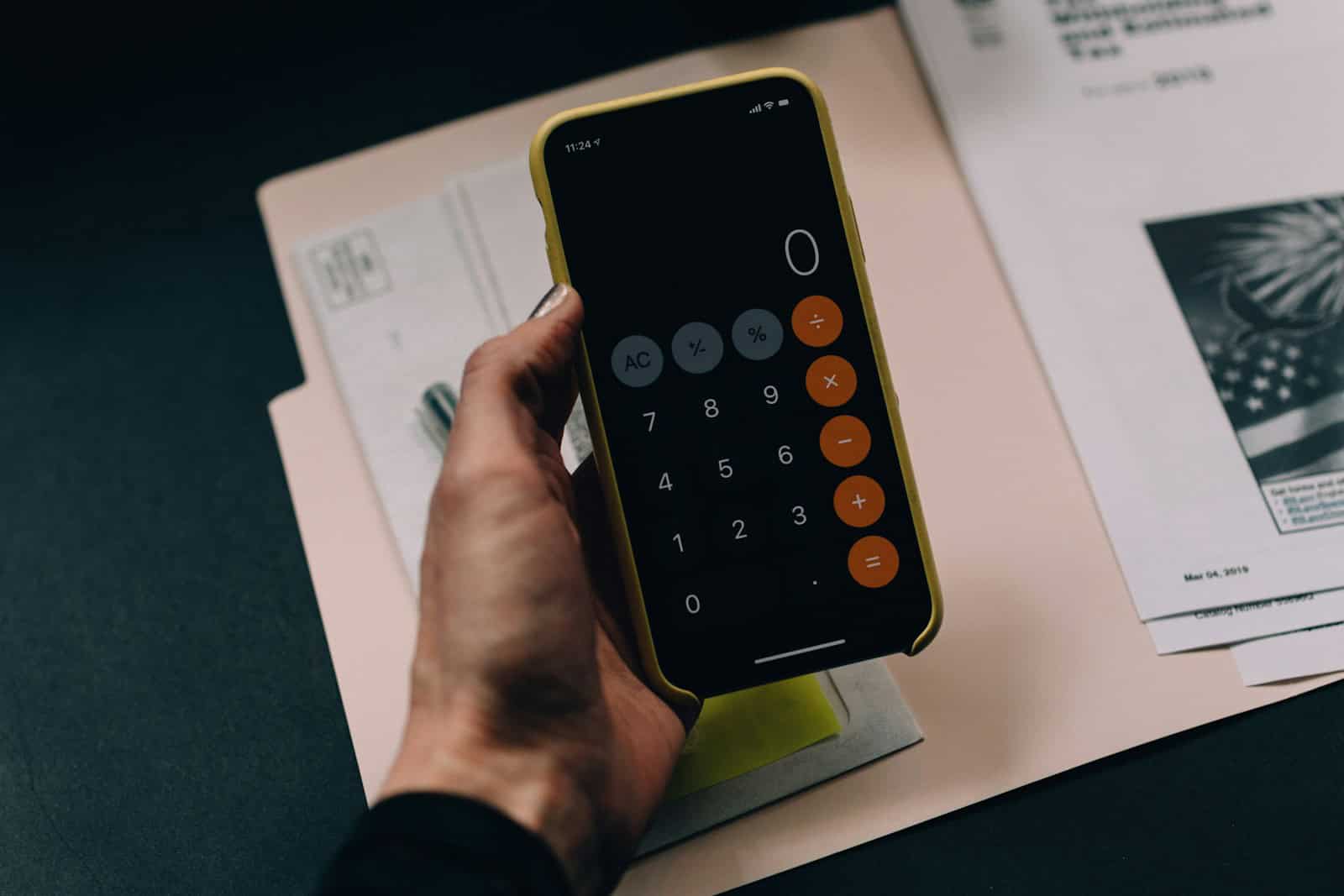
Calculators on both Windows and Apple devices have evolved far beyond simple arithmetic tools. The latest updates bring powerful features that make everyday math tasks easier, faster, and more versatile.
Windows Calculator: Advanced Features for Every User
The Windows 11 Calculator app has grown into a multifunctional tool that supports a variety of calculation needs:
Key Features:
- Multiple Calculator Modes:
- Standard: Basic arithmetic.
- Scientific: Advanced functions like trigonometry, logarithms, and exponents.
- Programmer: Binary, hexadecimal, and bitwise operations for coding tasks.
- Graphing: Plot functions and visualize equations directly in the app.
- Date Calculation: Calculate the difference between dates or add/subtract days.
- Unit and Currency Conversion: Convert lengths, weights, currencies, temperatures, and more with up-to-date exchange rates.
- History and Memory: View past calculations and save results for reuse.
- Touch-Friendly Interface: Optimized for both desktop and touchscreen devices.
These features make the Windows Calculator a powerful assistant for students, professionals, programmers, and casual users alike.
Apple Calculator: Smarter, More Interactive
With iOS 18 and macOS updates, Apple’s Calculator app has introduced several new tools that enhance usability:
Key Features:
- Math Notes Integration:
- Create editable Math Notes that allow you to write complex problems and see step-by-step solutions or calculations.
- Apple Pencil Support (iPad):
- Write equations naturally with Apple Pencil, which the app can convert into typed math expressions.
- History View:
- Easily access previous calculations and reuse or edit them.
- Unit Conversions:
- Quickly convert units like currency, length, weight, and more within the app.
- Improved Interface:
- Sleek design with customizable themes and a more intuitive layout.
These enhancements make Apple’s Calculator ideal for students, educators, and anyone who needs to solve complex problems on the go.
How These Features Transform Everyday Math Tasks
| Task | Windows Calculator | Apple Calculator |
|---|---|---|
| Basic Arithmetic | Standard mode with memory and history | Standard mode with history and editing |
| Complex Math & Science | Scientific and graphing calculators | Math Notes and Apple Pencil input |
| Programming & Coding | Programmer mode with base conversions | Not available |
| Date and Time Calculations | Date difference and addition | Limited, but improving |
| Unit & Currency Conversion | Extensive and updated currency rates | Integrated conversions with quick access |
| Learning & Teaching | Graphing and detailed scientific functions | Interactive Math Notes and handwriting input |
Tips to Get the Most Out of These Calculators
- On Windows, explore the graphing mode for visualizing math problems.
- On Apple devices, try handwriting your equations with Apple Pencil on iPad for a natural experience.
- Use history and memory features to save time on repetitive calculations.
- Regularly update your apps to access the latest features and currency rates.
Summary
Both Windows and Apple have transformed their calculator apps into powerful, versatile tools that go well beyond simple calculations. Whether you’re a student, professional, or casual user, these new features help you tackle everyday math tasks more efficiently and intuitively.
References
- Windows 11 Calculator Hidden Features
- iOS 18 Brings New Tools to the Calculator App
- Apple Calculator Math Notes
Key Takeaways
- The Windows Calculator now supports multiple windows and modes for simultaneous calculations
- Advanced features include graphing, unit conversion, and real-time currency updates
- Touch-optimized interface works seamlessly across desktop and tablet devices
Enhancements to Calculator Usability
The Windows Calculator has evolved from a basic arithmetic tool into a powerful computing application. The new Calculator in Windows 11 includes advanced features like graphing capabilities, unit conversion for over 100 different measurements, and currency conversion tools that update in real-time.
Microsoft has redesigned the Calculator interface to support multiple windows and flexible resizing options. Users can now run several calculator instances simultaneously, each in a different mode – from standard arithmetic to scientific calculations and programming functions.
The graphing mode stands out as a notable addition, enabling users to plot equations and analyze mathematical relationships visually. The calculator’s touch-friendly design makes it equally effective for both desktop and tablet users, while maintaining professional-grade functionality for complex calculations.
Modern calculator apps have evolved beyond basic arithmetic to include powerful features for complex calculations, unit conversions, and seamless integration with other apps and devices.
Integration with iOS 18 and iPadOS 18
The calculator app in iOS 18 introduces seamless Notes integration, allowing users to paste calculations directly into notes with a single tap. This feature maintains formatting and shows work step-by-step.
Apple Pencil support on iPadOS 18 enables handwritten calculations that convert to digital text instantly. Users can write equations naturally, and the app recognizes mathematical symbols and numbers with high accuracy.
The app syncs calculation history across Apple devices through iCloud, making it easy to access previous work from any device.
Advanced Features for Scientific Calculation
The scientific calculator mode includes expanded support for complex equations and variables. Users can store and reuse up to 10 custom variables in calculations.
New graphing capabilities allow users to:
- Plot multiple equations simultaneously
- Analyze intersection points
- Export graphs as images
- Share equations with other users
Support for advanced mathematical functions includes:
- Hyperbolic functions
- Complex number operations
- Enhanced logarithmic notation
- Matrix calculations
Utility Tools for Everyday Use
The built-in converter handles over 100 unit types, from basic length and weight to specialized scientific measurements. Currency conversion updates in real-time using live exchange rates.
A new split-screen mode lets users perform calculations while viewing reference materials or data sources. The app remembers frequent conversions and creates shortcuts for quick access.
Quick conversion gestures speed up common tasks:
- Swipe right to copy results
- Long press for unit conversion options
- Double tap to switch between decimal and fraction display
Frequently Asked Questions
The Calculator app for iOS and iPadOS has undergone significant updates in recent versions, introducing new capabilities and enhanced functionality for users across Apple devices.
When was the Calculator app released for iPadOS?
Apple released the native Calculator app for iPadOS in September 2024 with iPadOS 18. This marked the first time iPad users received a dedicated Calculator app.
The app features an iPad-optimized interface with expanded screen space utilization and support for multitasking features.
What are the new enhancements introduced in iPadOS 17’s Calculator app?
The iPadOS 17 Calculator app added scientific calculator functions accessible in landscape mode. Users can perform advanced calculations including trigonometric functions and logarithms.
The update introduced gesture support for quick actions like copying results and accessing calculation history.
Split-screen compatibility allows users to reference calculations while working in other apps.
How can one access the Math Notes feature in the iOS 18 Calculator?
Users can activate Math Notes by tapping the notes icon in the top right corner of the Calculator app. The feature requires iOS 18 or later.
Math Notes syncs across iCloud devices and supports handwritten equation recognition.
Are there any significant differences between the iOS 18 Calculator and its Android counterpart?
iOS 18 Calculator offers seamless integration with other Apple services and Shortcuts automation. Android calculators vary by manufacturer but often include similar basic functions.
Apple’s version provides consistent design and functionality across devices. Android calculators may differ in features and interface depending on the device maker.
What steps should be taken to download the iOS 18 Calculator app?
The Calculator app comes pre-installed on iOS 18 devices. No separate download is required for the standard version.
Users can restore the app through the App Store if previously deleted.
How can one identify if a secret calculator app is installed on someone’s device?
Secret calculator apps often display different icons from the standard calculator. Check the app’s storage size – hidden vault apps typically require more space.
Review the app permissions list for unusual requests like camera or contact access.