
Smartphones contain some of the most sensitive information in our lives — passwords, banking apps, private messages, photos, and even access to our identity. If your iPhone is stolen, the damage can go far beyond losing a piece of hardware. That’s why Apple introduced Stolen Device Protection, a powerful security feature designed to keep your data safe even if someone knows your passcode.
Here’s everything you need to know.
What Is Stolen Device Protection?
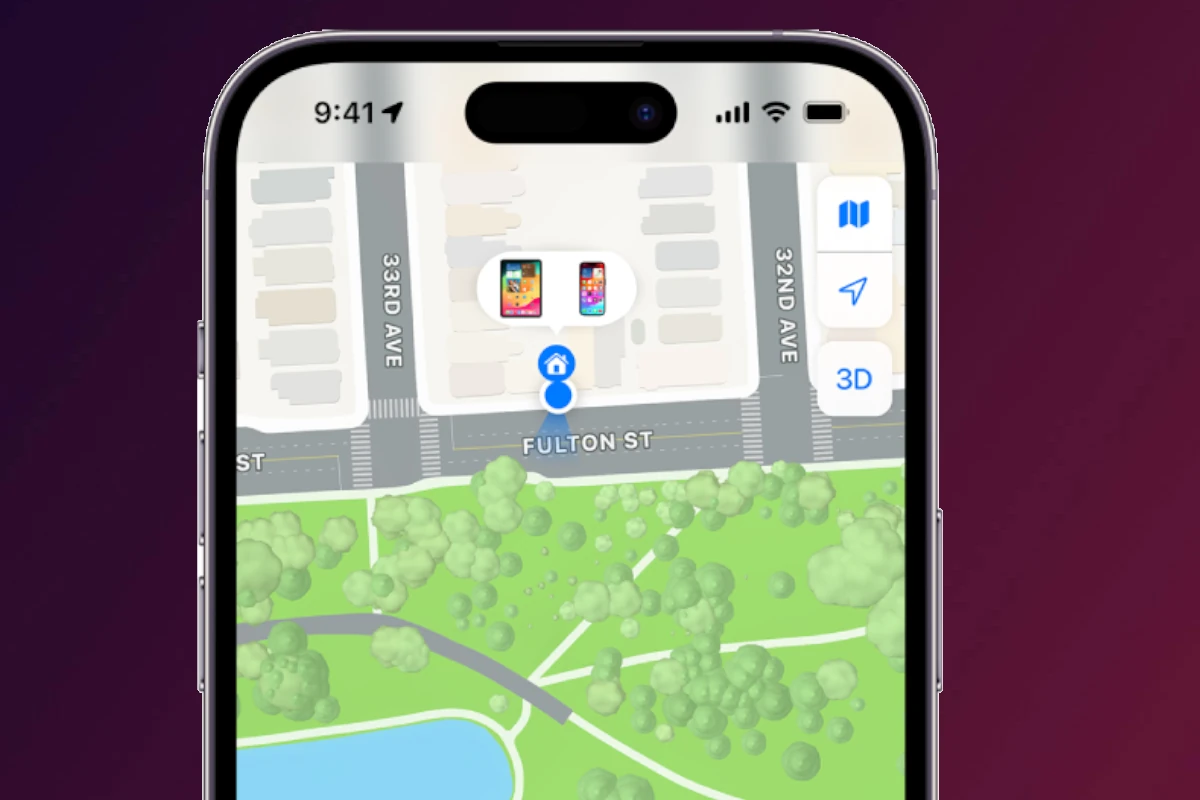
Stolen Device Protection is a security feature available on iPhones running iOS 17.3 or later. It adds an extra layer of protection when your iPhone is away from familiar locations like your home or workplace.
If someone steals your phone and knows your passcode, they still won’t be able to make critical changes to your Apple ID or security settings without additional authentication steps.
Why Apple Introduced It
In recent years, thieves have become more sophisticated. In some cases, criminals:
- Watch victims enter their passcode in public
- Steal the phone
- Quickly change the Apple ID password
- Disable Find My
- Access banking apps
- Lock the owner out of their own account
With only a passcode, a thief could previously take over your digital life in minutes. Stolen Device Protection helps prevent that scenario.
How Stolen Device Protection Works
When enabled, the feature requires Face ID or Touch ID authentication for sensitive actions — and in some cases, adds a security delay.
1. Biometric Authentication Required
When your iPhone is in an unfamiliar location, the following actions require Face ID or Touch ID (passcode alone won’t work):
- Viewing saved passwords in iCloud Keychain
- Applying for or using Apple Card
- Disabling Lost Mode
- Erasing the device
- Making purchases in Safari with saved payment methods
This prevents thieves from using your passcode to access sensitive information.
2. Security Delay for Critical Changes
For highly sensitive changes, Apple adds a one-hour security delay when you’re away from trusted locations.
These include:
- Changing your Apple ID password
- Signing out of your Apple ID
- Turning off Find My
- Resetting all settings
- Adding or removing Face ID or Touch ID
The process works like this:
- Authenticate with Face ID or Touch ID.
- Wait one hour.
- Authenticate again with Face ID or Touch ID.
If the thief cannot pass biometric authentication, they cannot complete the action — even if they know your passcode.
How to Turn On Stolen Device Protection
Follow these steps:
- Open Settings
- Tap Face ID & Passcode (or Touch ID & Passcode)
- Enter your passcode
- Scroll down and tap Stolen Device Protection
- Turn it On
You may also see options to apply the security delay:
- Away from Familiar Locations (Default)
- Always (adds delay even at home)
For maximum protection, many users prefer setting it to Always.
What Are Familiar Locations?
Your iPhone learns locations where you frequently use your device, such as:
- Your home
- Your workplace
When you’re in one of these trusted locations, some extra delays may not apply.
Should You Turn It On?
Yes — for most people, there’s no downside.
The extra authentication steps only appear when:
- You’re away from trusted places
- You’re making major security changes
For everyday use, you likely won’t notice any difference.
Given the potential financial and personal damage of identity theft, enabling Stolen Device Protection is one of the smartest security moves you can make.
Additional iPhone Security Tips
Stolen Device Protection works best when combined with other safety measures:
- ✅ Use a strong alphanumeric passcode
- ✅ Enable Face ID or Touch ID
- ✅ Turn on Find My iPhone
- ✅ Enable two-factor authentication for Apple ID
- ✅ Avoid entering your passcode in crowded public spaces
Final Thoughts
Your iPhone is more than a phone — it’s your wallet, your identity, and your digital life. Stolen Device Protection ensures that even if your device is stolen and your passcode is compromised, your most critical information stays secure.
If you haven’t enabled it yet, now is the time.
It’s one small switch — and a big step toward protecting yourself.





