iPad
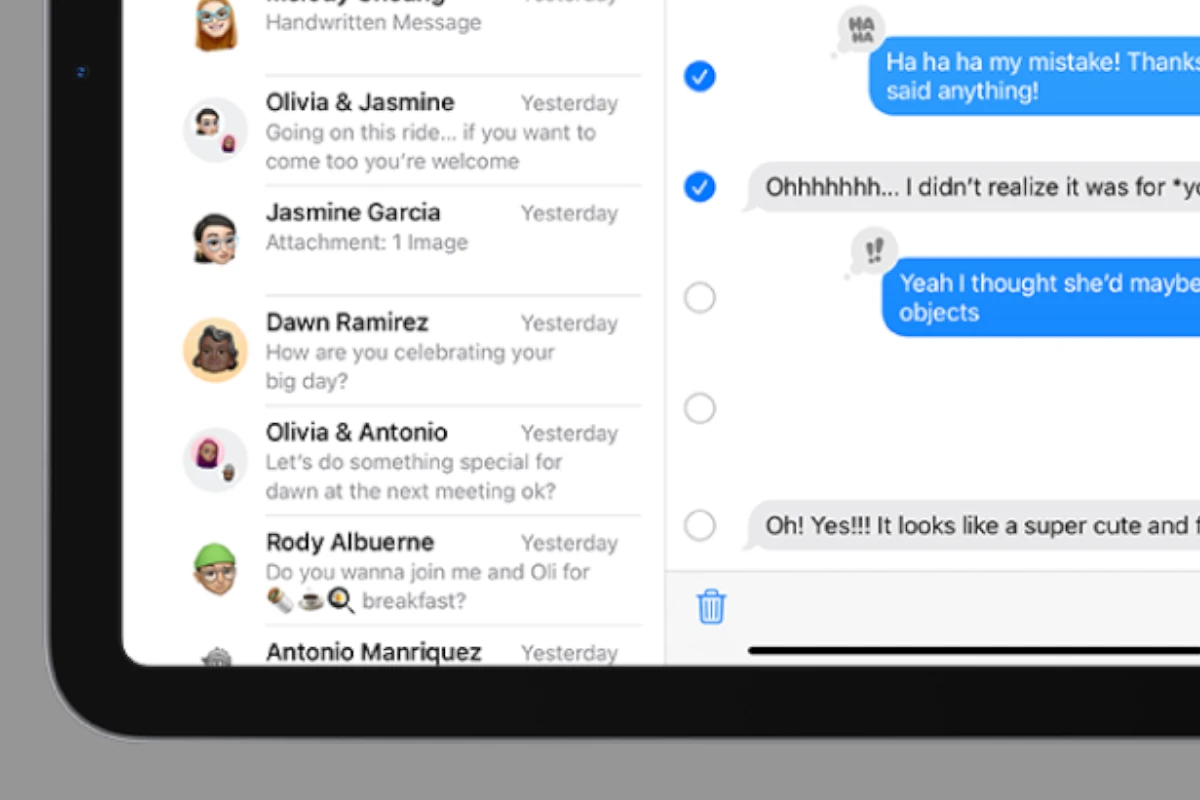
Delete iPad Messages and Attachments: Steps
Keeping your iPad clean and organized helps it run smoothly. This includes managing messages and attachments. You can easily delete messages and ...
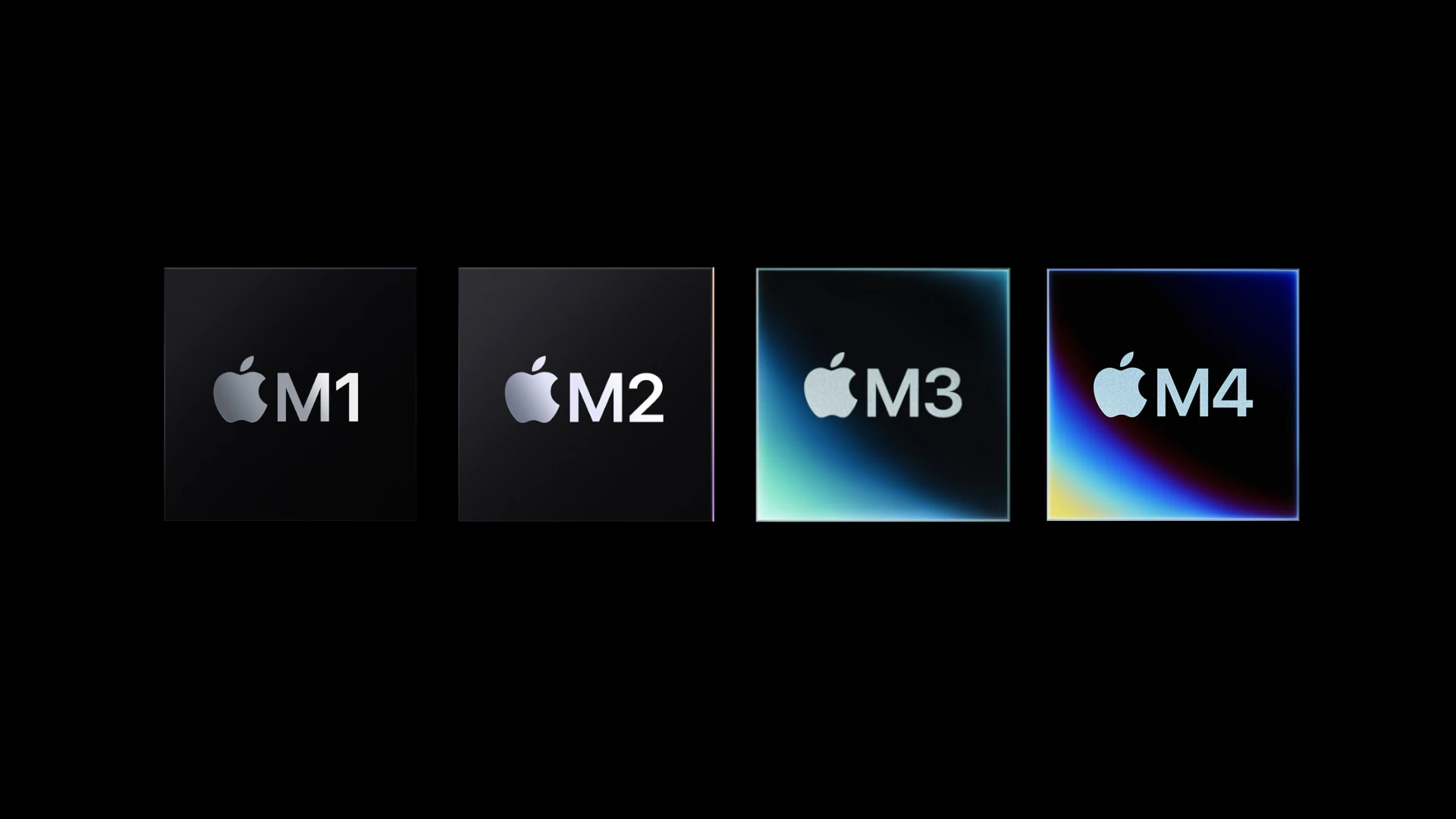
Apple M-series Chips Explained: M1, M2, M3, M4, M5
Apple’s M-series chips have completely changed Macs. These powerful processors make computers faster and use less power. They are custom-made for ...

How Much Do The New M4 iPad Pro Models Cost: Price Breakdown By Size
Apple has released its latest iPad Pro models featuring the M4 chip. The 11-inch iPad Pro starts at $999, and ...

We Rank The Best iPads for Drawing and Graphic Design
When choosing the best iPad for drawing, it’s important to understand the differences between each model. Apple’s iPads are popular ...
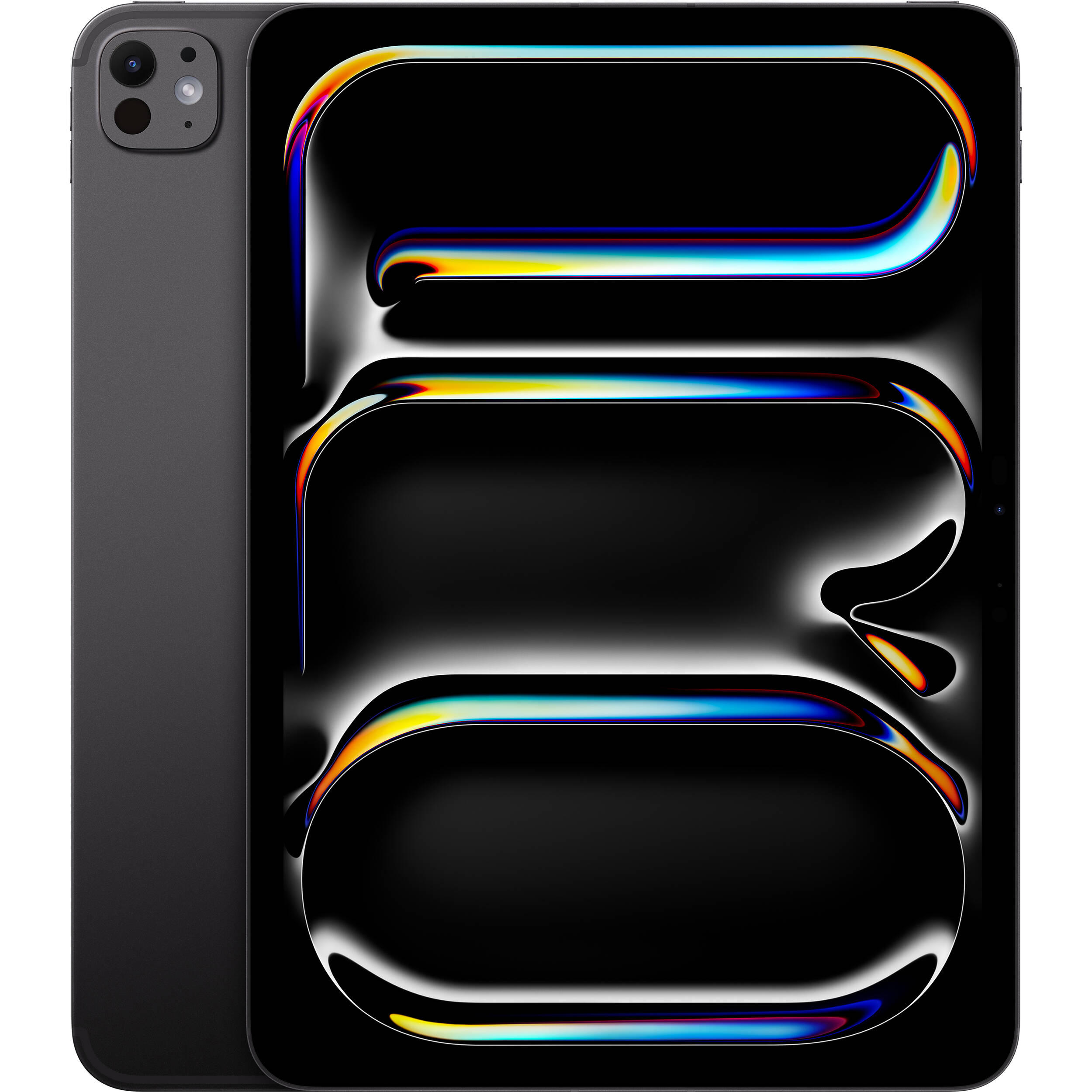
The iPad Pro Widens It’s Sales Lead, While The iPad Air Faulters
The iPad Pro is now Apple’s best-selling iPad by a large margin. In the last quarter, the Pro model has ...

Unable to Complete Touch ID Setup
Having trouble setting up Touch ID on your iPhone or MacBook Pro? Here are some tips to help you fix ...
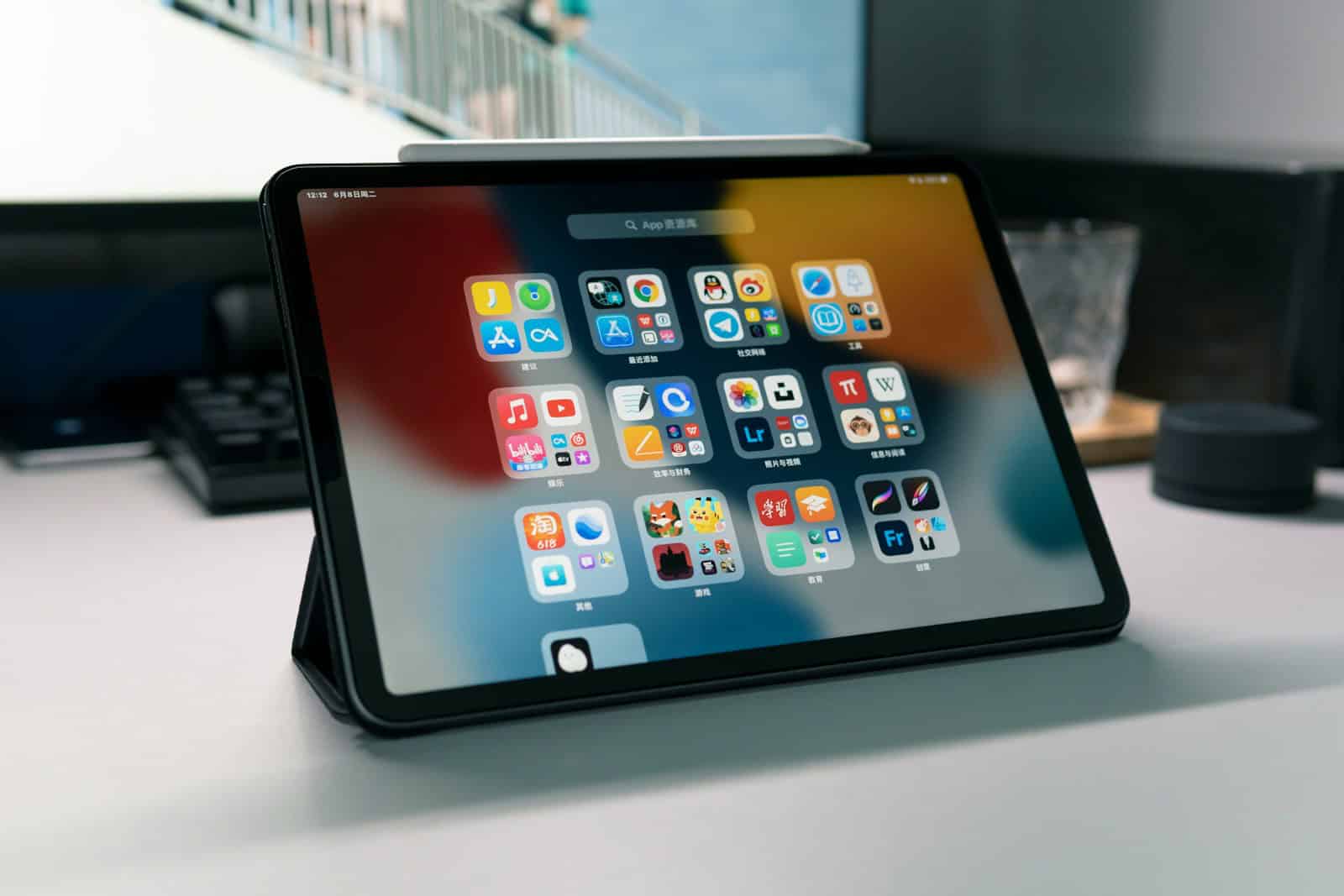
iPad Troubleshooting Guide: Quick Solutions for Common Issues
iPads are great tools but sometimes they have problems. When your iPad acts up it can be frustrating. This guide ...
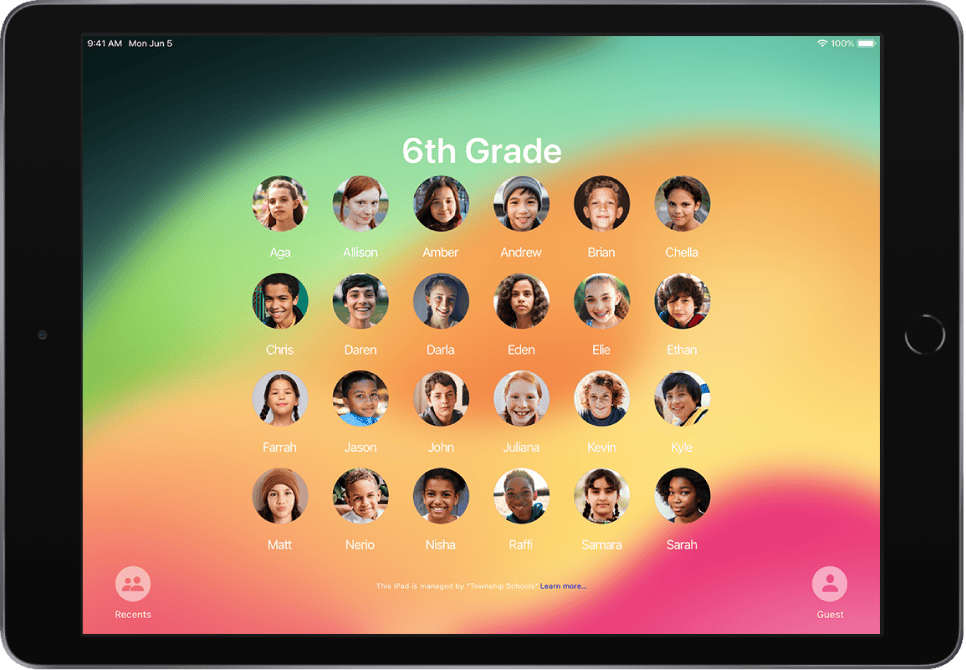
Shared iPad Guide: Device Management
The Shared iPad feature from Apple is designed to make it easier for multiple users in organizations like schools and ...
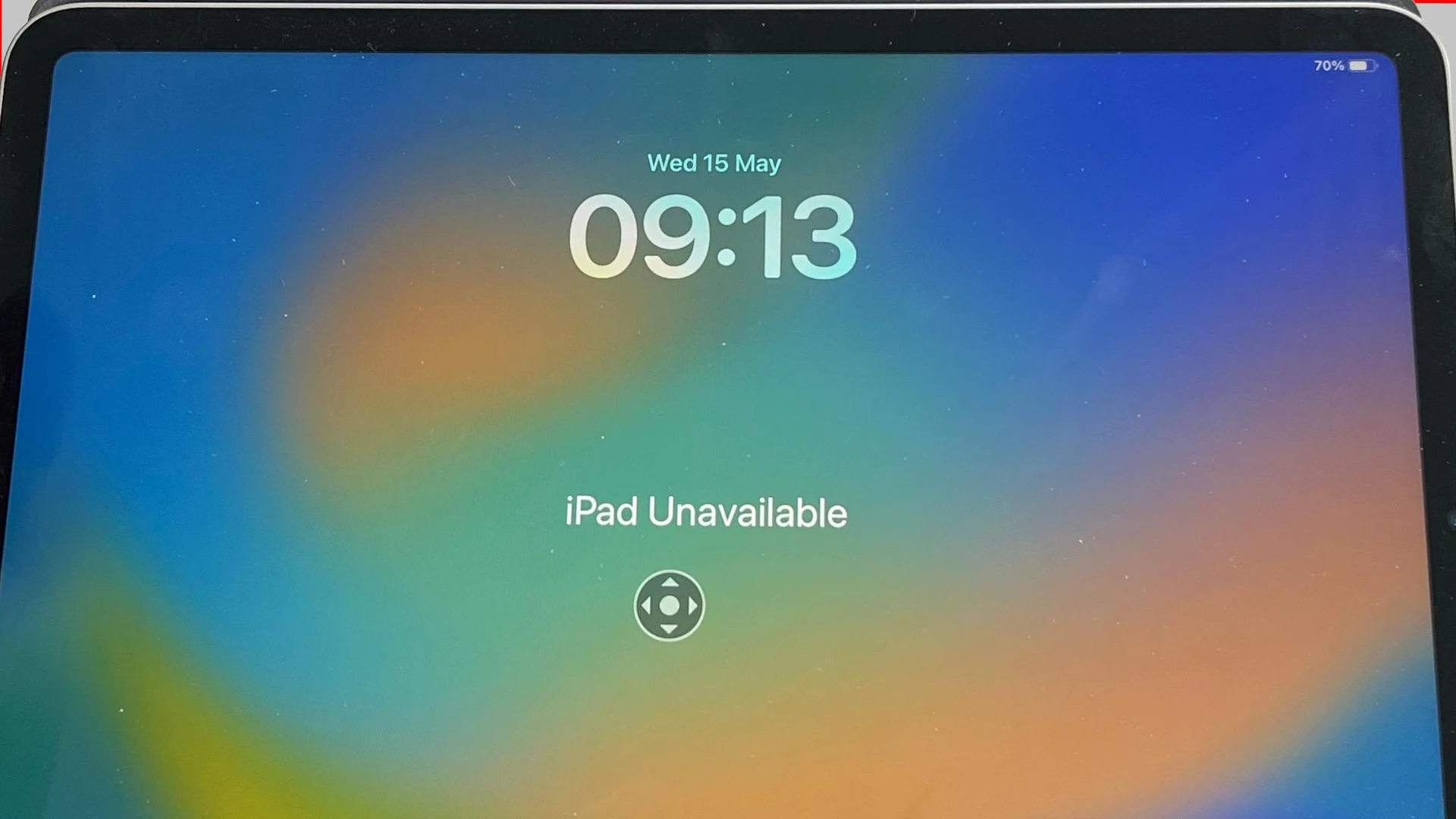
How to Recover From The “iPad Unavailable” Error Message
When an iPad shows the “iPad Unavailable” message, it means that the wrong passcode has been entered too many times. ...
Connect Your iPad to a MacBook: Step-by-Step
Connecting your iPad and MacBook is simple. There are various ways to do it. When you connect your iPad to ...