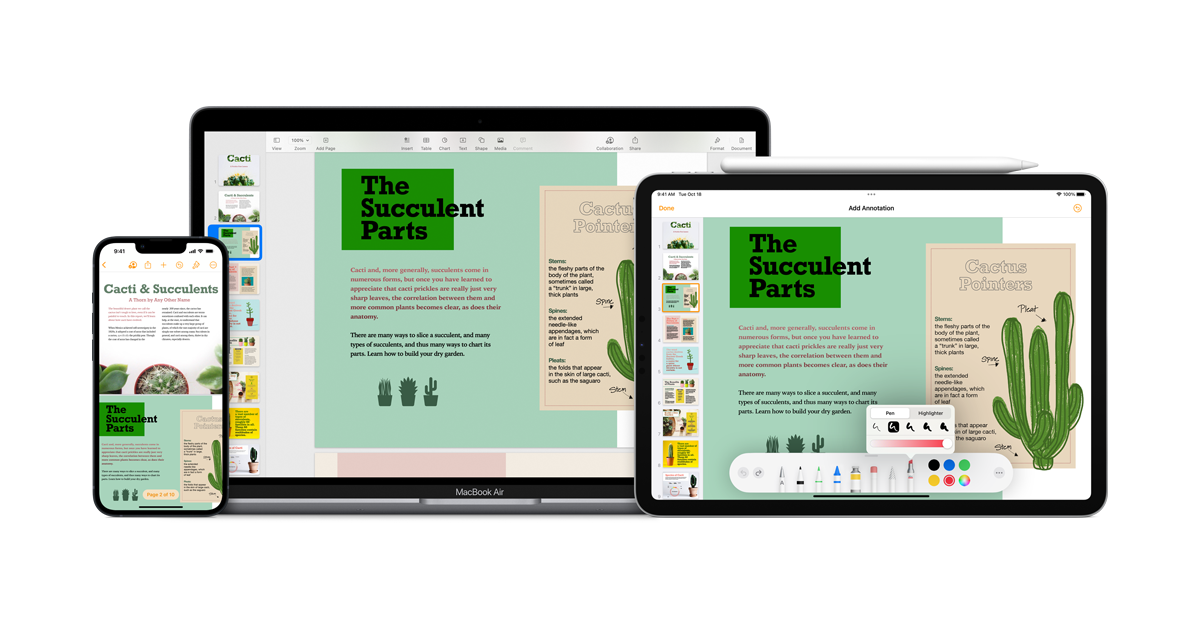
CUPERTINO, CALIFORNIA — Continuing a week of extensive software maintenance across its entire ecosystem, Apple has officially released Pages 15.1 for Mac users. This update specifically targets users running macOS Sequoia 15.6 and later, ensuring that the flagship word processor remains optimized for the latest refinements in the Mac operating system.
The release, which debuted on January 28, 2026, arrived alongside a parallel update for Keynote (version 15.1), signaling a coordinated refresh of Apple’s iWork productivity suite.
Refined for Sequoia 15.6
While Apple has not detailed any major new feature additions in the 15.1 release, the version increment suggests more than just a minor patch. By requiring macOS Sequoia 15.6 or later, Apple is likely leveraging specific API improvements and stability fixes introduced in the most recent builds of the operating system.
Users can expect:
- Enhanced Performance: Smoother handling of large documents and complex graphics.
- Stability Fixes: Resolutions for minor bugs reported in the initial 15.0 release.
- Deep Integration: Improved compatibility with Sequoia’s latest multitasking and file management features.
Part of a Global Update Wave
The launch of Pages 15.1 is part of a massive software rollout from Apple this week. On January 26, the company pushed updates to nearly every generation of iPhone and iPad—ranging from the cutting-edge iOS 26.2.1 for the iPhone 17 series down to iOS 12.5.8 for the aging iPhone 5s.
By updating Pages and Keynote just two days later, Apple is ensuring that its professional and creative tools remain in lockstep with the security and performance baselines established by these OS updates.
No Reported Security Vulnerabilities
Notably, the documentation accompanying this week’s software wave indicates that these updates contain no published CVE (Common Vulnerabilities and Exposures) entries. This suggests that Pages 15.1 is a “quality of life” update, focusing on the user experience and reliability rather than patching critical security flaws. For professionals who rely on Pages for daily workflows, this translates to a more dependable environment without the disruption of major UI changes.
How to Update
Pages 15.1 is a free update for all existing users. To download the latest version, follow these steps:
- Open the Mac App Store.
- Click on the Updates tab in the sidebar.
- Locate Pages and click Update.
- Alternatively, ensure your macOS is updated to at least version 15.6 by going to System Settings > General > Software Update.
As Apple continues to refine the Sequoia experience, users are encouraged to keep their productivity apps updated to ensure full compatibility with the latest iCloud syncing protocols and macOS system features.