
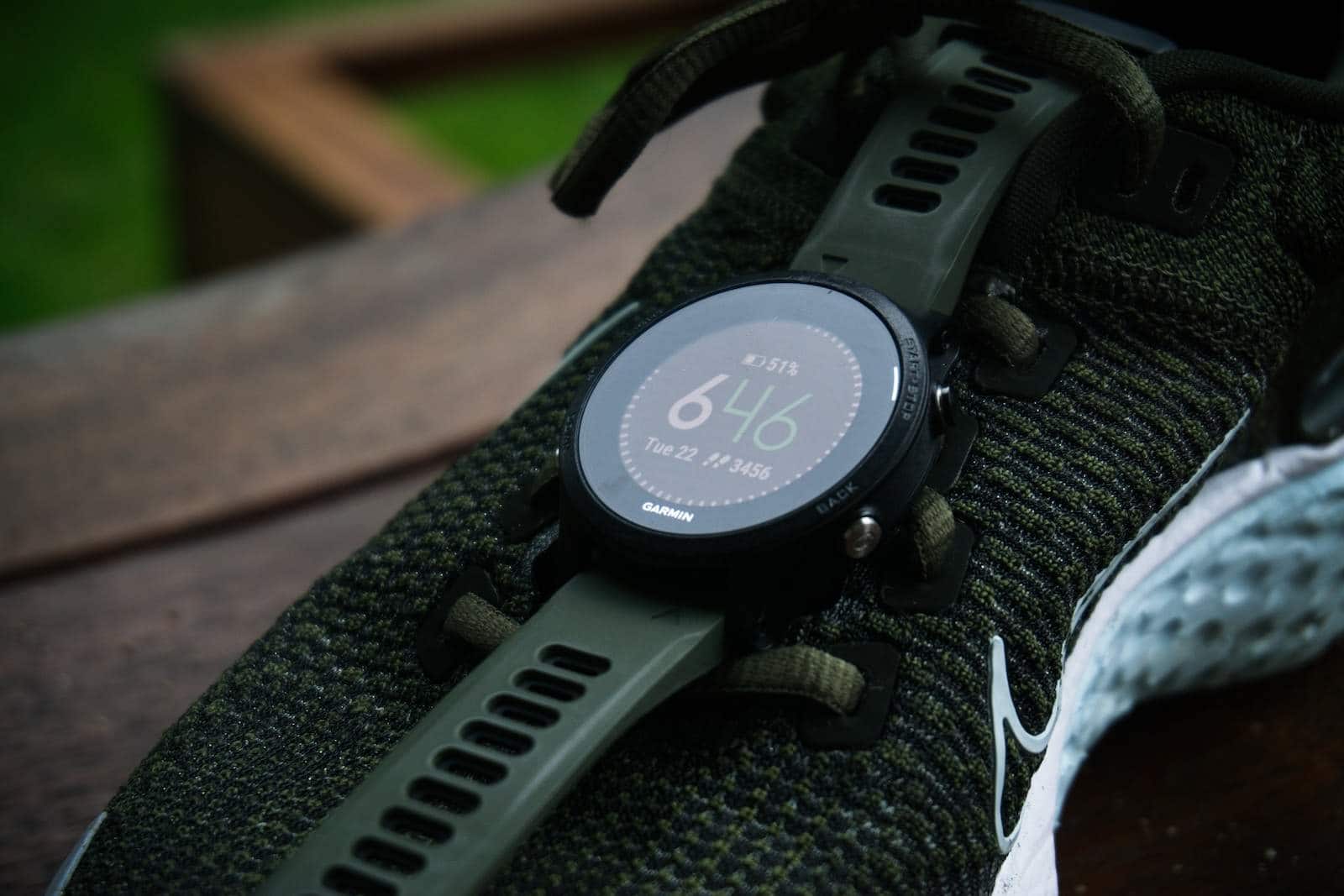
Garmin watches are known for their reliability and are often used by fitness enthusiasts who appreciate detailed tracking features. Many users wonder about the compatibility of Garmin watches with iPhones. The good news is that Garmin smartwatches and iPhones get along well. You need iOS 7 or above, and pairing a Garmin watch with an iPhone is straightforward with the Garmin Connect app.
When a Garmin watch is paired with an iPhone, users can enjoy a range of features such as activity tracking, advanced physiological data, and smart notifications. While most Garmin watch capabilities are available when used with an iPhone, some features might have limitations due to the differences in operating systems. Setting up is usually trouble-free, involving a Bluetooth connection through the Garmin Connect app which also facilitates integration with Apple’s Health app for comprehensive health and fitness monitoring.
Do Garmin Watches Work with iPhones?
Yes, Garmin watches do work with iPhones—and they work quite well for fitness tracking, navigation, and health insights. However, there are some important limitations compared to using a Garmin watch with an Android phone.
This guide explains what works, what doesn’t, and what to expect when pairing a Garmin watch with an iPhone.
Garmin and iPhone Compatibility Overview
Garmin watches are compatible with:
- iPhone 8 and newer
- iOS 15 or later (recommended for best performance)
All modern Garmin watches pair with iPhones using the Garmin Connect app, available free on the App Store.
✅ Fitness tracking
✅ GPS & navigation
✅ Health metrics
✅ App syncing
❌ Some smartwatch features are limited by iOS
How Garmin Watches Connect to iPhones
Garmin watches connect via:
- Bluetooth
- Garmin Connect app
Once paired, your watch syncs data such as workouts, steps, heart rate, sleep, and training metrics directly to your iPhone.
What Works on iPhone (Fully Supported Features)
✅ Fitness & Health Tracking
- Steps, calories, distance
- Heart rate & HRV
- Sleep tracking
- Stress and Body Battery
- VO2 Max and training readiness (model‑dependent)
✅ GPS & Outdoor Features
- Accurate GPS tracking
- Offline maps and navigation (supported models)
- Route syncing from Garmin Connect
✅ Workout Syncing
- Activities automatically sync to your iPhone
- Data uploads to Garmin Connect and third‑party apps (Strava, MyFitnessPal)
✅ Notifications (Read‑Only)
- Incoming calls
- Text messages
- App notifications
⚠️ You can view notifications, but not reply to texts or messages.
What’s Limited on iPhone
Due to Apple’s iOS restrictions, some features are unavailable or reduced.
❌ Text Replies & Actions
- No replying to texts from the watch
- No quick replies or emoji responses
❌ App Interactions
- Limited control over third‑party apps
- Fewer interactive notification options
❌ Voice Assistants
- No Siri access from Garmin watches
- Voice features are minimal or unavailable
Music & Payments on iPhone
✅ Music
- Offline playlists from:
- Spotify
- Amazon Music
- Deezer
- Music controls for Apple Music (play/pause/skip only)
⚠️ Apple Music downloads are not supported on Garmin watches.
✅ Garmin Pay
- Works on iPhone
- Supported banks vary by region
Garmin vs Apple Watch on iPhone
| Feature | Garmin Watch | Apple Watch |
|---|---|---|
| Fitness tracking | ✅ Excellent | ✅ Excellent |
| Battery life | ✅ Much longer | ❌ Shorter |
| Outdoor navigation | ✅ Advanced | ⚠️ Limited |
| Text replies | ❌ No | ✅ Yes |
| App ecosystem | ⚠️ Limited | ✅ Extensive |
| Health metrics | ✅ Advanced | ✅ Advanced |
Best Garmin Watches for iPhone Users
- Garmin Forerunner Series – Runners and triathletes
- Garmin Fenix / Epix – Outdoor and multisport athletes
- Garmin Venu Series – Fitness with a smartwatch feel
- Garmin Instinct – Rugged and adventure‑focused
All work reliably with iPhones via Garmin Connect.
How to Set Up a Garmin Watch with an iPhone
- Download Garmin Connect from the App Store
- Turn on Bluetooth on your iPhone
- Power on your Garmin watch
- Follow the on‑screen pairing instructions
- Grant notification and health permissions
✅ Setup usually takes under 10 minutes.
Common Issues & Fixes
- Notifications not showing:
Check iPhone notification settings and Bluetooth permissions. - Sync problems:
Restart both devices and reopen Garmin Connect. - Battery drain:
Disable unnecessary notifications and background app refresh.
Final Verdict
Garmin watches work very well with iPhones for fitness, health tracking, and navigation. If your priority is battery life, training data, and outdoor performance, Garmin is an excellent choice.
However, if you want full smartwatch features like replying to texts or deep app integration, an Apple Watch may be a better fit.
Bottom Line:
- ✅ Yes, Garmin watches work with iPhones
- ✅ Excellent fitness and outdoor features
- ❌ Limited smartwatch interaction compared to Apple Watch
Key Takeaways
- Garmin smartwatches are compatible with iPhones running iOS 7 or higher.
- Pairing is done through the Garmin Connect app via Bluetooth.
- Features include activity tracking and data sharing with the Apple Health app.
Compatibility and Setup
When connecting Garmin watches with an iPhone, knowing compatibility details and setup steps is vital. This section provides specific information on system requirements, pairing, and the Garmin Connect app.
Operating System Requirements
Garmin watches need an iPhone running iOS 7 or above. This ensures full functionality and access to various features. Watches sync well with iPhones offering users a comprehensive experience.
Pairing Process and Bluetooth Connectivity
To pair a Garmin watch with an iPhone, the user must enable Bluetooth on both the watch and the phone. The Garmin Connect app guides through a pairing process, which is a simple connection setup.
Garmin Connect and Garmin Connect App
The Garmin Connect app must be installed on the iPhone from the App Store for the pairing to work. The app manages syncing and allows the user to grant permissions for notifications. It also offers health and wellness tracking, which the user can share with Apple’s Health app.
Functionality and Integration
Garmin smartwatches offer seamless compatibility with iPhones, enhancing the user experience by integrating health and fitness data with the convenience of staying connected on the go.
Health and Fitness Features
Garmin smartwatches are equipped with sensors that track various health metrics. They monitor heart rate, count steps, analyze sleep patterns, and use GPS to map running, cycling, and swimming routes. Users can choose from multiple activity profiles tailored to their fitness routine. The devices also provide detailed physiological data tracking and training plans to help users meet their fitness goals efficiently.
Smartwatch Capabilities and Garmin Specific Services
These smartwatches extend beyond tracking to include features like Garmin Pay for contactless payments. Users can access Garmin-specific services like Livetrack that shares their location during activities. The smartwatches also support customizable watch faces and provide users with the ability to manage their health and fitness data.
Smart Notifications and Communication
When paired with an iPhone, Garmin smartwatches display smart notifications. Users can receive texts, calls, emails, and calendar reminders right on their wrist. They also benefit from features like find your phone and can control music playback. This integration ensures that users stay connected without needing to reach for their phone constantly.





