
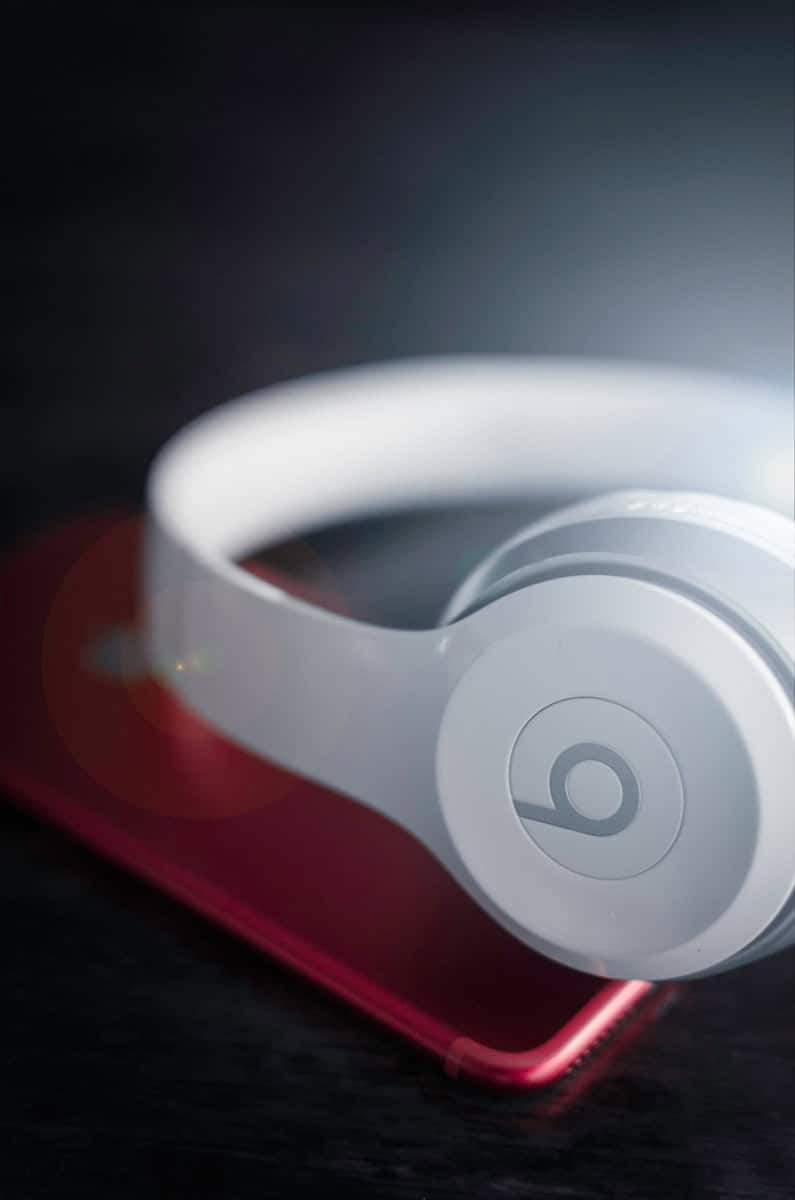
You can track your Beats headphones using the Find My app if they’re connected to your Apple ID. This feature helps you locate lost or stolen Beats quickly and easily.
Losing your favorite headphones can be frustrating. Luckily, Beats headphones offer a simple way to find them. The Find My app works with many Beats models, showing their location on a map.
To use this feature, make sure your Beats are paired with an Apple device. Once set up, you can play a sound to find them nearby or see their last known location if they’re farther away. This tracking capability gives you peace of mind and increases your chances of recovery.
| Beats Models | Find My Compatible |
|---|---|
| Powerbeats Pro | Yes |
| Beats Fit Pro | Yes |
| Beats Studio Buds | Yes |
| Solo Pro | Yes |
| Powerbeats | Yes |
Can You Track Beats Headphones? Locating Lost Wireless Devices
Overview
Yes, you can track certain Beats headphones using Apple’s Find My network, but it depends on the model and setup.
Which Beats Headphones Can Be Tracked?
- Most newer Beats models (e.g., Beats Studio Buds, Beats Fit Pro, Powerbeats Pro, Beats Solo Pro) support Find My.
- Older models without the Apple chip or Bluetooth 5.0 may not support tracking.
Requirements for Tracking Beats Headphones
- Your Beats must be paired with an iPhone, iPad, or Mac using your Apple ID.
- Find My must be enabled on the paired Apple device before the headphones are lost.
- The headphones need to be powered on and within Bluetooth range of any Apple device connected to your Apple ID or nearby Apple devices participating in the Find My network.
How to Track Your Beats Headphones
Step 1: Open the Find My App
- On your iPhone, iPad, or Mac, open the Find My app.
Step 2: Select Your Beats
- Tap the Devices tab.
- Select your Beats headphones from the list.
Step 3: View Location and Play Sound
- If your Beats are online and nearby, you’ll see their current or last known location on the map.
- You can also tap Play Sound to help locate them if they’re nearby.
Step 4: Use Directions
- Use the map directions to navigate to the headphones’ location.
What If Your Beats Are Offline or Out of Range?
- The Find My app shows the last known location.
- If your Beats turn on and connect to any Apple device in the Find My network, their location will update.
- You can enable Notify When Found in the Find My app to get an alert when they are detected.
Tips for Better Tracking
- Always keep your Beats paired and with Find My enabled.
- Charge your headphones regularly to ensure they can be tracked.
- Register your Beats with your Apple ID promptly after purchase.
What If You Don’t Have an Apple Device?
- Tracking features are limited since Find My is Apple’s ecosystem.
- Android users may have limited options; some Beats models come with companion apps for basic device location.
Summary
- Yes, you can track newer Beats headphones using Apple’s Find My network.
- Tracking depends on prior setup, battery status, and proximity to Apple devices.
- Use the Find My app to locate, play sound, and get directions to your lost Beats.
References
Setting Up Beats Headphones for Tracking
Tracking your Beats headphones requires proper setup with your device and iCloud account. The process differs slightly between iOS and Android systems.
Pairing with iOS Devices
To pair Beats headphones with an iPhone or iPad:
- Turn on Bluetooth on your iOS device
- Put your Beats in pairing mode
- Open Settings > Bluetooth on your iOS device
- Select your Beats from the list of available devices
Once paired, your Beats will appear in the Find My app. Enable location services for the Find My app in Settings > Privacy > Location Services. This allows you to track your Beats headphones if they’re lost or stolen.
Make sure your Beats firmware is up to date through the Settings app. This ensures you have the latest tracking features.
Pairing with Android Devices
For Android users:
- Download the Beats app from Google Play Store
- Turn on Bluetooth on your Android device
- Put your Beats in pairing mode
- Open the Beats app and follow the pairing instructions
The Beats app for Android offers location tracking features. Grant the app location permissions when prompted. This enables you to locate your headphones if misplaced.
Not all Beats models support tracking on Android. Check your specific model’s compatibility.
Managing Devices on iCloud
To manage your Beats on iCloud:
- Go to iCloud.com and sign in with your Apple ID
- Click on Find iPhone
- Select your Beats from the All Devices list
Here you can view your Beats’ last known location. You can also play a sound, put them in Lost Mode, or erase them remotely.
For best results, keep your iCloud account active and ensure your Beats are connected to a paired device regularly.
| Feature | iOS | Android |
|---|---|---|
| Find My integration | Yes | No |
| Dedicated app | No | Yes |
| iCloud management | Yes | No |
| GPS tracking | Yes | Limited |
Locating Your Beats Headphones
Beats headphones offer several methods to find them if they’re lost or misplaced. These options include using the Find My app, accessing location services via a web browser, and utilizing Bluetooth features.
Using Find My App
The Find My app is a powerful tool for locating your Beats headphones. To use it:
- Open the Find My app on your iOS device
- Tap the “Devices” tab
- Select your Beats headphones from the list
The app will show your headphones’ last known location on a map. You can also:
- Play a sound to help find them nearby
- Get directions to their location
- Mark them as lost to lock and track them
This feature works best when your Beats are connected to your Apple ID and have Find My enabled.
Accessing Location Services via Web Browser
If you don’t have access to an iOS device, you can still track your Beats headphones using a web browser:
- Go to iCloud.com and sign in with your Apple ID
- Click on “Find iPhone”
- Select your Beats headphones from the “All Devices” list
This method provides similar features to the Find My app, including:
- Viewing the last known location
- Playing a sound
- Activating Lost Mode
It’s a convenient option when you’re away from your usual devices.
Bluetooth and Sound Pending Features
Beats headphones use Bluetooth technology to connect to devices. This can help in locating them:
- They’ll appear in your device’s Bluetooth settings if nearby
- Some models have a “Sound Pending” feature
The Sound Pending function allows you to play a sound through your headphones even if they’re not currently connected. This is useful for finding them in cluttered areas.
| Feature | Find My App | Web Browser | Bluetooth |
|---|---|---|---|
| GPS Location | Yes | Yes | No |
| Play Sound | Yes | Yes | Some models |
| Lost Mode | Yes | Yes | No |
| Range | Wide | Wide | Limited |
Remember, these features work best when your Beats are charged and have been recently connected to your devices.
Beats Headphones Models and Tracking Features
Beats offers several headphone models with tracking capabilities. These features help you locate your headphones if lost or stolen.
Powerbeats Series
The Powerbeats series includes wireless earbuds designed for athletics. Powerbeats Pro can be tracked using the Find My app on iOS devices. This feature lets you play a sound to locate nearby earbuds or see their last known location on a map.
Powerbeats (2020 Edition) and Powerbeats 3 Wireless also support Find My tracking. To use this feature, you need to set up Find My on your iPhone before losing the headphones.
The tracking range depends on Bluetooth connectivity. It works best within about 30-50 feet of your iOS device.
Beats Solo Series
The Beats Solo line features on-ear headphones popular for everyday use. Beats Solo Pro and Solo 3 Wireless models support Find My tracking.
To track your Solo headphones:
- Open the Find My app on your iOS device
- Select the Devices tab
- Tap your Beats headphones
- Choose Play Sound or get directions
Solo headphones have a longer battery life than earbuds. This can help with tracking, as they stay powered on longer when lost.
Other Beats Models
Beats Studio Buds, Studio Buds+, and Beats Flex also work with Find My. The tracking process is similar to other models.
| Model | Find My Compatible | Battery Life |
|---|---|---|
| Studio Buds | Yes | Up to 8 hours |
| Studio Buds+ | Yes | Up to 9 hours |
| Beats Flex | Yes | Up to 12 hours |
BeatsX earphones don’t support Find My. For these, you’ll need to rely on third-party Bluetooth tracker apps.
Remember to keep your Beats updated with the latest firmware. This ensures you have access to the most current tracking features.
Frequently Asked Questions
Tracking lost or stolen Beats headphones is possible with the right tools and knowledge. Several methods exist to locate your device depending on your specific model and circumstances.
How can I locate my Beats headphones if they are lost?
You can use the Find My app on your iOS device to locate lost Beats headphones. Open the app and select the Devices tab. Tap on your Beats headphones to see their location on a map.
The app offers options to play sounds or get directions to your headphones. This feature works best when your Beats are within Bluetooth range or connected to the internet.
Is there a way to track my Beats Solo 3 using an app?
Yes, you can track Beats Solo 3 using an app. For iOS users, the Find My app is the go-to solution. Android users can use the Beats app to locate their headphones.
In the Beats app, tap the menu icon and select “Locate My Beats”. Choose your Solo 3 from the list to view its last known location.
Can Beats headphones be traced through their serial number?
Beats headphones cannot be directly traced using their serial number. The serial number is primarily used for warranty and service purposes.
However, you can register your Beats using the serial number in your Apple account. This links them to your Find My app, enabling tracking features.
What should I do if my Beats headphones are stolen?
If your Beats headphones are stolen, act quickly. First, use the Find My app to locate them if possible. Mark them as lost in the app to lock them and display a custom message.
Contact local law enforcement and provide them with any location information from the Find My app. File a police report with the headphones’ serial number and description.
Is it possible to find my Beats device on my iPhone?
Yes, you can find your Beats device on your iPhone. The Find My app on iOS allows you to locate compatible Beats headphones.
Open Find My, go to the Devices tab, and select your Beats. You’ll see their location if they’re online. You can also play a sound to help locate them nearby.
Can tracking functionality persist after a factory reset of Beats headphones?
Tracking functionality does not persist after a factory reset of Beats headphones. A reset removes all personal data and settings, including the link to your Apple ID.
To maintain tracking capabilities, you’ll need to re-pair and set up your Beats with your device after a factory reset. This process relinks them to your account and Find My app.
| Tracking Method | iOS | Android | Requires Internet |
|---|---|---|---|
| Find My app | Yes | No | Yes |
| Beats app | No | Yes | Yes |
| Serial number | No | No | N/A |





