
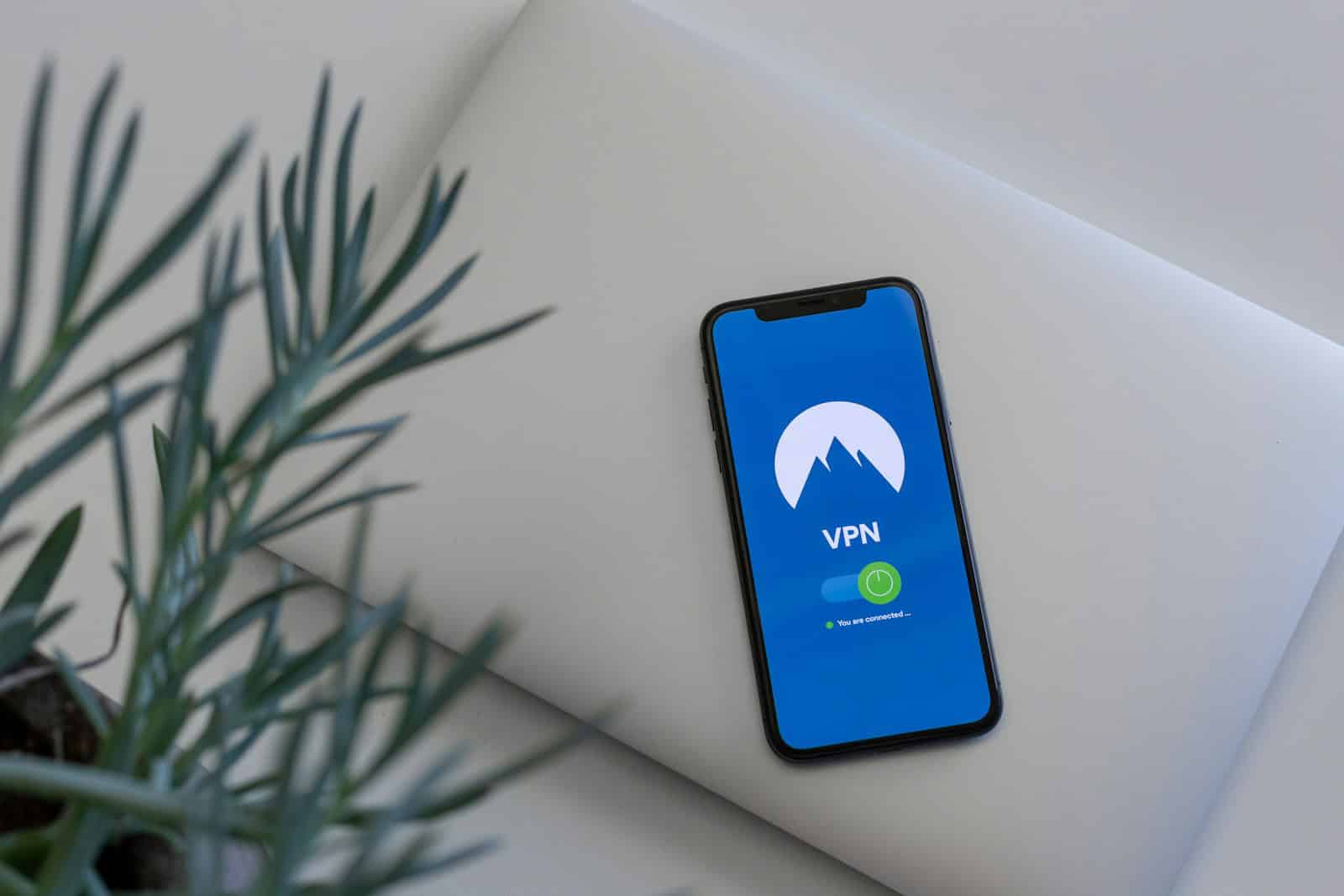
With an increasing number of iPhone users seeking to protect their online privacy and access geo-restricted content, free VPN services have become quite popular. VPN stands for Virtual Private Network, and it serves the purpose of creating a secure connection over the internet to another network. For iOS users, this means added security when using public Wi-Fi, safer online transactions, and more privacy from various online trackers.
However, not all VPNs are created equal, and with the abundance of free VPN services on the market, iPhone users may find it challenging to select an appropriate one. It’s essential to analyze various aspects like privacy policies, number of servers, and the overall performance of these services. Security is a top priority, and with free services, one must be careful to choose those that maintain strong encryption standards and respect user privacy.
Free VPN Service for iPhone: A Complete Guide
Using a VPN (Virtual Private Network) on your iPhone can help protect your privacy, secure your data on public Wi‑Fi, and access content with fewer restrictions. While many premium VPNs offer the best performance, there are also free VPN services for iPhone that can be useful if you understand their limitations.
This guide explains what free VPNs are, how to choose one, and the best practices for using them safely on an iPhone.
What Is a Free VPN on iPhone?
A free VPN for iPhone is an app available on the Apple App Store that encrypts your internet connection without requiring a paid subscription. These services route your data through remote servers, masking your IP address and improving privacy.
However, free VPNs often come with trade-offs such as data limits, slower speeds, ads, or fewer server locations.
Benefits of Using a Free VPN on iPhone
- Basic privacy protection when browsing the web
- Safer public Wi‑Fi usage (cafes, airports, hotels)
- IP address masking to reduce tracking
- No upfront cost for casual or temporary use
Free VPNs can be useful for light browsing, checking email, or occasional security needs.
Limitations of Free VPN Services
Before choosing a free VPN, it’s important to understand their drawbacks:
- Data caps (often 500 MB to 10 GB per month)
- Slower connection speeds
- Limited server locations
- Ads within the app
- Restricted streaming or downloads
Some free VPNs may also log user activity, so privacy policies should always be reviewed.
Best Free VPN Services for iPhone (Trusted Options)
Here are some well-known and reputable free VPNs that offer iOS apps:
1. Proton VPN (Free Plan)
- ✅ No data limit
- ✅ Strong privacy policy
- ❌ Limited server locations
- ❌ Moderate speeds
Best for users who prioritize privacy over speed.
2. Windscribe (Free Plan)
- ✅ Up to 10 GB per month
- ✅ Built-in ad and tracker blocker
- ❌ Requires account creation
- ❌ Limited server selection
Good balance between features and free data allowance.
3. TunnelBear (Free Plan)
- ✅ User-friendly interface
- ✅ Strong encryption
- ❌ 2 GB monthly limit
- ❌ Not ideal for streaming
Ideal for beginners who want a simple VPN experience.
4. Hide.me (Free Plan)
- ✅ No ads
- ✅ Decent speed
- ❌ 10 GB data cap
- ❌ Limited features
Suitable for casual browsing and secure connections.
How to Set Up a Free VPN on iPhone
- Open the App Store
- Search for the VPN app (e.g., Proton VPN, Windscribe)
- Download and install the app
- Create an account if required
- Allow VPN configuration when prompted
- Connect to a free server
Once connected, your iPhone traffic will be encrypted.
Safety Tips When Using Free VPNs
- ✅ Download VPNs only from the App Store
- ✅ Read the privacy policy carefully
- ❌ Avoid VPNs with unclear ownership or excessive permissions
- ❌ Do not use free VPNs for sensitive activities like banking
- ✅ Disable VPN when not needed to save battery
Free VPN vs Paid VPN: Which Is Better?
| Feature | Free VPN | Paid VPN |
|---|---|---|
| Cost | Free | Monthly/Yearly |
| Speed | Slower | Faster |
| Data Limit | Yes | Unlimited |
| Servers | Limited | Global |
| Privacy | Varies | Stronger |
If you need long-term privacy, streaming access, or fast speeds, a paid VPN is usually the better option.
Final Thoughts
A free VPN service for iPhone can be a useful tool for basic security and privacy, especially when using public Wi‑Fi. However, free VPNs should be used with realistic expectations and caution.
For casual use, trusted free VPNs like Proton VPN, Windscribe, or TunnelBear are good starting points. If you require higher performance and stronger privacy guarantees, consider upgrading to a paid VPN plan.
Key Takeaways
- VPNs add security and privacy for iPhone users on the internet.
- Free VPNs require careful selection to ensure data protection.
- Analyzing free VPN features thoroughly helps users find reliable apps.
Analyzing Free VPN Services for iPhone
When looking at free VPN services for iPhone, important aspects to consider include security features, performance, and how well the service integrates with iOS devices.
Security and Privacy Features
Free iPhone VPNs often support various protocols and encryption types to secure user data. For instance, some VPN providers use advanced security features like secure core servers. These offer added protection by routing traffic through multiple servers. A no-logs policy is another crucial security measure, ensuring that providers do not store user data. DNS leak protection is a feature that maintains privacy by preventing accidental exposure of DNS requests to internet service providers.
Performance and Limitations
Performance can vary with different free VPNs. Factors such as speeds and server locations are significant as they determine how quickly you can browse or stream content. Free VPNs might impose data limits which can restrict your internet usage. Some services provide unlimited data while others may have data caps, leading to limitations in how much you can do online.
Compatibility and Usability
The best free VPNs for iOS ensure that apps are compatible with the latest iOS versions. They aim to offer a user-friendly experience through easy-to-navigate iOS apps available on the App Store. An iPhone VPN should be private and secure, but also straightforward to set up and use. PendingIntentFunction
Selecting the Top Free VPN Apps
When choosing a free VPN for an iPhone or iPad, users should focus on security, usability, and the ability to stream and share files. Finding a reliable service that respects privacy without cost is key.
Evaluating VPN Providers
VPN apps should offer strong encryption like AES-256 to protect users from hackers. The WireGuard and IKEv2 protocols are known for their balance of speed and security. Free vpns for iPhones, such as Proton VPN Free and PrivadoVPN Free, have been independently audited, confirming their safety for daily use. Services should not log IP addresses or online activities to ensure user privacy remains intact.
Considering Streaming and P2P Support
A reliable VPN works with popular streaming platforms including Netflix, Hulu, Disney+, and Amazon Prime Video. For example, ExpressVPN and Windscribe help users access geo-restricted content. Free VPNs with P2P support allow torrenting; Windscribe offers 10GB per month, which benefits users interested in sharing files.
Additional Features and Considerations
Free VPNs often limit simultaneous connections and data. Some, like Proton VPN, offer unlimited connections. Always-on VPN, ad blocker, and kill switch features provide additional layers of security. Users should confirm that the VPN is compatible with their device, as some services offer specific versions for Apple products. The server network is also important – more servers in more countries equal better access and speeds. Extra features can make a VPN standout – look for a no-ads experience, 30-day money-back guarantees, and easy-to-use apps tailored for iPads and iPhones.





