
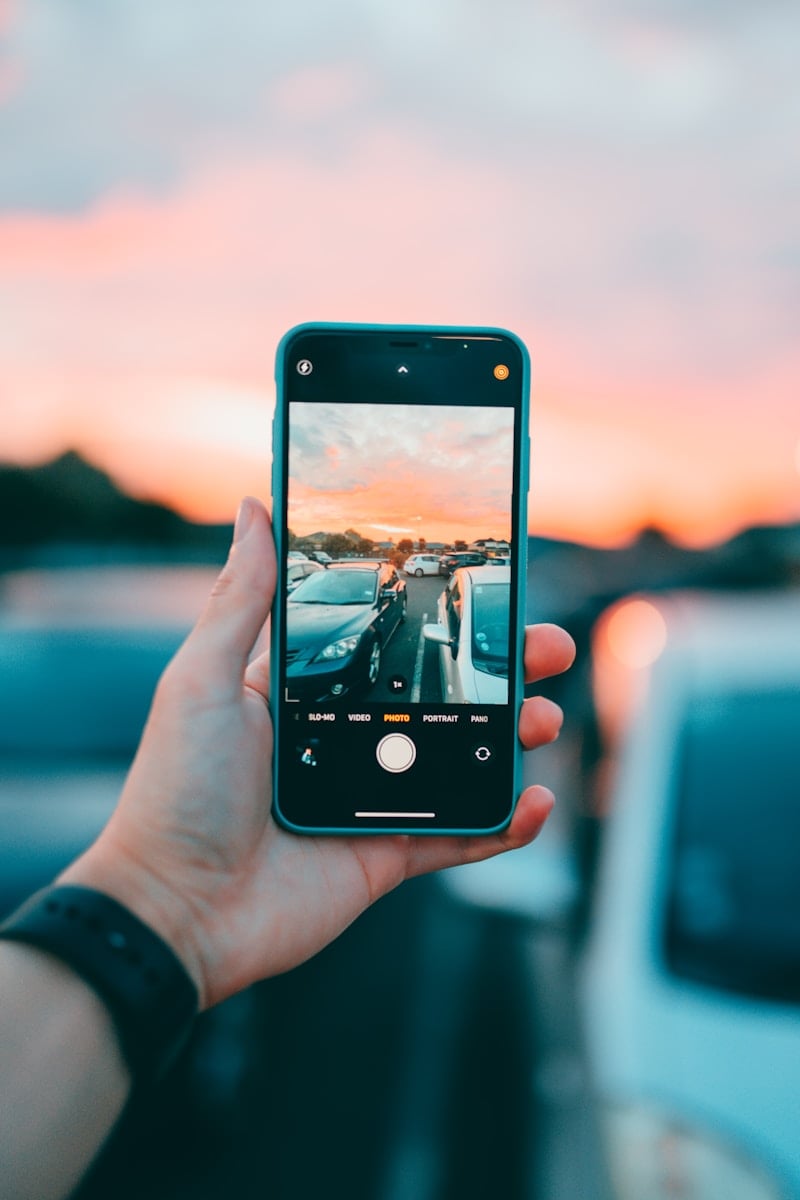
Whether you’re touching up selfies, creating Instagram content, or editing professional photography on the go, the right mobile photo editing app can make a huge difference. With so many options available on iOS and Android, it can be hard to choose the best one.
To help you decide, we’ve ranked the best mobile photo editing apps in 2026 based on features, ease of use, AI tools, pricing, and overall performance.
🏆 Best Mobile Photo Editing Apps – Ranking Table
| Rank | App Name | Best For | Platforms | Free Version | Premium Price | Key Strength |
|---|---|---|---|---|---|---|
| 1️⃣ | Adobe Lightroom | Professional editing & RAW files | iOS, Android | Yes | From $9.99/month | Advanced color grading & presets |
| 2️⃣ | Snapseed | Powerful free editing | iOS, Android | Yes (Free) | Free | Pro-level tools at no cost |
| 3️⃣ | VSCO | Filters & aesthetic edits | iOS, Android | Limited | From $7.99/month | High-quality presets |
| 4️⃣ | PicsArt | Creative edits & social content | iOS, Android | Yes | From $11.99/month | Stickers, effects, AI tools |
| 5️⃣ | Canva | Graphics + photo editing | iOS, Android | Yes | From $12.99/month | Templates & design tools |
| 6️⃣ | Afterlight | Simple, stylish editing | iOS, Android | Limited | From $2.99/month | Clean interface |
| 7️⃣ | TouchRetouch | Object removal | iOS, Android | No | One-time ~$3.99 | Remove unwanted objects |
Detailed Reviews
1. Adobe Lightroom (Best Overall)
Best for: Professionals and serious photographers
Adobe Lightroom remains the gold standard for mobile photo editing. It supports RAW files, advanced color grading, masking tools, AI enhancements, and cloud syncing with desktop.
Pros:
- Professional-grade controls
- AI-powered masking and object selection
- Sync across devices
- Excellent preset system
Cons:
- Requires subscription for full features
If you want desktop-level control on your phone, this is the best choice.
2. Snapseed (Best Free App)
Best for: Powerful editing without paying
Owned by Google, Snapseed offers surprisingly advanced tools completely free. Features like selective adjustments, healing tools, curves, and RAW editing make it incredibly capable.
Pros:
- 100% free
- No ads
- Advanced tools
Cons:
- Interface feels slightly outdated
- No cloud sync
Perfect for users who want pro features without a subscription.
3. VSCO (Best for Filters & Aesthetic Feeds)
Best for: Instagram creators and influencers
VSCO is known for its stylish, film-inspired presets. It’s ideal for creating a consistent, curated social media feed.
Pros:
- Premium-quality presets
- Clean interface
- Video editing included
Cons:
- Limited tools in free version
Great for creators who prioritize aesthetic over technical editing.
4. PicsArt (Best for Creative Editing)
Best for: Social media, collages, and AI effects
PicsArt is packed with creative tools — stickers, backgrounds, AI art generation, filters, and collage features.
Pros:
- Huge effect library
- AI tools and background removal
- Great for content creators
Cons:
- Ads in free version
- Can feel overwhelming
Ideal for fun, bold, and social-first content.
5. Canva (Best for Graphics + Photos)
Best for: Marketing, thumbnails, and social posts
Canva is more than a photo editor — it’s a complete design platform. You can edit photos while adding text, branding, and templates.
Pros:
- Thousands of templates
- Easy to use
- Great for business content
Cons:
- Limited advanced photo controls
Best for entrepreneurs, marketers, and small businesses.
6. Afterlight (Best Simple Editor)
Best for: Quick, stylish edits
Afterlight offers a minimalist interface with high-quality filters and textures.
Pros:
- Clean layout
- Affordable subscription
- Good preset library
Cons:
- Fewer advanced tools
Great for casual users who want quick enhancements.
7. TouchRetouch (Best for Object Removal)
Best for: Removing unwanted objects
This app specializes in one thing — removing objects like people, wires, or blemishes.
Pros:
- Extremely easy to use
- Accurate object removal
- One-time purchase
Cons:
- Limited to one main function
Perfect as a companion app to your main editor.
How to Choose the Right Photo Editing App
Here’s a quick guide:
- For professional editing: Adobe Lightroom
- For free advanced tools: Snapseed
- For Instagram aesthetics: VSCO
- For creative content: PicsArt
- For business graphics: Canva
- For quick edits: Afterlight
- For removing objects: TouchRetouch
Final Verdict
The best mobile photo editing app depends on your needs:
- If you want the most powerful tool overall → Adobe Lightroom
- If you want the best free option → Snapseed
- If you care most about filters and social media aesthetics → VSCO
Most users actually combine two apps — one for detailed editing and another for creative effects.
No matter your skill level, there’s a powerful editing tool in your pocket in 2026.





